
Best budget wireless chargers for multiple phones are usually about one thing: keeping two or three devices topped up without turning your nightstand or kitchen counter into a cable mess.
The catch is that “multi-device” can mean a few different designs, and the cheapest option is not always the most practical. Some chargers share one coil across a big pad, others have multiple coils, and a few split power across separate spots, which changes real-world speed and reliability.
This guide focuses on what to look for, what to skip, and how to match a budget-friendly setup to your household. I’ll also call out the small details that tend to cause returns, like case thickness, camera bumps, and power adapter requirements.
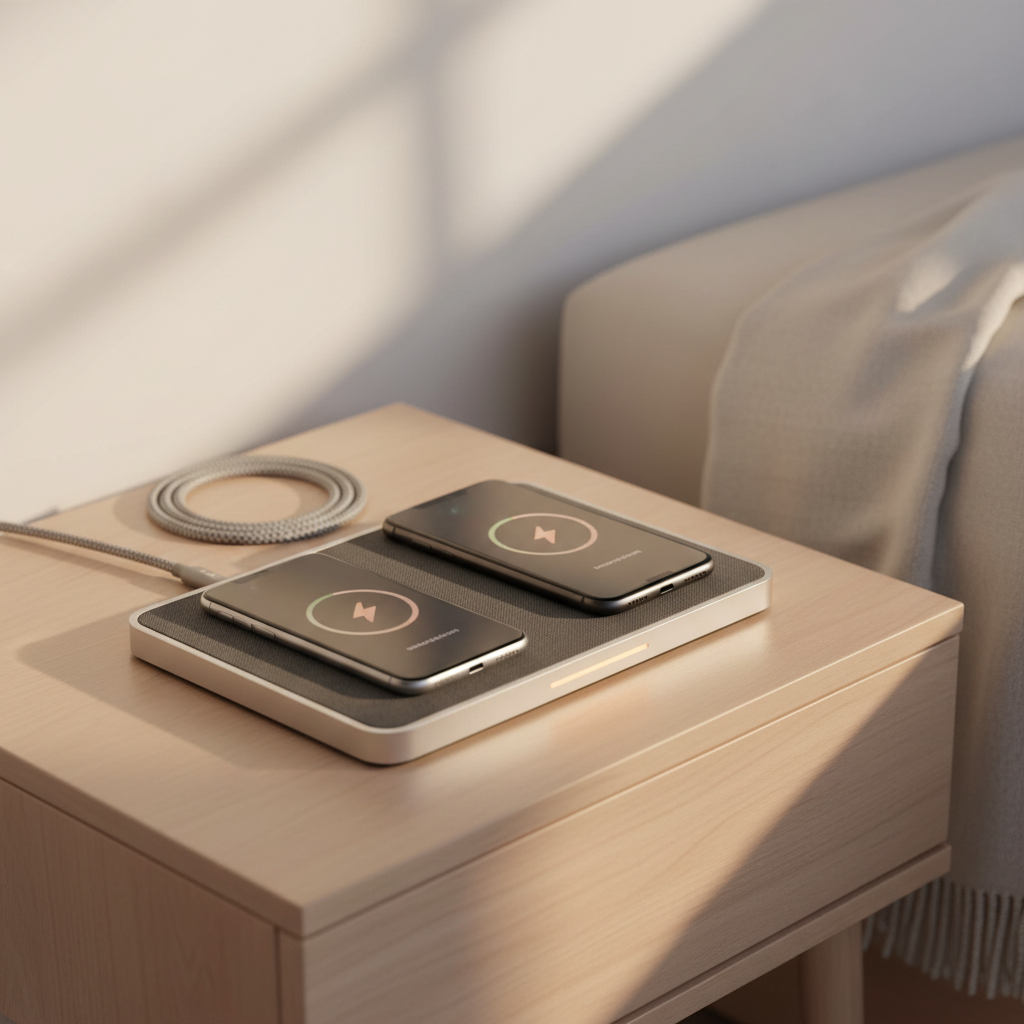
What “multiple phones” wireless charging really means
Before you buy, decide which “multiple phones” scenario you actually have. Most frustration comes from picking the wrong form factor, not from the price.
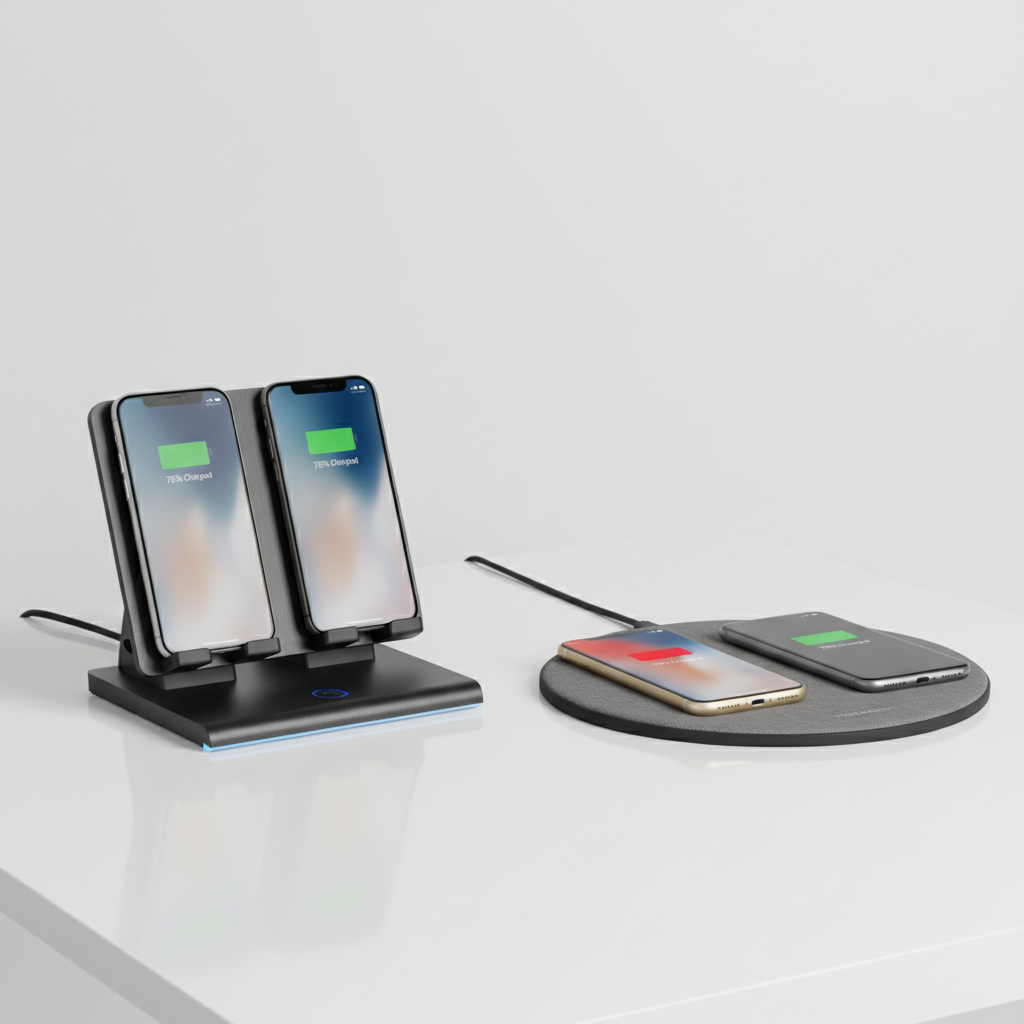
- Dual-pad or large mat: Two phones can charge at once on a wide surface. Easy for shared spaces, but alignment matters.
- Dual-stand dock: Two upright spots, often more consistent coil alignment, better for Face ID or notifications.
- 3-in-1 station: Phone + watch + earbuds. Great value if you truly use all three daily, less so if you don’t.
- One pad, “multi-coil” marketing: Some are legit, some still behave like a single sweet spot. Reviews often reveal the truth.
According to the Wireless Power Consortium (WPC), Qi is the dominant wireless charging standard, but “Qi-compatible” doesn’t guarantee the same speed across devices. In budget models, the limiting factor is often power sharing and heat management.
Quick picks: best budget styles by household scenario
There isn’t one universal winner, so here’s the practical short list of what tends to work well at a reasonable price, even if you change phones later.
| Scenario | Best budget style | Why it works | Watch-outs |
|---|---|---|---|
| Two iPhones used at night | Dual stand or dual pad | Reliable placement, easy routine | Needs a solid wall adapter (often not included) |
| Mixed phones (iPhone + Android) | Wide dual pad (Qi) | More forgiving across models and sizes | Camera bumps can cause misalignment |
| Family drop zone (kitchen/entry) | Large multi-device mat | Reduces cable clutter, easy for guests | May charge slower if power is shared |
| Phone + earbuds + watch daily | Budget 3-in-1 station | One outlet, one footprint | Watch support can be brand-specific |
If your goal is specifically the best budget wireless chargers for multiple phones, start with “dual phone” products first and treat 3-in-1 as a separate category. A cheap 3-in-1 that’s finicky is worse than a simple dual charger that just works.
How to judge a budget multi-phone charger (the checklist)
Most “budget” mistakes are predictable. Run through this before you hit Buy.
- Power input requirement: Many dual chargers need a QC/PD wall adapter to reach advertised output. If it’s not included, add that cost mentally.
- Total output vs per-device output: A charger might advertise “15W,” but split it across two spots (for example, 7.5W + 7.5W or 10W + 5W). Real life feels slower than the headline.
- Case thickness: Thick cases, wallet cases, and metal rings often disrupt wireless charging. Even “compatible” cases can be hit-or-miss.
- Alignment tolerance: Stands are usually more forgiving; mats vary a lot. If you’re buying for kids or guests, forgiveness matters.
- Heat control: Warm is normal, hot is not. Heat tends to trigger throttling, so a charger that runs hot may be slower over time.
- Phone camera bump: Some phones rock on flat pads, lifting the coil away. A slightly raised rubber ring or angled surface can help.
According to Apple, iPhone supports Qi wireless charging, but faster charging features depend on the charger design and power delivery. That’s why two “Qi chargers” can feel very different in day-to-day use.
Pad vs stand vs 3-in-1: which one feels best day to day
If you’ve been disappointed by wireless charging before, the issue is often ergonomics. Here’s the practical difference.
Dual pad (flat)
- Pros: Easy to set down, works with many phone sizes, usually the cheapest way to charge two phones.
- Cons: Misalignment happens, especially on “big mat, one sweet spot” models. Not great if you pick up your phone constantly.
Dual stand (upright)
- Pros: More consistent alignment, nicer for desks, easier to see notifications, less likely to slide.
- Cons: Bulkier, sometimes picky with thick cases, and some budget stands have lightweight bases that tip.
3-in-1 station
- Pros: Clean setup if you actually charge a watch and earbuds every night.
- Cons: Compatibility landmines. Some stations rely on a watch puck you provide, others only work well with specific watch generations.
If you’re shopping for the best budget wireless chargers for multiple phones for a shared bedroom, a dual stand is often the least annoying. For a “drop zone” countertop, a mat usually wins on convenience.
How to set it up so it charges two phones reliably
Wireless charging should be boring. If it’s not, setup usually fixes it.
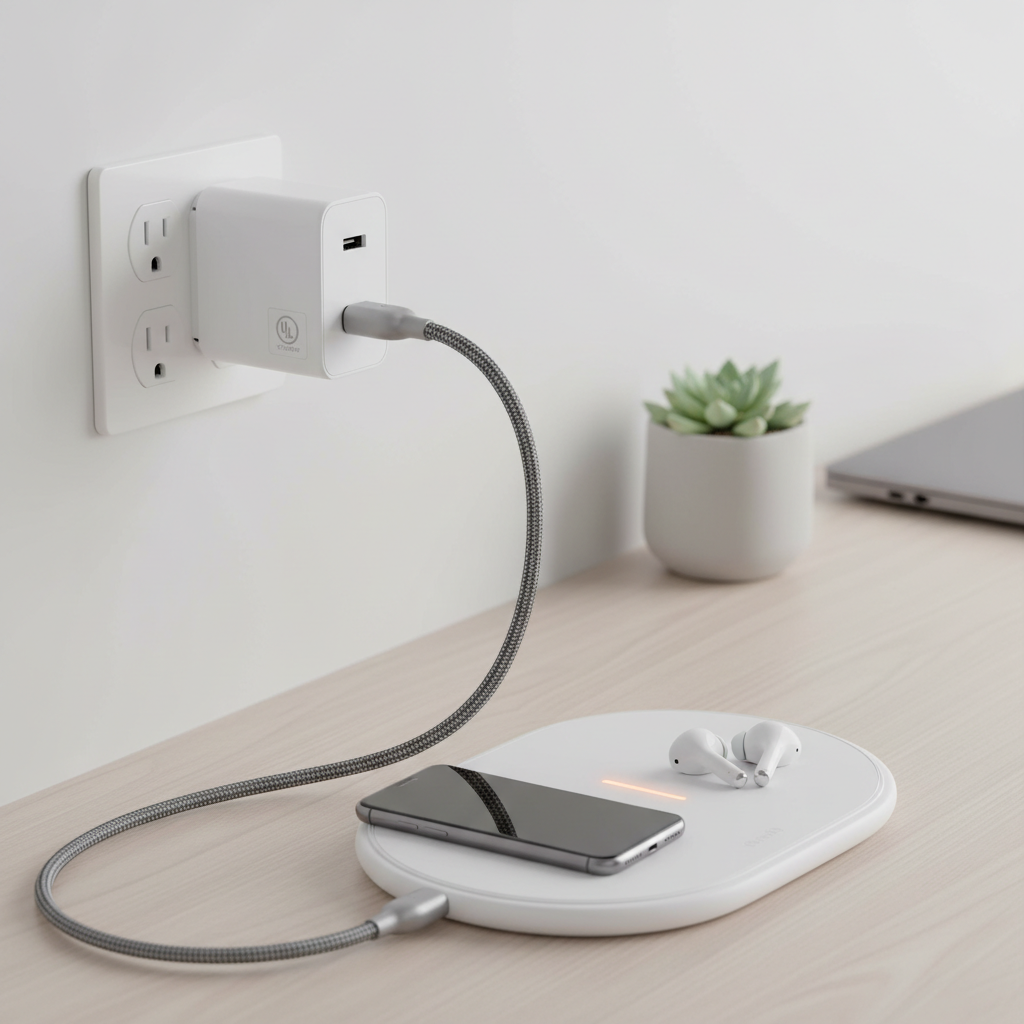
- Use the right wall adapter: If the charger calls for QC 3.0 or USB-C PD, match it. Underpowered adapters cause slow charging and random stops.
- Give it air: Don’t bury the pad under papers or place it on a heat-trapping surface. Heat can reduce charging speed in many cases.
- Pick a “consistent spot” routine: On mats, teach yourself where the coils are. On stands, make sure the phone sits fully against the backrest.
- Remove magnetic add-ons if needed: Some metal rings and thick magnets can interfere. If charging is unreliable, test once with the case off.
For households where two people charge overnight, I usually suggest turning off unnecessary vibrations and frequent notifications at night, not as a “charging trick,” but because constant screen wakes can make any charger feel slower.
Common pitfalls (and what to do instead)
These are the issues that make people swear off wireless charging, even though they’re avoidable.
- Buying for “15W” and ignoring power sharing: Look for clear specs that state dual charging output, not just a single max number.
- Assuming “fast wireless” equals “fast”: Wireless is often slower than wired, especially on budget gear. If you need rapid top-ups, keep a cable nearby.
- Stacking devices too close: On wide mats, two phones placed too close can reduce efficiency or stop one side.
- Using the wrong cable: A low-quality USB cable can bottleneck power. If charging feels inconsistent, swap the cable before returning the charger.
- Ignoring safety cues: If a charger gets unusually hot, smells odd, or shows damage, stop using it and consider a replacement. If you’re unsure, consult a qualified technician.
According to the U.S. Consumer Product Safety Commission (CPSC), consumers should follow manufacturer instructions for chargers and stop using damaged charging equipment. Budget doesn’t need to mean risky.
Buying tips: how to get the best value under a budget
If you’re trying to maximize value, focus less on branding and more on “fit” with your devices and habits.
- Count your outlets: If outlets are limited, a dual charger plus a strong adapter can simplify everything.
- Decide whether MagSafe matters: Many budget options are Qi pads, not true MagSafe accessories. If you want snap-on alignment for iPhone, you may pay more.
- Check return policies: Wireless charging is sensitive to cases and camera bumps. A flexible return window saves headaches.
- Prioritize build basics: Non-slip surfaces, a stable base, and a decent cable are boring features that matter every day.
If you keep this simple, you’ll usually land on the best budget wireless chargers for multiple phones for your situation without overbuying features you won’t use.
Conclusion: the simplest way to choose
For most people, the “right” budget multi-phone charger is the one that charges consistently, not the one with the biggest watt number on the box. If two phones live on the same nightstand, a dual stand tends to reduce alignment drama, while a wide mat makes shared spaces feel cleaner.
If you want a quick next step, do this: confirm your phones’ wireless standard (Qi vs brand-specific features), then pick a dual charger whose specs clearly state per-device output and the required wall adapter.
FAQ
What should I look for in the best budget wireless chargers for multiple phones?
Look for clear dual-output specs, a stable design that makes alignment easy, and realistic power requirements. If the wall adapter is sold separately, factor it into the total cost.
Can two phones charge at full speed on the same wireless charger?
Sometimes, but many budget models split power. In real use, you may see one phone charging faster than the other depending on battery level, heat, and coil alignment.
Do thick cases prevent wireless charging on dual pads?
They can. Many cases still work, but wallet cases, rugged cases, and metal accessories often cause inconsistent charging. Testing once without the case is a quick way to confirm.
Are multi-coil charging mats actually better?
They can be, especially for “drop anywhere” convenience, but quality varies a lot. If the product doesn’t explain coil placement or has mixed reviews about dead spots, expect alignment fuss.
Is wireless charging safe for overnight charging?
In many cases it’s fine when you use certified equipment, the right adapter, and keep the charger ventilated. If you notice unusual heat or damage, stop using it and consider professional advice.
Why does my phone say it’s charging but the battery percentage barely moves?
Heat and power limits are common causes. Try a stronger adapter (if supported), reposition the phone, remove the case for a test, and make sure the charger isn’t covered or on a heat-trapping surface.
Should I buy a dual charger or two single chargers?
If you want fewer cables and one outlet, a dual charger usually feels cleaner. If your phones are used in different rooms or you want maximum flexibility, two singles can be more practical.
If you’re trying to pick a multi-phone setup without trial-and-error, a good approach is to list your exact phone models, typical charging location, and whether you need a stand or a pad, then choose a charger that matches those habits instead of chasing peak wattage claims.