
Best budget mechanical keyboard switches are the quickest way to change how your keyboard feels and sounds without paying boutique prices, but the cheap options are also where hype and disappointment overlap.
If you have ever bought a “budget” switch that ended up scratchy, too loud for your space, or fatiguing after a week, you already know the problem: price alone tells you almost nothing about daily comfort.
This guide focuses on what tends to matter in real use, feel (tactile vs linear vs clicky), sound profile, factory smoothness, and whether a small upgrade like lubrication is worth the effort, then you can match a switch to your budget build with fewer surprises.
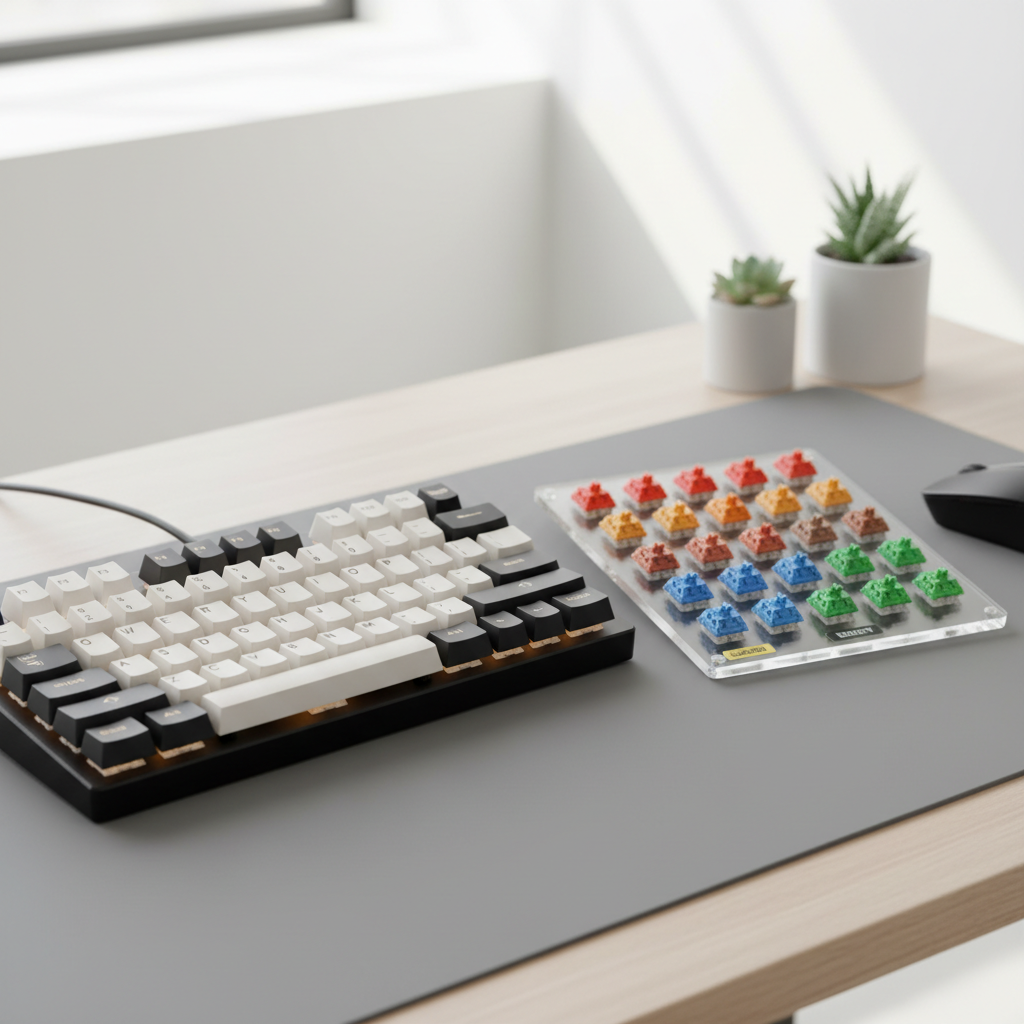
What “budget switches” really means in 2026
In 2026, “budget” usually means widely available, mass-produced switches that deliver solid consistency, often sold in packs for full-size boards without turning the purchase into a project. The catch is that two budget switches at the same price can feel totally different.
Before you compare names, anchor on a few terms people use loosely:
- Factory smoothness: how clean the travel feels out of the box, less scratch often means better molds or better factory lube control.
- Sound profile: “clacky” (higher pitch), “thocky” (lower pitch), or “muted”, your keyboard case and keycaps change this a lot.
- Weight: spring force, heavier can reduce accidental presses but may fatigue some users.
- Consistency: how similar switch-to-switch feels, this is where cheaper batches sometimes vary.
According to Cherry (one of the most cited switch makers), mechanical switch feel depends on the switch mechanism and materials, but the keyboard’s overall design also influences perceived typing feel and acoustics, so expect your board to “color” whatever switch you buy.
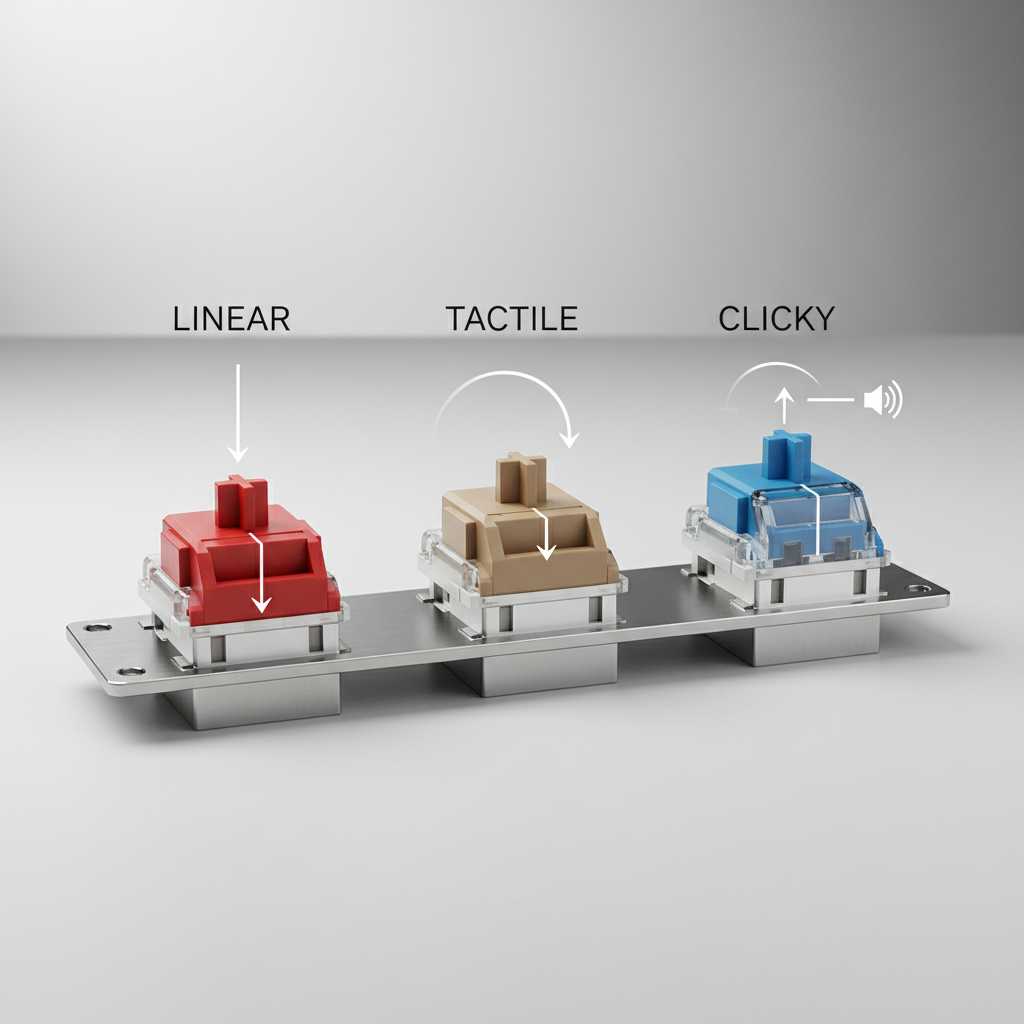
Pick your switch type first (linear, tactile, clicky)
Most wasted switch purchases happen when someone picks a type based on a sound clip, then hates the feel. Decide the feel first, then shop within that category.
Linear: smooth press, usually easiest to like
Linears move straight down with no bump. Many gamers and fast typists like them because the motion feels predictable. If you share a room or take calls, a quieter linear setup can also be easier to live with.
- Common complaints: too light (accidental presses), or “mushy” if paired with soft keycaps or lots of foam.
- Who they fit: gaming, long sessions, people who dislike bumps.
Tactile: a bump that helps accuracy
Tactiles add a noticeable bump during the press. If you tend to bottom out hard on linears, a tactile can feel more controlled. Many “office-friendly” builds start here.
- Common complaints: bump feels sharp or “stair-steppy,” sound becomes louder than expected on some boards.
- Who they fit: typing-heavy work, mixed use, people who want feedback without loud clicks.
Clicky: the most divisive, and not just because of noise
Clickies add a click mechanism, so you get feedback and a louder report. They can be fun, but they’re rarely the safe buy for shared spaces.
- Common complaints: too loud, click mechanism sounds “cheap” on thin cases.
- Who they fit: solo spaces, people who specifically enjoy click feedback.
Quick shortlist: best budget mechanical keyboard switches by use case
Instead of pretending there is one winner, use a shortlist by scenario. Availability varies, but these families are commonly seen in U.S. shops and tend to land in “good value” territory.
| Use case | Type | What to look for | Why it works on a budget |
|---|---|---|---|
| Quiet shared space | Linear or silent tactile | Factory lube consistency, softer top-out | Less need for mods to tame sound |
| All-day typing | Tactile | Rounded bump, medium spring weight | Better control without premium pricing |
| Gaming + chat | Linear | Smooth travel, not overly light | Predictable presses, easy upgrade path |
| “Fun” sound build | Linear or clicky | Higher-pitch (clack) vs lower-pitch (thock) | Sound tuning can come from keycaps/case too |
| First mechanical keyboard | Tactile or medium linear | Avoid extremes (too heavy or too light) | Lower chance of regret |
Key takeaway: when you shop for best budget mechanical keyboard switches, choose the feel category and weight range first, then compare brands for smoothness and consistency.
A simple self-checklist before you buy
This is the part many people skip, then end up rebuying. Answer these quickly, even if you only have a vague preference.
- Where will you use it? Open office, bedroom, shared apartment, or solo room changes how much noise you can tolerate.
- Do you bottom out hard? If yes, consider a slightly heavier spring or a tactile bump to slow you down.
- Do you mis-press keys? Very light linears can feel “fast” but cause errors for some typists.
- Do you care about sound on calls? A mic picks up higher-pitch clack easily, even if it seems fine in person.
- Hot-swap or solder? Hot-swap makes experimentation cheaper, solder means you should be more conservative.
- Willing to mod? If you will not lube, prioritize a switch people describe as smooth stock.
According to PCMag, hot-swappable keyboards make switch experimentation much easier for newcomers, which is practical if you plan to test a few budget options rather than commit immediately.
How to choose step-by-step (without overthinking)
Here is a realistic flow that works whether you are building a budget board or upgrading a prebuilt.
Step 1: Choose feel and approximate weight
If you do not know your preference, pick a medium tactile or medium linear as your baseline. Very heavy or very light switches are fun, but they are less forgiving.
Step 2: Decide your sound direction, not a specific sound
Chasing “thock” through switches alone can be frustrating. Keycaps, plate material, stabilizers, and case resonance matter a lot, so treat the switch as one ingredient, not the whole recipe.
Step 3: Buy a small sample, then commit
A 9–16 switch tester or a small pack can save money. Even better, if your board is hot-swap, put a few switches on the home row and live with them for a day.
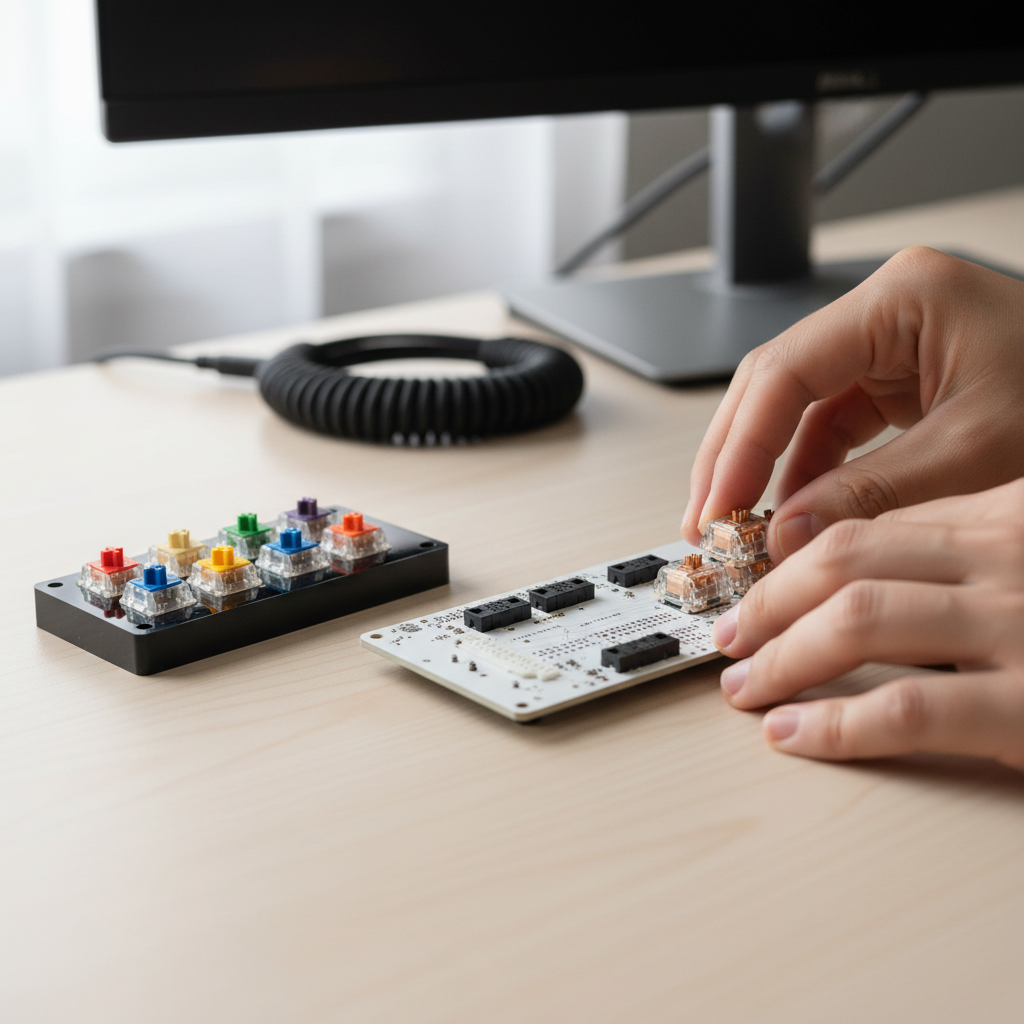
Step 4: Only mod if the problem is clear
Lubing can help with scratch and spring ping, films can reduce wobble on some housings, but you do not have to turn a budget build into a weekend project. If the switch already feels good, stop there.
Common mistakes that make budget switches feel “bad”
A lot of “this switch is trash” takes are really about fit between parts.
- Blaming the switch for stabilizer rattle: rattly stabilizers make any build feel cheap, tune stabs before you swap everything.
- Ignoring keycap profile: tall profiles can amplify clack, thicker caps can deepen tone, sometimes more than switching to a pricier stem.
- Mixing inconsistent batches: buying from multiple listings can result in slightly different feel, not always, but it happens.
- Going too light too fast: “speed” switches sound appealing, but fatigue and typos can creep in for work typing.
- Assuming all “silent” switches are truly silent: they are usually quieter, not mute, and top-out noise still depends on your case.
Practical tip: if your board is loud, try simple acoustic fixes first, desk mat, different keycaps, basic case foam if your keyboard supports it, then re-evaluate whether you still need a switch swap.
When it’s worth paying more (and when it isn’t)
Budget switches cover most needs, but there are a few times upgrading makes sense.
- You notice inconsistency and it distracts you, premium lines often have tighter tolerances, though this varies by manufacturer and batch.
- You want a very specific tactile shape, sharp “P” bumps or long-pole acoustics can cost more.
- You do not want to mod, paying extra for consistently good factory lube can be cheaper than your time.
On the flip side, if you are still dialing in your preference, spending more too early can backfire. Many people land on best budget mechanical keyboard switches after one or two experiments because the “right” feel is personal, not a spec-sheet contest.
Conclusion: a sane way to buy budget switches in 2026
Most people do best when they pick a switch type that matches their environment, stay in a medium weight range, and test before buying 90 to 110 switches at once. That approach beats chasing whatever is trending.
If you want a simple next step, pick one tactile and one linear from a reputable seller, test them on your home row for a day, then commit to the one you stop thinking about, that is usually the keeper.
FAQ
What are the best budget mechanical keyboard switches for office use?
Usually a medium tactile or a quieter linear works best, because it keeps noise reasonable while still feeling deliberate. If you share space, avoid clicky switches unless you know your neighbors will not mind.
Are lubed budget switches “as good as” expensive switches?
They can feel surprisingly close for many users, especially if the main issue is scratch or spring noise. The difference you may still notice is consistency across the batch and how stable the housings feel over time.
Do I need a hot-swap keyboard to try different switches?
No, but it makes experimenting much easier. If your board is soldered, consider a small switch tester first, because desoldering an entire board can be time-consuming and risky if you are new.
How many switches should I buy for a full keyboard?
It depends on layout. A 60% board often needs around 61, a TKL needs around 87, and a full-size needs around 104, then add a few extras for spares. Many listings include a small buffer, but it’s worth double-checking your layout.
Why do my “quiet” switches still sound loud on Discord?
Mics often emphasize sharper, higher-frequency sounds, and keyboards can transmit vibration into the desk. A desk mat, mic noise suppression, and a slightly lower-pitch setup (caps and case) often help more than swapping switches again.
What specs matter most when comparing budget switches online?
Type (linear/tactile/clicky), spring weight, and whether people mention smoothness stock are the big three. Travel numbers and marketing labels matter less than you’d expect unless you already know you like a short or long travel feel.
Can budget switches damage my keyboard?
In normal use, it’s uncommon, but bent pins during installation can cause issues, especially on hot-swap sockets. If you meet resistance, stop and realign the pins rather than forcing the switch in.
If you are narrowing down best budget mechanical keyboard switches and want a more “no-regrets” path, a small switch sample pack plus a hot-swap board (or a local return-friendly seller) is often the easiest way to land on a switch you actually enjoy.