
Best budget portable scanners for receipts are usually the fastest way to stop losing paper, fix blurry phone scans, and keep reimbursements and taxes from turning into a late-night mess.
If you run a small business, freelance, travel for work, or just hate shoebox accounting, a lightweight receipt scanner can save time in a very unglamorous but real way: fewer missing receipts, fewer unreadable totals, and less manual typing.
One quick reality check before we get into picks: “budget” means different things depending on how many receipts you scan each week, whether you need an app that exports to QuickBooks, and how picky your accountant is about image quality. This guide helps you match the right low-cost portable scanner to your actual workflow, not a spec sheet.
What “budget portable receipt scanner” really means in 2026
For most people, a budget portable scanner lands in the “good enough to trust, cheap enough to not baby” category. You want consistent scans, simple file naming, and exports that don’t create extra cleanup later.
- Portable: pocketable or small-bag friendly, often battery-powered or USB-powered.
- Receipt-ready: handles narrow paper, light crumples, and long receipts without constant jams.
- Budget: lower upfront cost, and also low “hidden cost” like paid OCR tiers or awkward proprietary formats.
According to IRS guidance on recordkeeping, you generally need records that are readable and accurate for tax purposes, so “it scanned” is not the same as “it’s usable later.” That’s why scan clarity and a sane organization flow matter.
Quick self-check: which buyer profile are you?
Most “wrong scanner” purchases come from skipping this part. Pick the closest profile, then shop to that.
- Light user (1–10 receipts/week): needs quick capture, decent OCR, easy cloud export. A phone might work, but consistency is the issue.
- Steady expense tracker (10–50/week): needs fast feed, good app workflow, predictable file naming.
- Road warrior (travel heavy): needs battery, offline scanning, and reliable handling of long receipts.
- Bookkeeping handoff: needs clean PDFs/JPEGs, and exports that your bookkeeper won’t complain about.
If you’re in the last two groups, best budget portable scanners for receipts typically beat phone scanning because they reduce re-scans and “what receipt is this?” follow-up.
Comparison table: what to look for (and what to ignore)
You’ll see lots of marketing terms. Here’s the shortlist that actually affects daily use.
| Feature | Why it matters for receipts | Budget-friendly target | Watch-outs |
|---|---|---|---|
| Optical resolution / clarity | Improves legibility of totals, tax, tip lines | Clear text at standard scan settings | “High DPI” claims can still look soft if optics/app are weak |
| ADF / feed mechanism | Reduces skew and rework for stacks | Stable feed for thin paper | Ultra-cheap rollers may slip on glossy receipts |
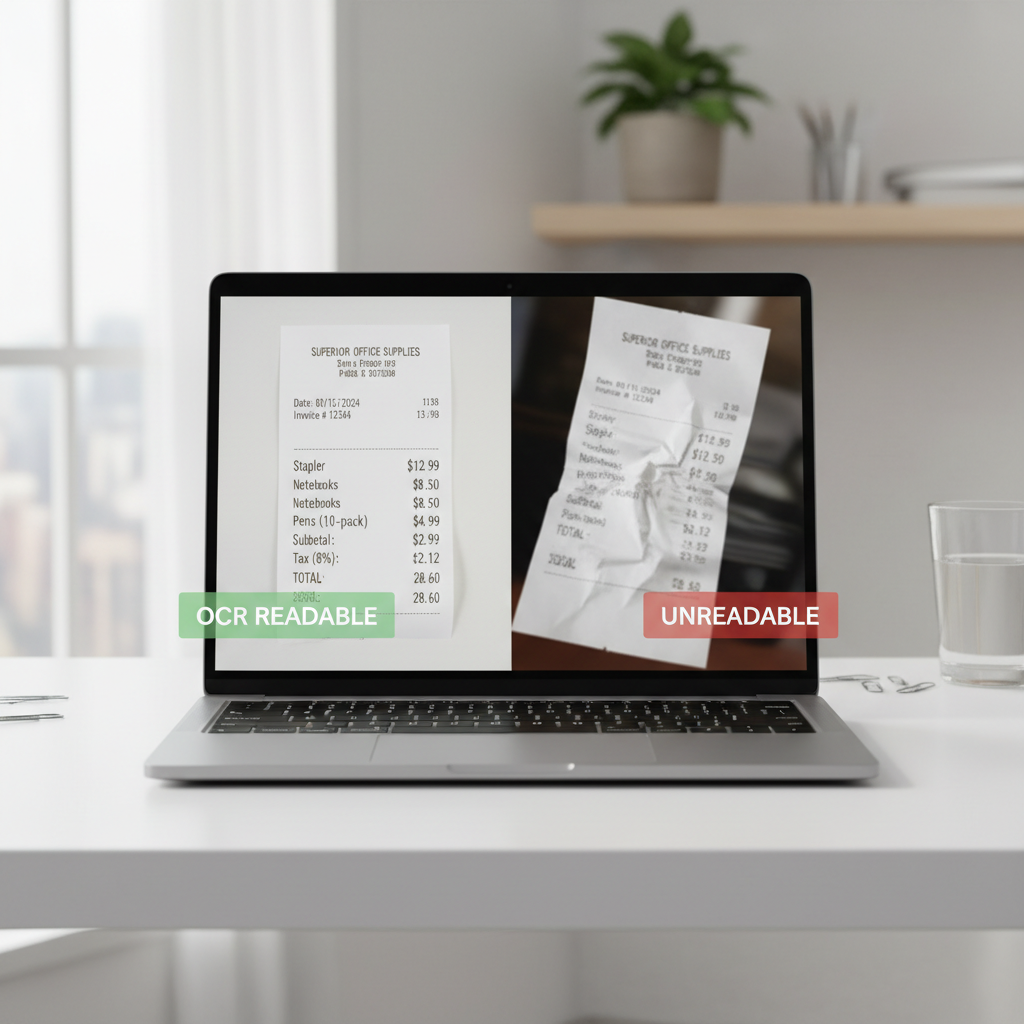
| OCR (text recognition) | Makes search and expense coding easier | Searchable PDFs or extractable text | Some apps put OCR behind subscriptions |
| Export options | Prevents lock-in and messy handoffs | PDF + JPG, cloud share | Proprietary formats complicate audits and bookkeeping |
| Power + portability | Determines if it’s truly “travel-ready” | USB power or battery | Battery models vary a lot in real-world endurance |
What you can safely ignore most of the time: extreme scan speeds you’ll never hit with wrinkled receipts, and niche features like Wi‑Fi direct if you always scan to your phone anyway.
The best budget portable scanners for receipts (category picks)
I’m not going to pretend there’s one perfect model for everyone, especially in 2026 where apps and subscription tiers change. Instead, use these category picks to narrow down the type that fits you, then compare current pricing and app requirements before you buy.
1) Best overall value: compact sheet-fed receipt scanner
This is the “I scan every week and want my life back” option. A small sheet-fed unit with a decent companion app tends to give the best balance of scan quality, speed, and organization.
- Good for: freelancers, small business owners, steady reimbursements
- Look for: reliable paper feed, auto-crop, easy export to PDF/JPG
- Skip if: you only scan a couple receipts a month
2) Best for travel: battery-powered mobile scanner
If you scan in hotels, rental cars, or client sites, battery power and quick “scan-to-phone” workflow matter more than raw speed.
- Good for: consultants, sales, frequent flyers
- Look for: onboard storage or app queueing, stable long-receipt handling
- Common compromise: slightly slower scans, more app dependence
3) Cheapest “good enough” option: phone + receipt-scanning app
Yes, this can still be a budget winner. The tradeoff is consistency: glare, shadows, and crooked edges create cleanup work.
- Good for: light users, personal expense logs
- Make it work: scan on a matte surface, avoid overhead glare, review before saving
- Dealbreaker: if your receipts often fade, a dedicated scanner usually wins
4) Best for mixed paperwork: compact document scanner that handles receipts well
If you need receipts plus invoices, W‑9s, or signed pages, you may prefer a small document scanner with better page handling, even if it costs a bit more.
- Good for: side businesses, rental property owners, admin-heavy roles
- Look for: duplex scanning, good auto-crop, flexible paper guides
Practical buying checklist (so you don’t pay twice)
Here’s what I’d check in the product page, the app store reviews, and the return policy. This is where budget buys usually go wrong.
- Export without drama: confirm it can create standard PDF/JPG and share to your tools.
- OCR cost: verify whether searchable PDFs require a subscription.
- Receipt handling: look for notes about thin paper, thermal receipts, long receipts.
- Mobile workflow: if you scan to phone, the app rating matters more than the hardware hype.
- Replacement consumables: some models need rollers; check availability and price.
One more thing: if you’re building a process for reimbursements, shared drives, or audits, best budget portable scanners for receipts should support a predictable file naming routine, even if it’s manual.
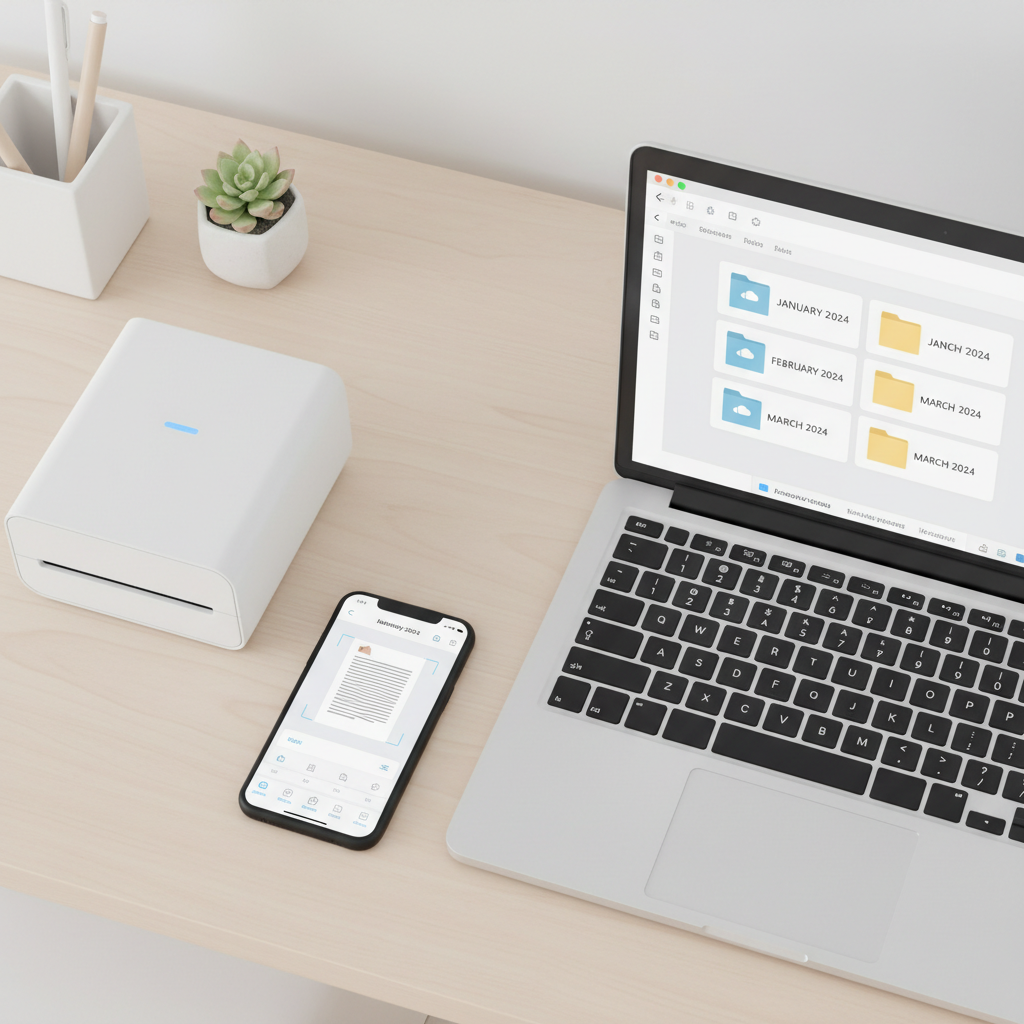
Setup that keeps receipts searchable and audit-friendly
A scanner is only half the win, the other half is naming and storage. Keep it boring and consistent, boring scales.
Suggested folder structure
- Business → 2026 → 01 Jan, 02 Feb…
- Optional: add folders like Travel, Meals, Supplies if you code expenses that way
Suggested file naming
- YYYY-MM-DD_merchant_amount_category
- Example: 2026-03-18_Delta_248.19_travel.pdf
According to FTC consumer guidance on identity theft, it’s smart to treat receipts as sensitive when they include partial card details or personal info, so prefer reputable cloud storage, strong passwords, and multi-factor authentication where available.
Mistakes that make “budget” scanners feel expensive
- Buying for specs, not workflow: if you hate the app, you’ll stop scanning.
- Ignoring long receipts: many people discover this after a trip, when it’s too late.
- Saving everything as photos: photos are fine, but searchable PDFs reduce future friction.
- No weekly habit: scanning once a quarter is where duplicates and missing items happen.
- Thermal paper fading: if receipts fade fast, scan sooner and store backups in the cloud.
If you’ve tried phone scanning and it “kind of works,” a modest upgrade often pays off simply by cutting re-scans and manual cleanup, which is the real cost.
Conclusion: how to choose confidently (without overpaying)
For most people, the right move is picking a simple sheet-fed portable scanner with a solid export workflow, then sticking to a folder and naming routine you can keep up weekly. If you travel constantly, prioritize battery and long-receipt handling, even if speed numbers look less exciting on paper.
If you want a quick next step, pick your buyer profile, check OCR and export limitations before checkout, then test your first 20 receipts in a single sitting. That small “trial run” tells you more than any product description.
FAQ
What are the best budget portable scanners for receipts if I use QuickBooks?
Prioritize scanners or apps that export clean PDF/JPG files and make it easy to attach receipts to transactions. Some workflows rely more on the app integration than the hardware, so confirm export and sharing steps feel painless.
Is a dedicated receipt scanner better than my iPhone or Android camera?
Often yes if you scan regularly, because feed alignment and consistent lighting reduce blurry or crooked captures. If you scan occasionally and your receipts are clean, a phone app may be enough.
Do I need OCR for receipts?
If you search by merchant, amount, or date later, OCR helps a lot. If your system is folder-based and you rarely search text, OCR is nice but not always required, especially on a tight budget.
What scan settings should I use for receipts?
A “document” preset with auto-crop is usually fine. If the print looks faint, try a higher contrast or grayscale setting, then re-check legibility before you toss the paper.
How do I scan long receipts without cutting off the bottom?
Look for “long document” support in the scanner/app, or a stitching mode in your scanning app. For travel receipts, test one long example early so you’re not troubleshooting at the end of a trip.
Can I throw away receipts after scanning?
That depends on your situation and what your tax professional or auditor expects. Many people keep digital copies, but if you’re unsure, it’s reasonable to ask a CPA or tax advisor what retention method fits your filing and industry.
Why do my scanned receipts look faded or unreadable?
Thermal paper can fade, and some scanners/apps auto-expose in a way that washes out light ink. Scan sooner, try a different mode like grayscale, and avoid bright glare if you’re using a phone.
What’s a realistic budget for a portable receipt scanner in 2026?
Budget can range from “free with a phone app” to an affordable dedicated scanner plus, sometimes, a small monthly fee for OCR or cloud features. The more receipts you handle, the more the workflow savings matter versus the sticker price.
If you’re trying to build a cleaner receipts-to-expenses routine and you’d rather not guess, a simple way to start is listing your weekly receipt volume, where you store files, and which tool you reconcile in, then choosing a scanner type that fits that flow instead of chasing the cheapest spec.