
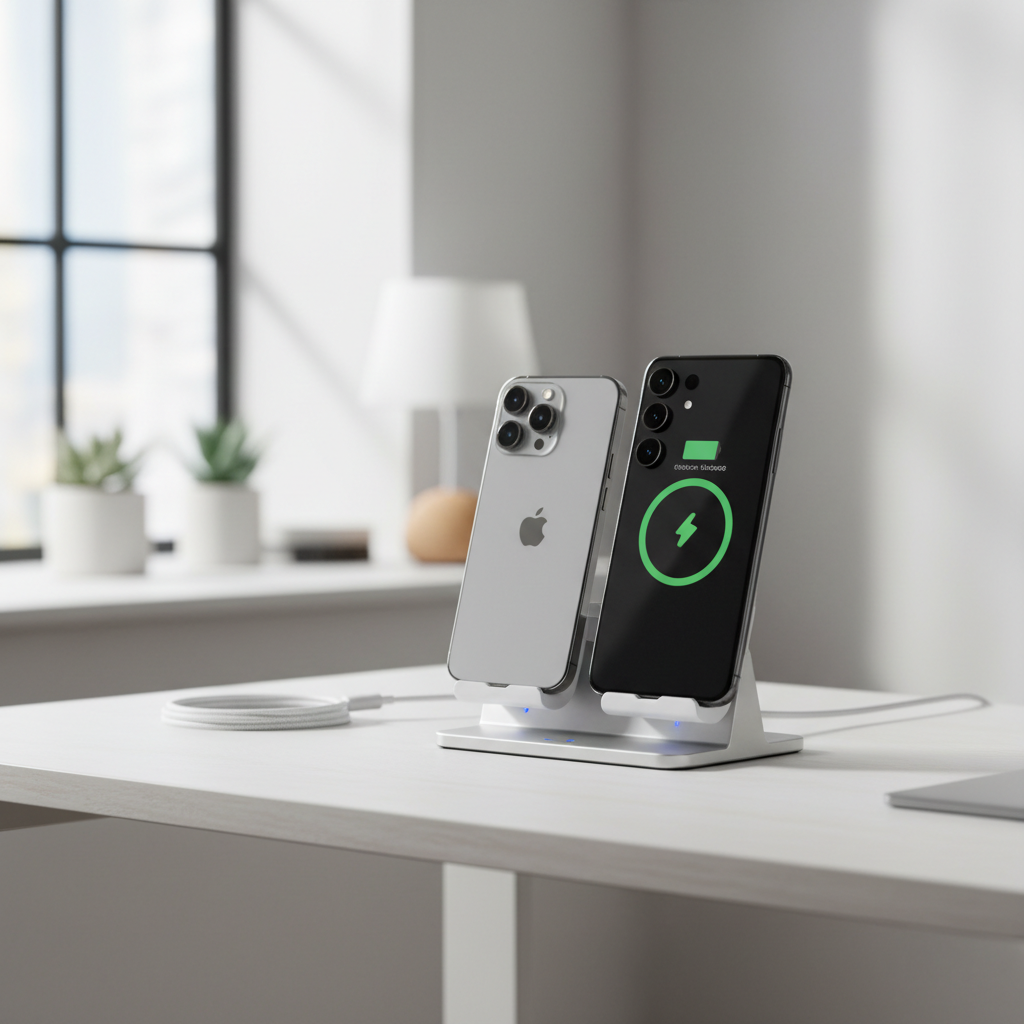
Best budget wireless chargers stand options are usually about finding the sweet spot: stable stand angle, reliable charging speed, and basic safety protections, without paying for extras you won’t use.
If you’ve ever tried a cheap stand and watched your phone slide off the coil, charge painfully slow, or heat up more than you’d like, you already know why “budget” can’t mean “random.” The good news is that many affordable models work well in normal day-to-day use, especially if you know what to look for.
This guide helps you pick a stand-style wireless charger for a nightstand or desk, understand realistic charging speeds, and avoid the common traps that make a budget buy feel like a waste.
What “budget” stand chargers can realistically do (and what they can’t)
Wireless charging looks simple, but the experience depends on your phone model, case thickness, and the power adapter you plug into the wall. Most budget stands can be totally fine for overnight charging and desk topping-up, but they rarely match the fastest branded systems.
- Typical speeds: Many affordable stands deliver 5W–10W to lots of phones. Some claim 15W, but real-world results depend on phone support and alignment.
- iPhone expectations: iPhones often charge at lower wireless wattage unless you use Apple’s MagSafe ecosystem. A budget stand can still be convenient, just not “fast.”
- Heat management: Warm is normal, hot is a red flag. Charging through thick cases or misalignment tends to raise heat.
According to Apple Support, iPhone uses Qi wireless charging, and it’s normal for the device to get slightly warmer while charging. If you see repeated overheating alerts, it’s usually a setup issue or a low-quality charger, not something to ignore.
Quick buying checklist: how to tell a good cheap stand from a frustrating one
If you only remember one section, make it this. Most “why is this charger so bad” complaints come down to a few predictable details.
- Stand stability: Weighted base, rubber feet, and a back support that doesn’t flex when you tap the screen.
- Coil alignment tolerance: Wider “sweet spot” means fewer failed charges when you place the phone one-handed.
- Case friendliness: Many budget stands work best with cases under ~3–4mm, especially if the case has metal rings or wallet attachments (those often cause trouble).
- Adapter requirements: A stand that “supports 10W/15W” may still ship with no wall adapter, and your old 5W cube will bottleneck it.
- Safety basics: Look for clear mention of temperature control, foreign object detection, and over-voltage protection.
According to the Federal Communications Commission (FCC), wireless devices must meet specific requirements to avoid harmful interference, so a charger with proper compliance markings and a reputable seller typically reduces risk versus no-name listings with vague specs.
Stand style matters: choose the shape that fits how you actually charge
Not all stands behave the same on a real nightstand. Angle and contact area change how often you’ll “miss the coil,” especially in the dark.
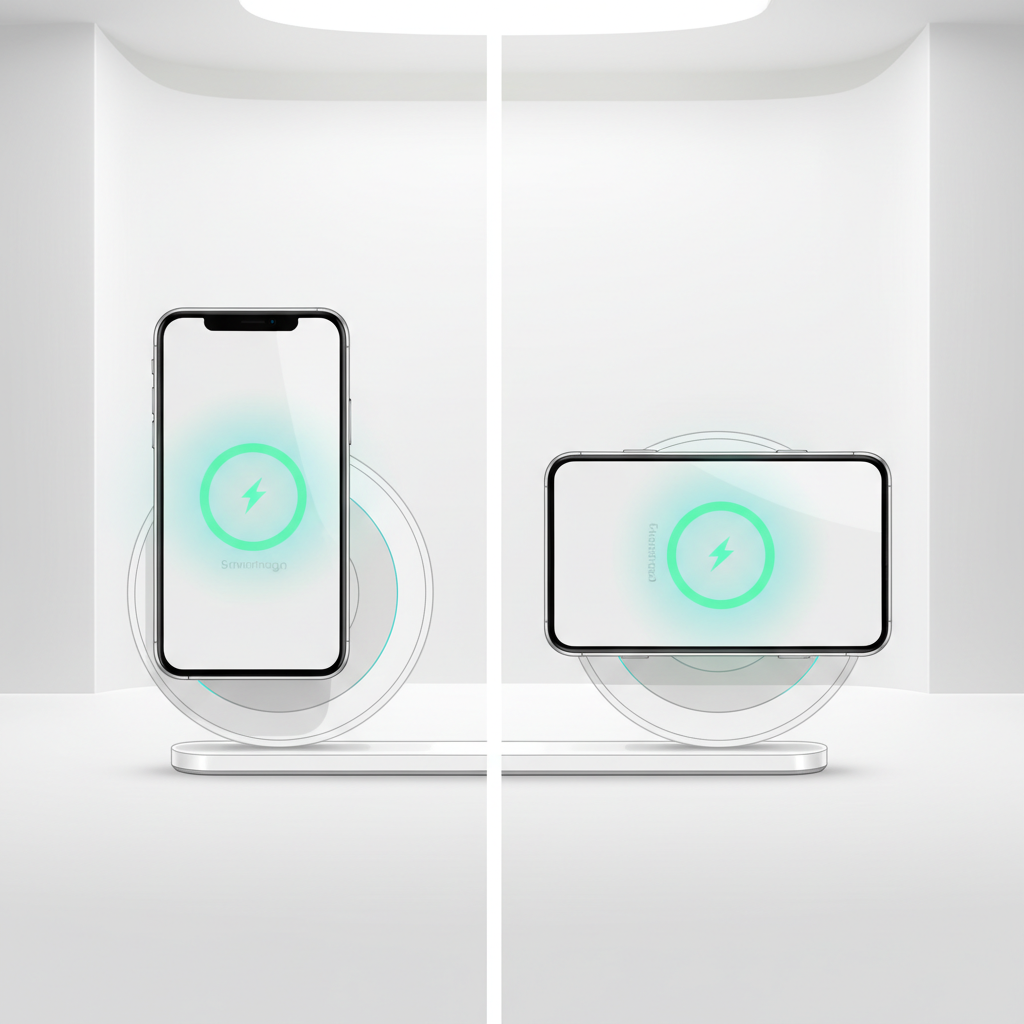
Upright stand (portrait-first)
- Good for Face ID unlocks, video calls, and clock mode
- Usually easiest to read notifications at a desk
- Can be pickier about placement if the charging coil area is small
Dual-angle stand (portrait + landscape)
- More forgiving for streaming in landscape
- Often better for larger phones with camera bumps
- Can be slightly bulkier
Magnetic-style stand (not always true MagSafe)
- Some budget stands use magnets for alignment, but magnet strength and coil design vary a lot
- Great when it works, annoying when the phone “droops” and stops charging
- If you want consistent iPhone magnetic charging, you may prefer certified MagSafe accessories, but that’s usually not “budget”
Key specs that actually matter (and how to read the marketing)
On budget listings, you’ll see a lot of “15W fast charge” language. That isn’t always a lie, but it’s often incomplete.
- Qi compatibility: Qi is the baseline standard for many phones. If a stand doesn’t clearly state Qi, treat it as risky.
- Wattage tiers: 5W, 7.5W (common for iPhones), 10W (common for many Android models), and “up to 15W” (often specific to certain phones).
- USB-C vs micro-USB input: USB-C tends to be more modern and convenient. Micro-USB still works, but can feel dated and flimsier.
- Included adapter: If the box includes only a cable, budget for a decent USB-C wall charger that matches the input spec (often 9V/2A).
According to the Wireless Power Consortium (WPC), Qi certification helps ensure interoperability and safety requirements. In practice, “Qi-certified” is a useful trust signal, though plenty of non-certified models still function; they just carry more variability.
Comparison table: budget stand chargers by buyer type
Instead of pretending there’s one perfect pick, here’s a practical way to narrow down the best budget wireless chargers stand choices based on how you’ll use them.
| Buyer type | What to prioritize | What to avoid | Good-enough target spec |
|---|---|---|---|
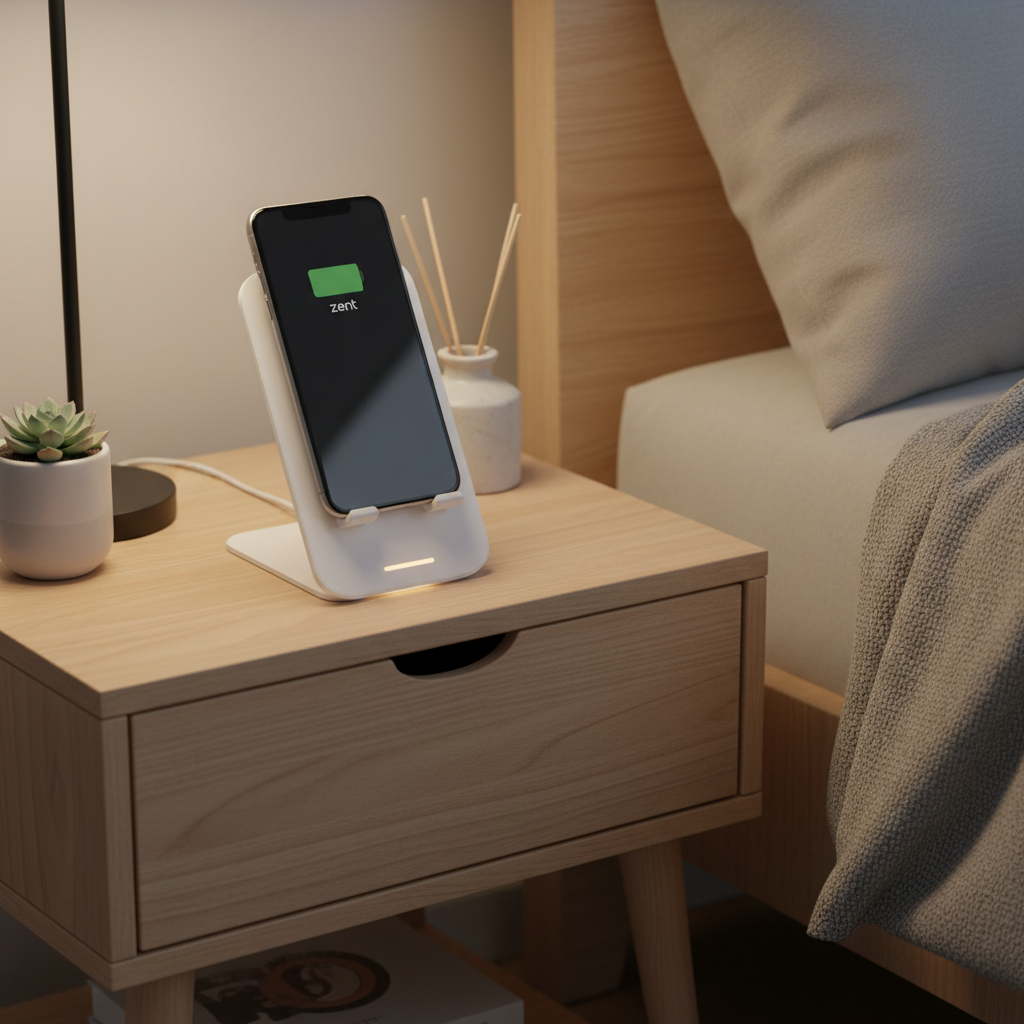
| Nightstand charger | Stable base, easy placement, low-brightness LED | Blinding status lights, narrow coil sweet spot | Qi, 5W–10W, rubberized cradle |
| Desk work + notifications | Portrait angle, tap-friendly stability | Lightweight stands that wobble when you touch the screen | Qi, 10W (or 7.5W iPhone), USB-C input |
| Android “fast-ish” charging | Real 10W/15W support + correct adapter | Using an old 5W brick and blaming the stand | Up to 15W + 9V/2A adapter |
| Thick case user | Case tolerance, strong contact area | Wallet cases, metal rings, pop sockets blocking the coil | Qi + case-friendly note (thin to medium cases) |
How to set up a budget wireless stand so it charges reliably
This is the part most people skip, then assume the stand is defective. A few small setup tweaks often fix “random” stops and slow charging.
- Use the right wall adapter: If the stand asks for 9V input and you feed it 5V, you’ll usually get basic speeds and more heat over time.
- Remove magnetic wallets or metal plates: These commonly interfere with charging and can increase heat. If you rely on them, plan on taking them off to charge.
- Find the coil sweet spot once: Place the phone, confirm the charging indicator, then remember that height. Some people put a tiny tactile marker on the stand lip.
- Keep vents clear: If the stand has airflow channels, don’t press it flush against books or a wall.
- Check cable quality: A worn cable can cause intermittent drops that look like a charger problem.
If you’re charging overnight, “slow but steady” is often fine. For daytime quick boosts, a budget stand may feel sluggish, and that’s normal physics plus phone limitations, not always a flaw.
Common mistakes that make budget stands feel “bad”
Some stands are genuinely poor, but many disappointments come from mismatched expectations or small incompatibilities.
- Expecting MagSafe-like speed and snap: Qi stands don’t “lock” the phone in place unless they use magnets, and even then it varies.
- Charging through very thick cases: If your case is rugged or has built-in kickstands, it may block alignment.
- Mixing cables and bricks randomly: Cheap adapter + cheap cable + budget stand is where problems stack up.
- Using it in a hot environment: Direct sun on a desk, or charging under a pillow, can trigger thermal throttling. If a device reports overheating, consider stopping and letting it cool, and if it repeats, consult a qualified technician.
Conclusion: what to buy if you want “good enough” without overspending
A best budget wireless chargers stand pick usually isn’t the one shouting the highest wattage, it’s the one that charges consistently, fits your phone and case, and stays stable when you actually use it. If you charge mostly overnight, prioritize alignment forgiveness and a dim indicator; if you charge at a desk, prioritize stability and a comfortable viewing angle. Then match it with a wall adapter that meets the charger’s input spec.
Key takeaways:
- Budget stands can be reliable, but real-world speed depends on phone support and your power adapter.
- Qi compatibility, stable build, and sensible heat control matter more than big “15W” claims.
- Most “it doesn’t work” issues come from alignment, case accessories, or underpowered adapters.
If you’re choosing today, write down your phone model, case type, and where the stand will live, then buy for that scenario rather than chasing specs on a product page.