
best budget tablets for gaming 2026 is really about one thing: getting stable performance and a good screen without paying flagship prices, and yes, that’s doable if you shop by the right specs instead of marketing labels.
Most people don’t actually “need the fastest tablet,” they need predictable frame rates, decent thermals, and enough memory so games don’t reload every time you switch apps, that’s where budget models usually stumble.

This guide narrows the field to what matters for gaming in 2026, shows you a quick way to self-check your needs, then helps you choose based on the games you play and the accessories you already own.
Quick take: what “budget gaming tablet” really means in 2026
Prices move all the time, but in the U.S. market “budget” usually lands in the $150–$350 range for tablets that can game comfortably, with occasional sales pushing better models into that window.
What changes the experience most is not the “gaming” label, it’s a few boring specs that decide whether you get smooth sessions or stutters.
- Chip performance: you want consistent performance, not just a good burst benchmark.
- RAM: 6GB is a safer floor for modern titles; 8GB feels calmer if you multitask.
- Display: 90Hz/120Hz looks great, but only if the chip can hold frames.
- Battery + thermals: thin tablets can throttle, so real-world cooling matters.
- Storage: 128GB is practical; big games plus updates eat space quickly.
Comparison table: strong budget picks (and who they fit)
Instead of pretending there’s one winner, this table maps common “best budget tablets for gaming 2026” choices to real user situations. Availability can vary by retailer, and Wi‑Fi vs cellular versions can shift pricing.
| Tablet | Best for | Why it works | Watch-outs |
|---|---|---|---|
| Apple iPad (10th gen) | Most people who want simple, stable gaming | Consistent performance, strong app optimization, great accessory ecosystem | Base storage can feel tight; premium upgrades raise cost |
| iPad mini (6th gen) | Portable gaming, controllers, emulators (where legal) | Compact size, strong chip for its class, sharp display | Smaller screen for competitive shooters; often pricier unless on sale |
| Samsung Galaxy Tab A9+ | Cloud gaming + casual to mid-tier Android games | Good value screen size, solid everyday performance, expandable storage | RAM/storage variants matter a lot; avoid the lowest configs if possible |
| Lenovo Tab P12 | Bigger screen for strategy, RPGs, media + gaming | Large display, good for longer sessions, often bundled deals | Not a “max FPS” pick; check input latency if you’re competitive |
| Amazon Fire Max 11 | Very tight budgets, lightweight gaming, streaming | Low entry price, decent battery, simple setup for basics | App ecosystem limits; some games/services require workarounds |
| Used/Refurb iPad (9th gen) | Best performance per dollar when bought smart | Often excellent value, solid for many popular titles | Battery health and warranty vary; buy from reputable sellers |
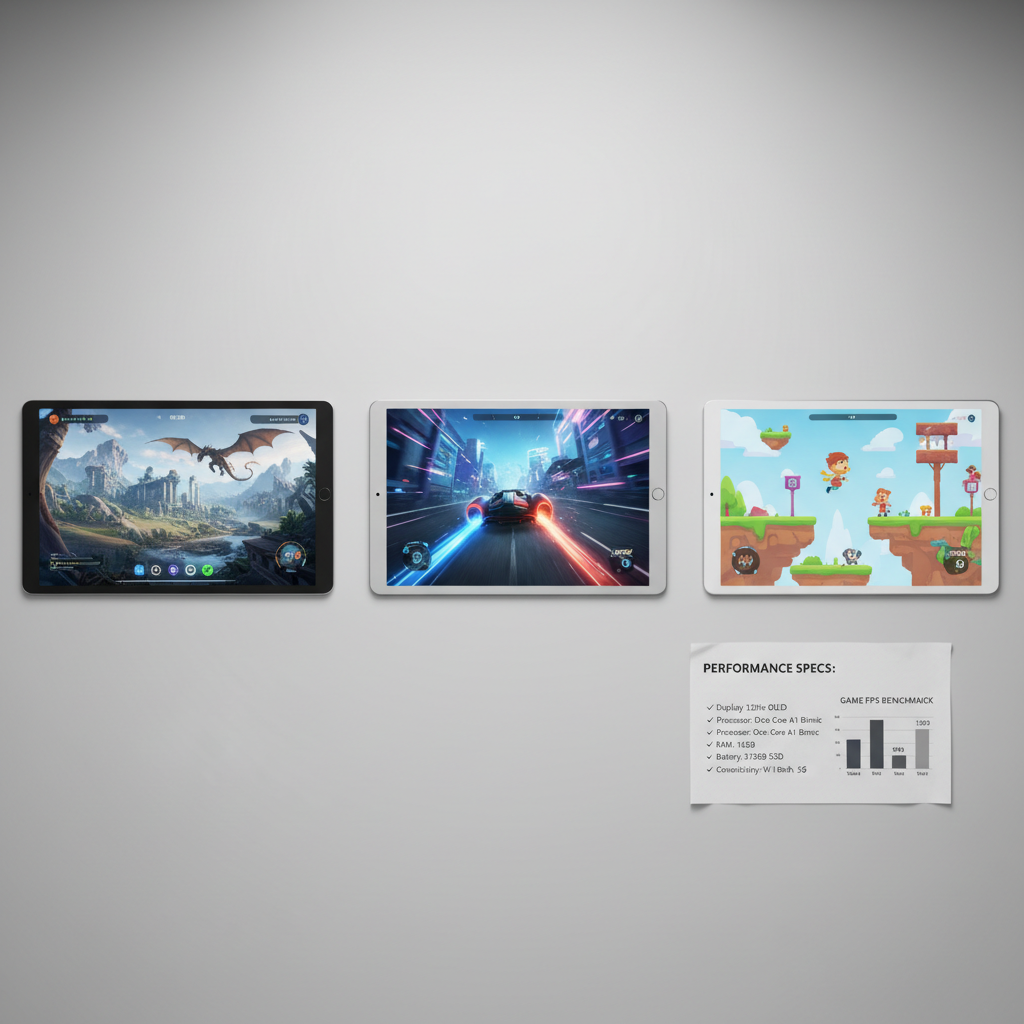
How to choose: the 6 specs that matter more than the brand
If you only remember one thing, remember this: a “cheap” tablet that forces you to lower settings, reload apps, and overheat is rarely a deal.
- RAM (6–8GB target): helps keep games in memory and reduces hitching when notifications and background apps compete.
- Storage (128GB ideal): modern games can be 10–25GB each after patches; 64GB fills fast.
- Display quality: prioritize brightness and touch response over headline refresh rate if you’re on a strict budget.
- Wi‑Fi quality: for cloud gaming, Wi‑Fi 6 support can help stability, assuming your router supports it too.
- Battery under load: some tablets look great on paper but drain fast when the GPU stays active.
- Thermal behavior: thinner tablets can throttle; reviews that mention sustained performance are more meaningful than peak scores.
According to Apple Support, lithium‑ion batteries are consumable components and performance can change with battery age and settings, which is one reason refurbished purchases need a quick battery-health reality check.
Self-check: which gaming profile sounds like you?
This quick checklist helps you avoid overpaying or, just as common, underbuying and regretting it two weeks later.
- Mostly casual (puzzle, card, cozy games): any modern midrange chip works, focus on screen comfort and storage.
- Competitive shooters / rhythm: prioritize stable frame pacing, good touch sampling, and a screen that stays bright.
- Big open-world titles: lean toward stronger chips and 8GB RAM if the price gap isn’t painful.
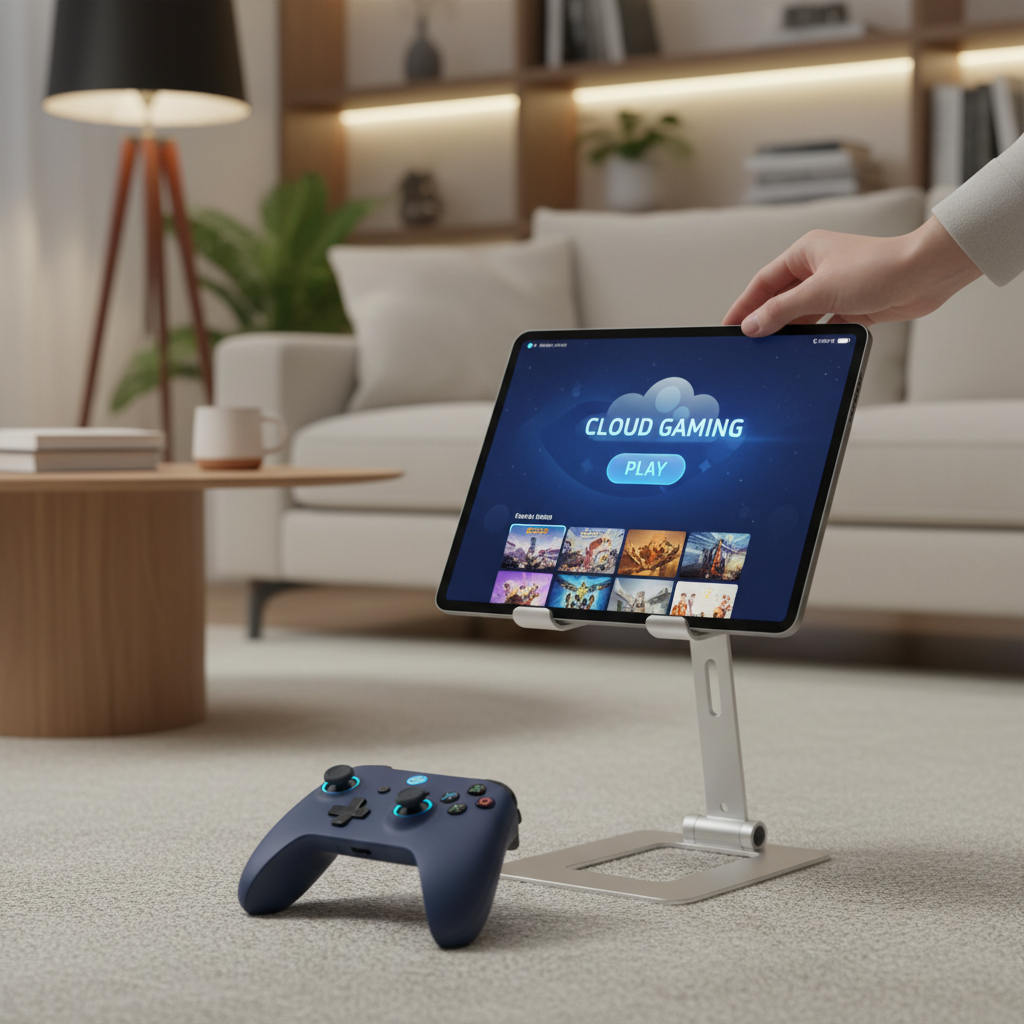
- Cloud gaming (GeForce NOW, Xbox Cloud Gaming, etc.): Wi‑Fi stability matters more than raw GPU, plus a good controller setup.
- Kids/family shared tablet: durability, parental controls, and easy profile switching matter as much as FPS.
Practical shopping playbook (so you don’t get tricked by the spec sheet)
Shopping for the best budget tablets for gaming 2026 gets easier when you treat it like a short audit, not a vibes-based purchase.
1) Pick the “minimum enjoyable” bar for your games
If your top three games are light, don’t chase flagship specs. If one of them is heavy and you play it daily, shop for that one.
2) Don’t buy the lowest memory configuration by accident
Many budget lines quietly sell multiple RAM/storage variants under the same name. In practice, that can be the difference between “fine” and “why is this lagging?”
3) Time your purchase around predictable price dips
In the U.S., tablet prices commonly soften around major retail events and back-to-school windows, but deals vary by model and inventory. If you can wait two to four weeks, it’s often worth watching price history.
4) Consider refurbished, but be picky
Refurb can be the cleanest way into iPad performance on a budget, but stick to reputable sellers with clear returns and battery policies.
Setup tips that make a budget tablet feel faster (without spending much)
You can squeeze noticeably better gameplay out of midrange hardware, and most of it is basic housekeeping.
- Turn on Game Mode (if your tablet supports it): reduces background noise and may stabilize performance.
- Lower one setting, not all of them: start with shadows and resolution scaling, keep textures reasonable.
- Use a controller for cloud/competitive play: it can reduce hand fatigue and improve consistency.
- Manage heat: remove thick cases during long sessions, avoid charging while playing if heat becomes an issue.
- Fix Wi‑Fi before blaming the tablet: router placement, 5GHz band, and reducing network congestion often help more than upgrading devices.
According to the Federal Trade Commission (FTC), consumers should watch for deceptive pricing practices and compare total cost, which is a good reminder to include accessories, storage upgrades, and return terms in your “deal” math.
Common mistakes (and how to avoid them)
- Chasing 120Hz on weak hardware: high refresh feels great, but if the chip can’t sustain frames, the benefit shrinks.
- Ignoring storage reality: a tablet that forces constant uninstalling stops feeling fun fast.
- Assuming Android = expandable storage solves everything: some games still need internal space, and SD cards vary in speed.
- Buying for “future-proofing” too hard: in budget ranges, paying a little more can help, but doubling the budget often defeats the point.
- Overlooking ecosystem limits: Fire tablets can be great for basics, but check whether your must-play games and services are supported before you commit.
Conclusion: a realistic way to pick your best budget gaming tablet
If you want the simplest path, start with the games you actually play, set a RAM/storage floor you won’t regret, then pick the tablet that hits that bar at the lowest all-in price, including a case, controller, and storage needs.
If you’re comparing two close options, I’d usually break the tie with better sustained performance and better return/warranty terms, because budget devices feel “expensive” when they become a hassle. Keep that mindset, and the best budget tablets for gaming 2026 become much easier to shop.
Action step: make a short list of your top five games, then check RAM, storage, and Wi‑Fi specs before you look at screen size or brand.