
Best smart thermostats for home shoppers usually want the same thing: better comfort and lower bills without turning their HVAC into a weekend project. The tricky part is that “best” depends on your heating/cooling system, wiring, and whether you care more about automation, room sensors, or simple app control.
This guide narrows the field for 2026 with practical picks, what each one does well, and the red flags that make a thermostat a bad match. If you only read one section, read the compatibility checklist—most returns happen for boring reasons like missing a C-wire or uncommon HVAC stages.
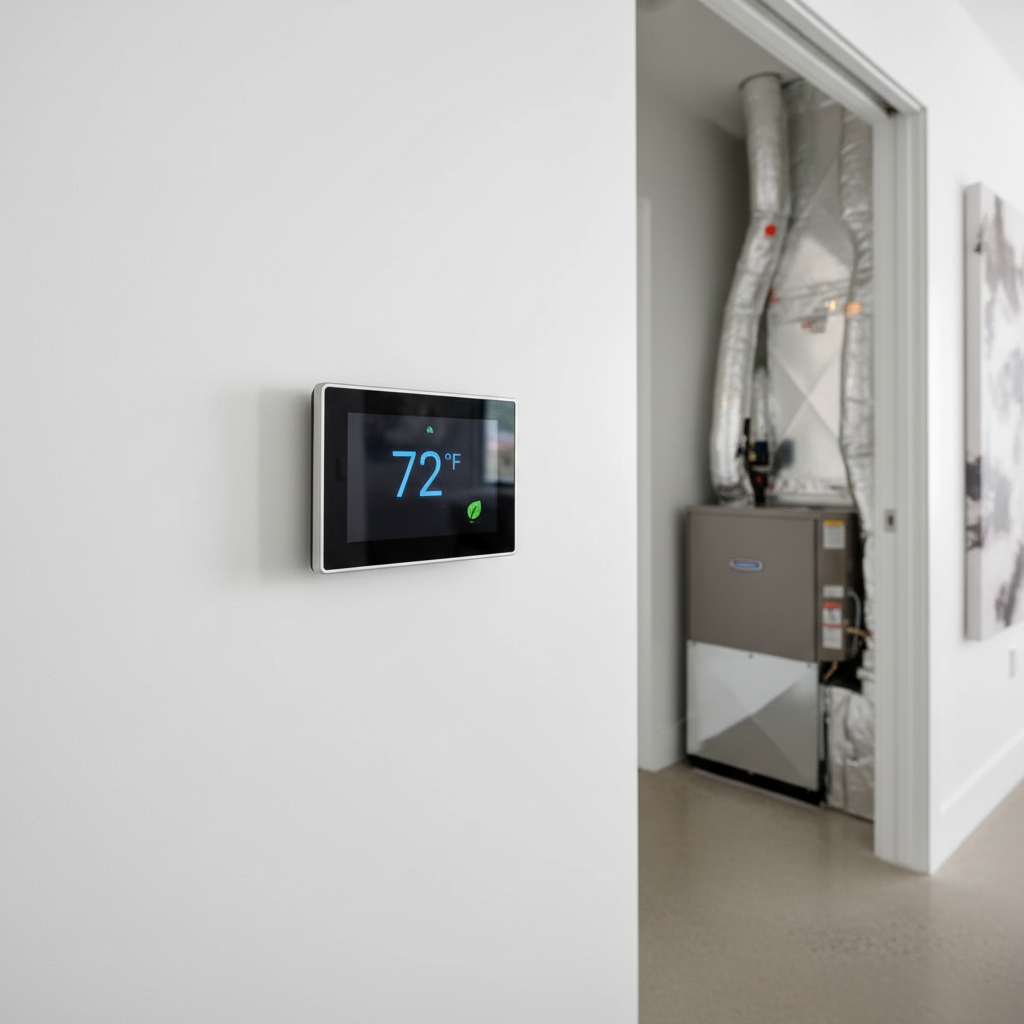
Quick picks for 2026 (who each model fits)
If you want fast recommendations, this is the short list. These are mainstream options with solid ecosystems and support, which matters more than people think when you hit a wiring edge case.
- Google Nest Learning Thermostat: great if you like “set it and forget it” automation and already use Google Home.
- ecobee Smart Thermostat Premium: strong choice for comfort in specific rooms, especially if you’ll use remote sensors.
- Honeywell Home T9/T10: good “reliability-first” pick with flexible sensors and broad HVAC compatibility.
- Amazon Smart Thermostat: value option if your system is compatible and you live in Alexa.
- Emerson Sensi Touch: practical, straightforward app experience, often popular with renters and busy households.
One note before you lock in: many “2026” improvements come from software, not radically new hardware, so the best smart thermostats for home often look similar on paper—compatibility and daily usability decide the winner.
Comparison table: features that actually change daily life
This table focuses on the stuff you’ll feel week to week: how it schedules, how it handles room-to-room comfort, and whether installation tends to be smooth.
| Model | Best for | Room sensors | Geofencing | Smart home fit | Install difficulty (typical) |
|---|---|---|---|---|---|
| Nest Learning Thermostat | Automation & clean design | Optional (varies by bundle) | Yes | Google Home | Medium (wiring-dependent) |
| ecobee Smart Thermostat Premium | Hot/cold rooms & comfort | Strong ecosystem | Yes | Alexa/Apple/Google (varies) | Medium |
| Honeywell Home T9/T10 | Compatibility & stability | Yes | Yes (app-based) | Broad integrations (varies) | Medium |
| Amazon Smart Thermostat | Budget Alexa households | Limited/depends on setup | Yes (Alexa routines) | Alexa | Medium to High |
| Emerson Sensi Touch | Simplicity & app control | Typically no (core use case) | Yes | Common platforms (varies) | Low to Medium |
Key takeaway: if your pain is uneven temperatures, prioritize a model with a mature sensor system. If your pain is “I hate fiddling,” prioritize scheduling/learning that feels natural in your household.
Compatibility first: the checklist that saves returns
Most disappointment comes from buying a thermostat for its app, then realizing the HVAC system can’t support some feature, or the wiring needs extra work. According to ENERGY STAR, proper installation and correct configuration matter for getting real-world savings, so this part is worth five minutes.
- Check your system type: gas furnace, heat pump, boiler, electric baseboard, dual fuel. Some thermostats handle heat pumps better than others.
- Count stages: 1-stage vs 2-stage heating/cooling, variable speed systems. Higher-end HVAC can be picky.
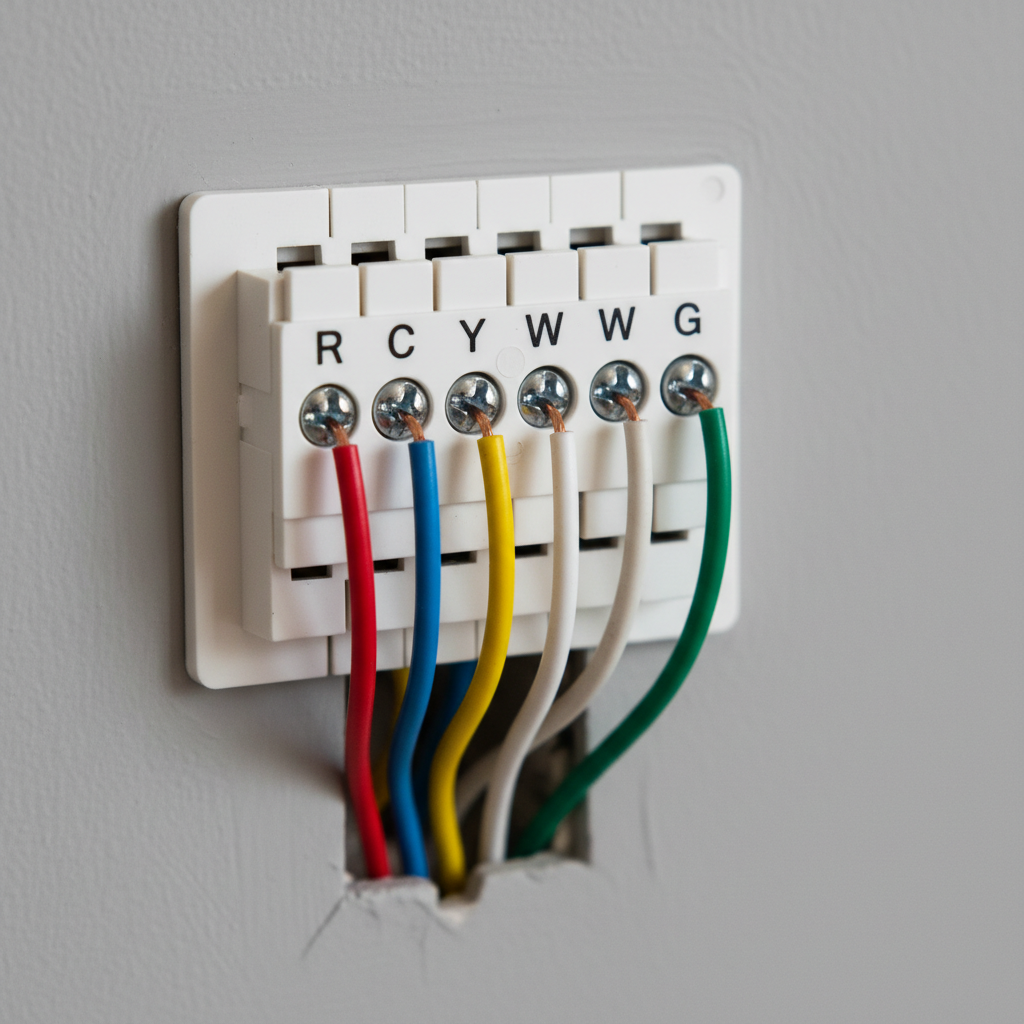
- Look for a C-wire (common wire): many smart thermostats want continuous power. No C-wire doesn’t mean “no,” but it changes your plan.
- Check if you have a proprietary communicating system: some HVAC brands use special controls that don’t play nicely with standard thermostats.
- Accessories: humidifier/dehumidifier, ERV/HRV ventilation, whole-home fan. Not every model supports these cleanly.
- Wi‑Fi reality check: if your router is far away, the “smart” part becomes a daily annoyance.
If any of these feel uncertain, take a clear photo of your current thermostat wires and your HVAC control board label. That single photo usually tells you more than the marketing page.
How to choose based on your home (not the box)
Here’s the decision logic that tends to hold up in real homes, especially if multiple people share the thermostat and nobody wants “tech chores.”
If you have hot/cold spots
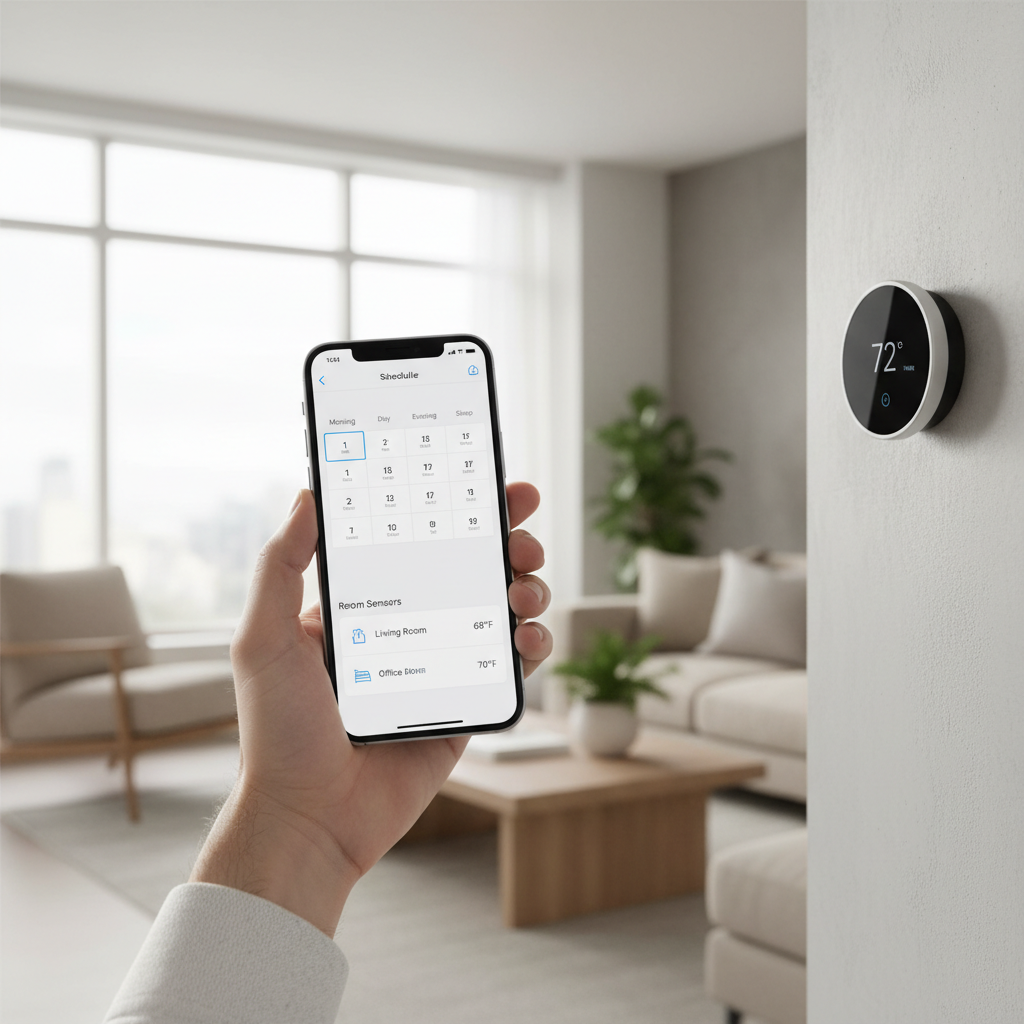
- Favor remote room sensors with schedules (sleep vs living room vs office).
- Pick a system that lets you weight sensors by time, otherwise it can feel random.
- Remember: sensors help comfort, but they don’t fix ductwork issues—sometimes they just make the problem less noticeable.
If your priority is lower energy use with minimal effort
- Look for solid auto-scheduling/learning and easy “away” behavior.
- Make sure the app makes overrides painless, because people override when life happens.
- Don’t underestimate boring features like hold behavior and schedule templates.
If you live with Alexa/Google/Apple already
- Choose the ecosystem you’ll actually use for voice control and routines.
- Check if features require extra subscriptions or specific hubs, which varies by brand and platform.
If you rent or move often
- Prioritize easy installation, clear wiring support, and a “works fine without extras” experience.
- Keep the old thermostat in a labeled bag for move-out day.
Installation and setup: a realistic playbook
Installing a smart thermostat can be simple, but it becomes frustrating when the wiring is non-standard. If you’re comfortable turning off power and following a wiring diagram, you can often do it yourself; if not, calling a pro can be cheaper than troubleshooting for hours.
- Turn off HVAC power at the breaker, not just the thermostat.
- Label wires before removing the old unit, even if they look obvious.
- Mount level and secure so the touchscreen doesn’t rock or misread touches.
- Configure system type correctly during setup (heat pump vs conventional). This matters more than most people expect.
- Test heating and cooling in short cycles, and confirm the fan behavior matches your system.
For heat pumps and dual-fuel setups, incorrect configuration can cause comfort issues or inefficient operation. If your system is expensive or complex, it’s reasonable to consult an HVAC professional for setup confirmation.
Mistakes that make a “good thermostat” feel bad
These are the pitfalls I see people blame on the thermostat when the real issue sits elsewhere.
- Chasing too many automations: if everyone in the home overrides, simplify the schedule and reduce rules.
- Ignoring airflow problems: a smart thermostat can’t fix a blocked return, undersized ducts, or a dying blower motor.
- Bad sensor placement: putting a sensor in direct sun, near a kitchen, or over a vent skews everything.
- Weak Wi‑Fi: dropouts make people distrust the system fast, even if heating/cooling still runs.
- Over-trusting “learning” week one: many systems need time and consistent behavior to adapt, and some homes just don’t have predictable schedules.
Practical buying tips for 2026 (what to look at before you click “buy”)
The best smart thermostats for home use aren’t always the most expensive; they’re the ones that match your HVAC and your tolerance for tweaking settings.
- Confirm return policy and keep packaging until you pass a full heating/cooling test.
- Plan for power: if you lack a C-wire, check whether the brand supports an adapter kit, and whether your system supports it.
- Think about multiple users: an app that works for one person but confuses everyone else becomes a daily friction point.
- Choose your “one reason”: comfort in bedrooms, energy management, voice control, or simplicity. Buying for five reasons usually means compromise.
- Watch for hidden complexity: advanced HVAC features and accessories can push you toward specific models.
Conclusion: which one should you pick?
If you want a confident default, start with a compatibility-first brand and decide whether you value automation (learning schedules) or comfort targeting (room sensors). For many households, that single choice narrows the field more than any spec sheet.
Before you order, take two minutes to verify wiring and system type, then pick from the short list that matches your ecosystem. Do that, and the “best smart thermostats for home” conversation becomes straightforward instead of stressful.
Action step: snap a photo of your existing thermostat wires and your HVAC label, then compare it against the compatibility checklist above—you’ll avoid the most common 2026 buying mistake.