
Best budget laptops for college students come down to a few boring-but-important tradeoffs: performance for your major, battery life for long days, and a keyboard/trackpad you won’t hate by midterms.
If you buy purely by “best deal,” you can end up with a machine that feels slow after one semester, can’t run required apps, or needs a charger in every class. The goal here is simpler: spend less, but avoid regret.

I’ll walk you through what to prioritize, a quick self-check by major, and a short list of reliable “profiles” to shop for in 2026, plus a table you can use while browsing sales pages.
What “budget” should mean for college in 2026
Budget usually means you’re shopping for value, not the cheapest sticker price. In many U.S. back-to-school sales, that sweet spot tends to be mid-range entry models where you get modern CPUs and decent screens without paying for premium materials.
- Typical budget range: Many students land around $450–$900, depending on major and whether you need premium battery or a strong GPU.
- Refurb/open-box: Often a smart move if you buy from reputable retailers with clear return windows and warranty terms.
- Longevity target: Aim for 3–5 years of usable performance, not “just enough for this semester.”
According to Microsoft, Windows 11 has baseline hardware requirements that rule out many older bargain models, so focusing on newer platforms reduces compatibility headaches later.
Quick specs that matter most (and what to ignore)
If you only remember one thing: prioritize the parts you can’t easily “fix” later. A laptop that starts with too little memory or a tiny SSD can feel cramped fast once you install course software.
Minimums that usually feel OK for general coursework
- CPU: Recent Intel Core i5 / AMD Ryzen 5, or higher-tier Intel Core i3 / Ryzen 3 in newer generations
- RAM: 16GB is the comfort baseline for 2026 multitasking
- Storage: 512GB SSD (or 256GB if you truly live in cloud storage and manage files carefully)
- Display: 1080p (FHD) IPS-class panel, 300 nits is a practical target for campus lighting
- Battery: 8+ hours “real use” is a better goal than marketing numbers
Specs that get oversold
- 4K screens on cheap laptops: They look nice in store lighting, but can drain battery and raise price.
- Very high refresh rates: Great for gaming, less important for notes and research.
- Ultra-thin hype: Thin is fine, but not if the keyboard flexes or ports vanish.
Pick by major: what you actually need
Most “best budget laptops for college students” lists fail because they treat every student like the same user. Your required software decides the floor, not the ads.
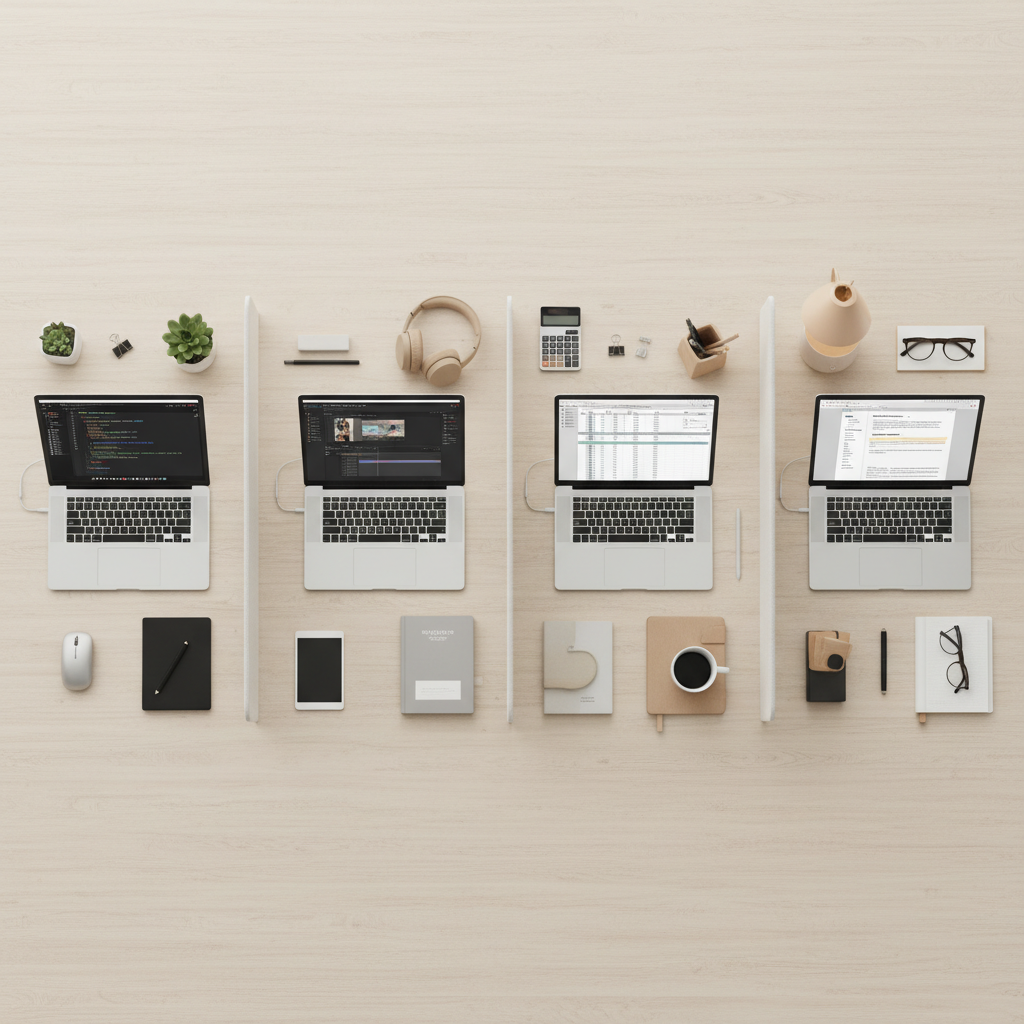
Writing, humanities, education
- Prioritize keyboard comfort, low fan noise, and battery life.
- 16GB RAM helps if you run lots of browser tabs and PDFs.
Business, psych, general STEM (non-heavy compute)
- Look for reliable Wi‑Fi, solid webcam/mics for group work, and a bright screen.
- 512GB SSD helps if you store datasets, slides, and recorded lectures locally.
Computer science / programming
- 16GB RAM is hard to compromise on; 32GB helps if you run containers or VMs.
- Prioritize a modern CPU and good thermal behavior over flashy design.
Engineering, architecture, 3D, video editing
- Often needs a dedicated GPU (or at least a strong integrated GPU), which pushes budgets up.
- If your department mandates specific apps, confirm compatibility before buying.
According to Adobe, many Creative Cloud workflows benefit from more RAM and GPU acceleration, so for design-heavy majors, “budget” may mean buying last year’s higher tier rather than this year’s lowest tier.
A practical shortlist: 2026 budget laptop “profiles” to shop for
Instead of chasing a single model name that changes weekly, use profiles. When you see a sale listing, match it to the closest profile and you’ll know if the deal makes sense.
- The All-Day Note Taker (13–14 inch): FHD IPS, 16GB RAM, 512GB SSD, 2.7–3.3 lbs, strong battery.
- The Campus Workhorse (15–16 inch): Bigger screen, full keyboard, good ports, still 16GB/512GB.
- The Code + Multitask Rig: Efficient CPU, 16–32GB RAM, comfortable keyboard, quiet cooling.
- The Creator-on-a-Budget: Entry dedicated GPU or strong iGPU, color-decent screen, 16GB+ RAM.
When you’re comparing “best budget laptops for college students,” the profile approach keeps you from overpaying for a brand badge while missing what you actually need.
Comparison table: what to look for at each price tier
Use this as a filter while shopping. If a listing misses multiple items in its tier, it’s usually not a deal, it’s just cheap.
| Price tier (USD) | Good fit for | CPU/RAM target | Storage | Display & battery | Watch-outs |
|---|---|---|---|---|---|
| $400–$550 | Light coursework, web apps | New-gen i3/Ryzen 3, 16GB if possible | 256–512GB SSD | FHD, 250–300 nits, 7–9 hrs | 8GB RAM soldered, dim screens |
| $550–$750 | Most majors | i5/Ryzen 5, 16GB | 512GB SSD | FHD IPS, 300 nits, 8–11 hrs | Cheap hinges, weak webcams |
| $750–$950 | CS, heavy multitasking, light creative | Upper i5/Ryzen 5 or i7/Ryzen 7, 16–32GB | 512GB–1TB SSD | Better color, 9–12 hrs | Overpriced “premium” trim |
| $950–$1200 | Creator/engineering needs on a budget | Strong CPU + entry GPU, 16–32GB | 1TB preferred | Color-accurate options, varies | Hot/loud designs, short battery |
How to shop smarter: a quick checklist before you click “buy”
Some of the best student laptop mistakes happen at checkout: wrong keyboard layout, no return plan, or buying a configuration you can’t upgrade.
- Confirm your school requirements: ask your department, not just the bookstore banner.
- Check RAM type: if it’s 8GB soldered with no slot, assume you’ll live with 8GB.
- Look for ports you’ll use: USB‑C charging, USB‑A for flash drives, HDMI for classroom screens.
- Read the display line carefully: “FHD” alone doesn’t guarantee brightness or color quality.
- Verify warranty + return window: especially for refurb/open-box.

Key point: if two laptops cost the same, choose the one with 16GB RAM and a better screen before you chase minor CPU bumps. For school life, comfort and stability beat benchmark wins.
Common mistakes (and how to avoid them)
- Buying 8GB RAM “to save money”: it may feel fine week one, then slow down once you juggle research tabs, PDFs, and video calls.
- Ignoring weight: a slightly heavier 16-inch can be great, until you carry it all day, every day.
- Overpaying for storage you won’t use: 2TB sounds comforting, but many students do better with 512GB plus cloud plus an external SSD later.
- Not budgeting for essentials: a sleeve, USB‑C charger, and a simple mouse often improve daily life more than a spec bump.
Also, don’t assume every “student laptop deal” includes the same screen and battery as the model you saw reviewed. Retailers often sell multiple configurations under nearly identical names.
Closing advice: choose the laptop that stays out of your way
The best purchase usually isn’t the most exciting one, it’s the laptop that boots fast, lasts through lectures, and doesn’t make you think about it. If you’re unsure, shop for a solid midrange configuration, then spend your remaining budget on reliability: warranty coverage, a backup plan for files, and accessories you’ll use daily.
If you’re picking among best budget laptops for college students this year, start by matching your major to a profile, then use the table to sanity-check the specs, and only then compare prices. That order prevents most buyer’s remorse.
Action step: write down your top three needs (apps, battery, weight), set a max price, then search within that box for a model with 16GB RAM and a good return policy.
Key takeaways
- 16GB RAM is the most reliable “future-proof” budget upgrade for 2026.
- Choose based on your major’s software demands, not general rankings.
- A good screen, keyboard, and return window matter as much as raw specs.
FAQ
- What specs are most important in best budget laptops for college students?
For most students, prioritize 16GB RAM, a 512GB SSD, and a bright FHD IPS-class screen, because these affect daily feel more than small CPU differences. - Is 8GB RAM enough for college in 2026?
It can work for light browsing and docs, but many students hit slowdowns once they run lots of tabs, PDFs, and video calls. If the laptop can’t be upgraded, 16GB is usually the safer buy. - Should I buy a Chromebook to save money?
It depends on your courses. Chromebooks can be great for web-based work, but some majors require Windows/macOS apps. Confirm requirements before committing. - Are refurbished laptops safe to buy for school?
Often yes if the seller is reputable, the battery/condition grade is clearly stated, and you have a return window and warranty. If any of those are vague, consider new. - Do I need a dedicated GPU for college?
Only for certain workloads like 3D modeling, some engineering tools, or video editing. Many students do fine with integrated graphics, especially on newer platforms. - What size laptop is best for campus?
13–14 inch is easier to carry and fits small desks, while 15–16 inch is more comfortable for spreadsheets and split-screen. If you walk a lot, weight matters more than you expect. - When is the best time to buy a budget laptop for students?
Back-to-school season and major holiday sales often bring good prices. The better strategy is to track a few configurations you want, then buy when those drop, rather than chasing random “doorbusters.”