
Best phone screen magnifiers for watching are a simple way to make videos feel bigger without buying a new tablet, but the “right” one depends on how you watch, where you sit, and what annoys you most (glare, blur, wobble, or just not enough size).
If you have ever tried one and thought, “This looks kind of fuzzy,” you are not imagining it. These products rely on optics, and small design choices, like lens material, focal distance, and how stable the stand feels, can change the experience a lot.
This guide focuses on practical selection: what to buy for couch viewing vs. travel, what specs matter, and what to ignore. I will also flag the moments when you might be happier with a small tablet, a TV casting stick, or accessibility settings instead.
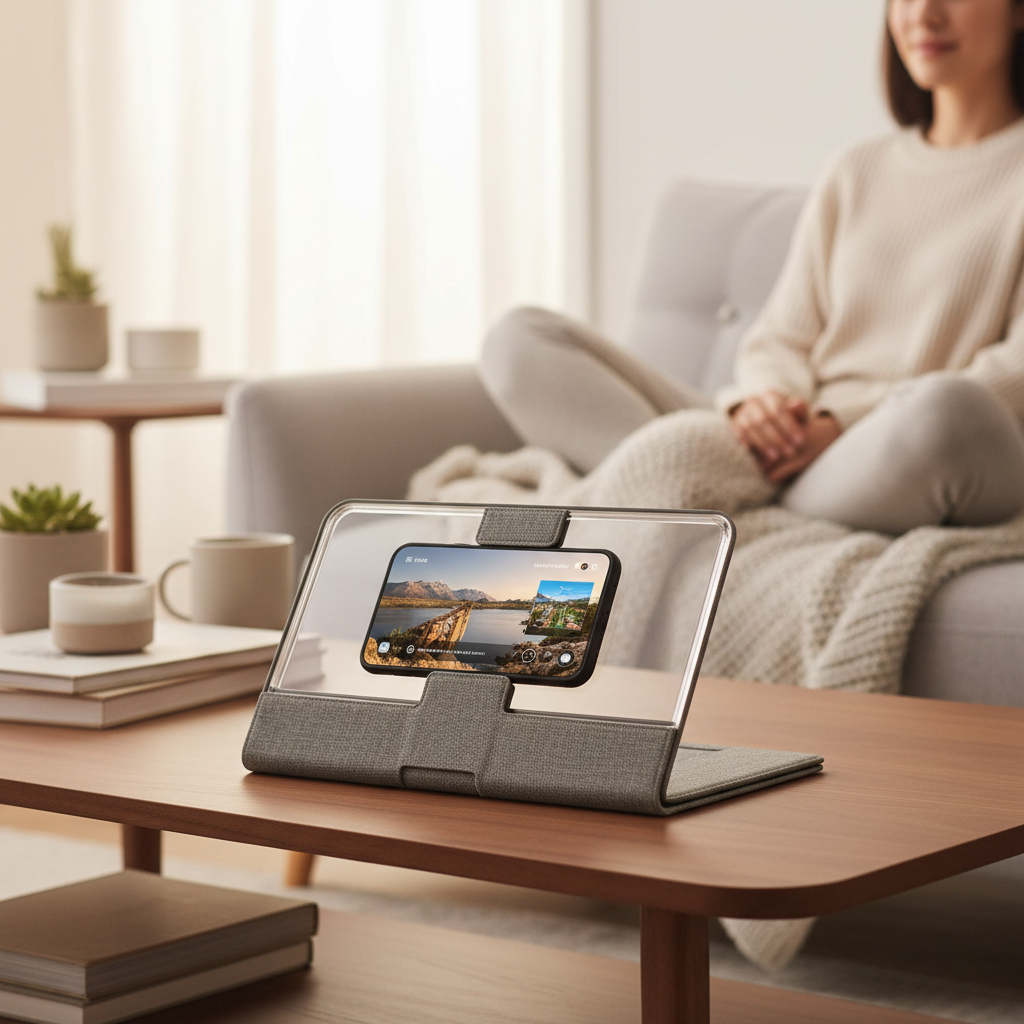
What a phone screen magnifier can (and cannot) do
A phone screen magnifier is basically a stand plus a Fresnel lens, a thin sheet lens that optically enlarges what your phone already shows. That means you get a bigger-looking picture, but not “more pixels,” so a weak lens can look soft around text and edges.
Two expectations to set early:
- It helps most with casual watching: YouTube, movies, sports highlights, TikTok, kids’ videos.
- It is not ideal for fine detail: small subtitles, dense menus, spreadsheets, fast-paced gaming UI.
According to the American Academy of Ophthalmology, managing screen comfort often involves viewing distance, breaks, and reducing glare. A magnifier can help by increasing perceived size, but it does not replace those basics, especially if you already feel headaches or persistent eye strain.
Key factors that decide whether it looks great or “meh”
Most people shop by “12-inch” or “14-inch,” then get surprised by glare or wobble. In real use, these details matter more than the number on the box.
Lens quality and coatings
- Fresnel clarity: better lenses look clearer at the center and less distorted at edges.
- Anti-glare behavior: some lenses reflect lamps hard, making dark scenes annoying.
- Scratch resistance: a few small scratches can create haze in bright scenes.
Stand stability and hinge tightness
If the hinge slips, the viewing angle changes every time you tap the screen. This sounds minor until you are pausing, adjusting volume, or skipping ads.
Phone compatibility (including “giant” phones)
Check the tray width and depth, and whether it supports a phone case. Newer iPhones and large Android models often fit, but thick wallet cases can push the phone too far forward and reduce sharpness.
Best viewing distance
These magnifiers usually look best at a specific distance range, often around arm’s length. If you plan to watch from a bed across the room, you may feel underwhelmed.
Quick comparison table: what to pick for your watching style
Instead of “best overall,” use this as a match-your-situation shortcut.
| Watching situation | What to prioritize | Lens size sweet spot | Common trade-off |
|---|---|---|---|
| Couch / coffee table | Stability, wider lens, glare control | 12–14 inch | Bulkier to store |
| Bedside / night viewing | Angle range, lower reflection | 10–12 inch | Subtitles still small |
| Travel / airplane / hotel | Fold-flat, light weight, quick setup | 8–12 inch | More wobble, smaller boost |
| Kids’ videos | Durability, simple hinge | 10–12 inch | Lens scratches easier |
| Long binge sessions | Comfort distance, glare reduction, stand rigidity | 12–14 inch | Takes desk/table space |
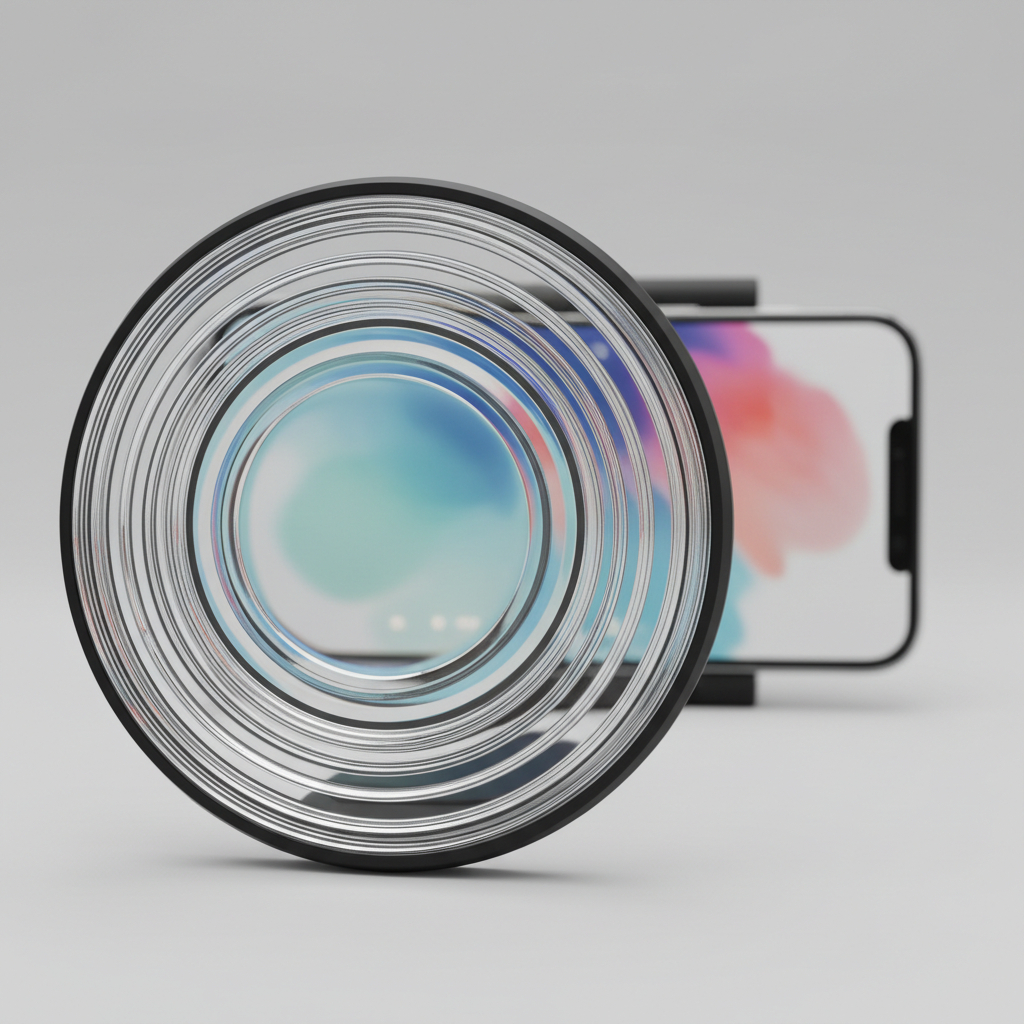
Self-check: are you a good candidate for a screen magnifier?
Before you buy, do a quick reality check. If you say “yes” to most of these, you are in the sweet spot for best phone screen magnifiers for watching.
- You mainly watch video, not lots of small text.
- You usually sit 12–24 inches from your phone (table, lap desk, tray).
- You do not want to wear headphones just to hear better, so you watch with moderate volume.
- You have decent control of lighting, or can reposition a lamp to reduce glare.
- You are okay with a “bigger” image that may not look like a tablet Retina display.
If you often watch with tiny subtitles, or you want crisp UI for games, you might get more satisfaction from a low-cost tablet, a TV casting device, or just using your phone’s accessibility zoom and larger text settings.
How to choose: the short list of specs that actually matter
Here is the buying checklist I would use if I had 3 minutes on a product page.
1) Lens size vs. your space
- 8–10 inch: portable, quick, smaller effect, good for travel.
- 12 inch: the common “sweet spot” for most people.
- 14 inch+: bigger viewing, but more glare risk and more storage hassle.
2) Build quality that prevents frustration
- Hinge should hold position when you tap the screen.
- Phone tray should not flex, especially with heavier phones.
- Frame should feel rigid, not creaky, when you open it.
3) Glare management
Look for language like “anti-reflective” or “anti-glare,” but be cautious: product claims vary, and reviews often reveal the truth. In practice, room lighting position can matter as much as coatings.
4) Audio reality
Magnifiers do not amplify sound. If you watch quietly at night, you may still want Bluetooth earbuds or a small speaker, otherwise you will crank volume and lose the comfort benefit.
Setup tips that make the picture noticeably better
People blame the lens, but the setup usually causes the worst blur and glare.
- Center the phone behind the lens, then adjust distance by sliding it slightly until faces look sharp.
- Raise brightness a bit, but avoid max brightness in a dark room because reflections can get harsh.
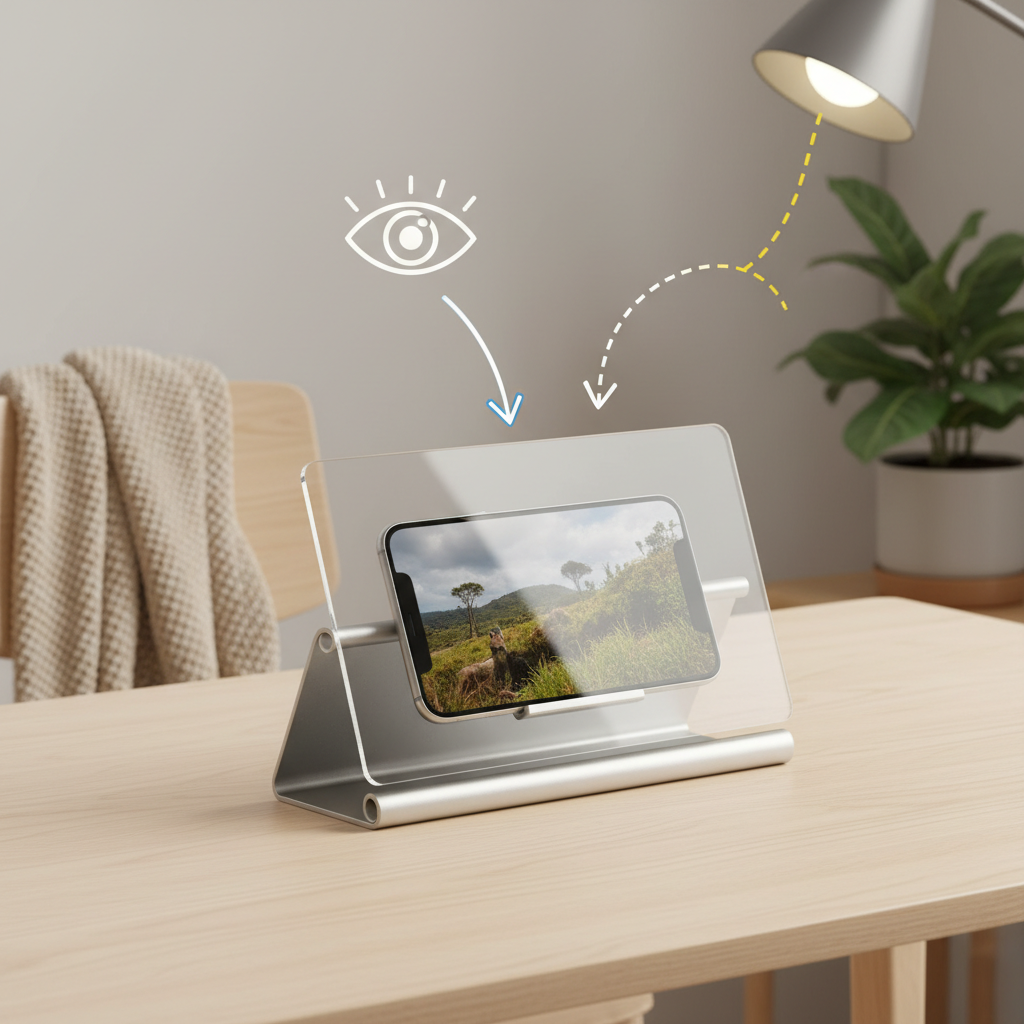
- Kill overhead glare by turning off a ceiling light, or shifting it behind you rather than above the lens.
- Use landscape mode for most streaming apps, it uses more screen area and looks more natural.
- Lock orientation so the screen does not rotate when you change angle.
Key point: if the center looks sharp but edges look warped, that is common with Fresnel lenses, so treat the center as your “sweet spot” and sit square to the lens.
Common mistakes (and what to do instead)
A few missteps show up again and again, and they are easy to fix once you know what you are looking for.
- Buying the biggest lens for a small room: if you sit close, huge lenses can exaggerate distortion and reflect more light.
- Watching with a lamp aimed at the lens: move the light source to the side, or use softer ambient light.
- Expecting tablet-level sharpness: a magnifier enlarges, it does not upgrade resolution.
- Keeping the lens uncovered in a bag: scratches build up fast, use the sleeve or a soft cloth barrier.
- Using it for long work sessions: for reading and email, accessibility settings and a larger screen device usually feel better.
When to consider other options (or ask a professional)
If you are choosing a screen magnifier mainly because watching causes discomfort, zooming the image might help, but it might not solve the underlying issue. According to the Centers for Disease Control and Prevention (CDC), taking regular breaks and adjusting your workstation can support eye comfort during screen use.
Consider a different solution if:
- You regularly get headaches, dizziness, or nausea while watching, and the pattern continues.
- You rely on subtitles and still cannot read them comfortably even with magnification.
- Glare is unavoidable in your main viewing spot, such as a bright window you cannot block.
If symptoms persist, it is reasonable to consult an eye care professional for personalized advice, especially if you have known vision conditions or recently changed prescriptions.
Conclusion: picking “best” is really picking “best for your room”
The best buy usually is not the flashiest model, it is the one with a stable stand, a lens size that matches your viewing distance, and glare behavior you can live with. If you watch a lot on a couch or table, a 12–14 inch option with a rigid hinge tends to feel like the most satisfying upgrade.
If you want a simple next step, do this: measure how far you normally sit from your phone, then choose the lens size from the table above and prioritize stability over gimmicky add-ons.
If you need a more hands-off option, look at pairing a basic magnifier with a small Bluetooth speaker or earbuds, that combination often feels closer to a “mini TV” experience without much setup.