
Best budget gaming chairs under 100 are usually about smart compromises, not miracle comfort for eight-hour marathons, but you can still get something supportive if you shop with a checklist.
If you’ve ever bought a cheap chair that looked great online and felt like a folding chair in real life, you already know the trap, loud “racing” style, thin foam, wobbly base, noisy tilt. Under $100, the goal is less about “premium” and more about fit, stability, and basic ergonomics you’ll actually use.
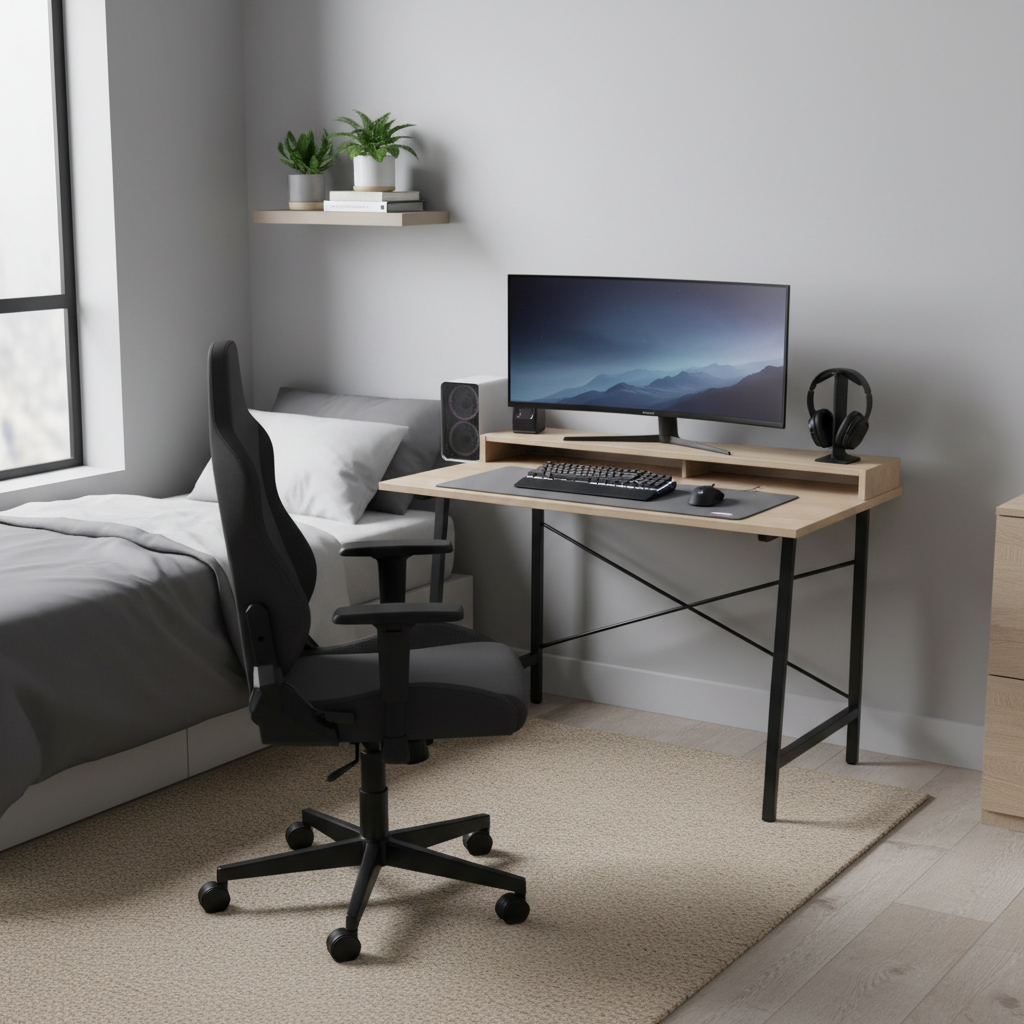
This guide focuses on what matters at this price point, how to tell a “fine for the money” chair from a regret purchase, and when you should skip the gaming label entirely and buy an inexpensive office chair instead.
What you can realistically expect under $100
Most chairs below $100 fall into two buckets, faux-leather “gaming” chairs with aggressive styling, and simple mesh or fabric office chairs that quietly do the job. Both can work, but expectations keep you from buying the wrong thing.
- Comfort: Typically okay for 1–3 hours at a time. Longer sessions depend on your body, posture habits, and whether the seat padding compresses quickly.
- Adjustments: Seat height is a given, tilt is common, but 2D/3D armrests and true lumbar adjustment are rare.
- Materials: PU leather may peel over time, mesh can sag, budget foam can flatten. None of this is shocking under $100, it’s just the trade.
- Noise and wobble: More common than people expect, especially if assembly is rushed or hardware is light.
According to OSHA, neutral posture and proper workstation setup help reduce musculoskeletal strain, so even a cheap chair can feel much better if the desk height and monitor position are right.
Quick comparison table: what to prioritize at this price
If you want a fast way to narrow options, use the table below as a filter. It’s not about brands, it’s about features that usually matter most for real comfort.
| Priority | Why it matters | What to look for under $100 | Common “skip it” sign |
|---|---|---|---|
| Seat width & depth | Prevents thigh pressure and slouching | Seat feels stable, not perched | Very narrow racing sides |
| Back support shape | Helps posture without forcing it | Gentle lumbar curve or included cushion | Flat back with hard seams |
| Armrest height | Reduces shoulder tension | Arms land near desk height | Armrests too low, no adjustment |
| Base & casters | Stability and safety | 5-star base, smooth-rolling wheels | Tippy feel, cheap plastic base |
| Return policy | Fit is personal | Clear returns, easy pickup/drop-off | Vague warranty, high return shipping |
How to tell if a “gaming chair” is worth it (vs a cheap office chair)
Here’s the honest pattern, many best budget gaming chairs under 100 win on looks, but a basic office chair often wins on day-to-day comfort. The best move depends on how you sit and what you play.
Pick a budget gaming chair if…
- You want a higher back and a headrest area, even if it’s simple.
- You like a slightly reclined posture for controller gaming.
- You don’t mind firmer padding and side bolsters.
Pick a budget office chair if…
- You play mostly mouse-and-keyboard and sit upright.
- You run hot, and mesh breathability matters.
- You need practical arm support more than style.
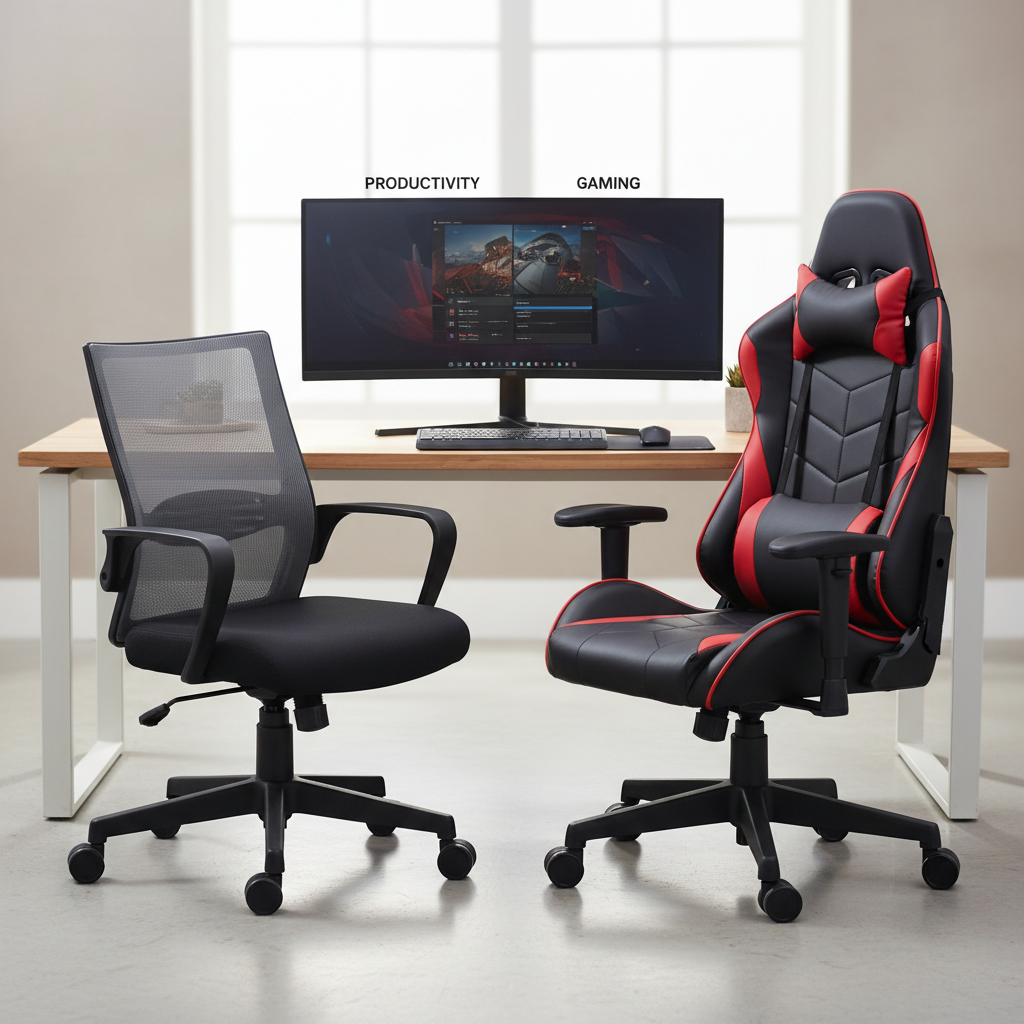
One more practical clue, if the “gaming chair” listing spends more words on RGB and “racing DNA” than on seat dimensions and weight rating, it often tells you where the money went.
Self-check: choose the right size and fit in 60 seconds
Most disappointment comes from fit, not the lack of fancy features. Before you buy, do this quick check and keep it next to the product page.
- Seat height range: Can your feet sit flat with knees near 90 degrees? If you’re shorter, a tall minimum height is a deal-breaker.
- Seat depth: When you sit back, you want a small gap behind your knees. If the seat is too deep, you’ll slide forward and lose back support.
- Armrests: Can they slide under your desk, or will they force your chair too far back?
- Back height: If you want head support, check whether the headrest hits your neck (bad) or the back of your head (better).
- Weight rating: Stay comfortably under it. Real-world stability matters more than marketing.
If you’re buying for a teen or a smaller adult, prioritize a chair with a lower minimum seat height and a narrower seat, oversized “racing” chairs can feel like you’re driving a bus.
Common reasons budget chairs feel bad (and what fixes it)
When a chair feels wrong, people often assume it’s “cheap therefore unusable.” Sometimes that’s true, but often it’s a setup issue or a small part you can change.
- Desk too high: Your shoulders creep up, and your neck pays for it. Try raising the chair and adding a footrest, even a sturdy box works short-term.
- Armrests fighting your posture: If they’re too wide or too low, you end up hovering your arms. If removable, consider removing them for keyboard-heavy games.
- Lumbar cushion in the wrong place: Many included pillows sit too high. Lower it to your belt line, or replace with a small towel roll.
- Seat padding flattening fast: A simple seat cushion can extend the chair’s usable life, but it also raises you, so re-check monitor height after adding one.
According to the Mayo Clinic, good posture and ergonomic alignment can help reduce back strain, but persistent pain should be discussed with a qualified healthcare professional.
Buying tips that matter more than brand names
Under $100, model names change constantly across retailers. Use these buying filters instead, they hold up even when the exact chair disappears next month.
Look for these “green flags”
- Clear dimensions listed for seat width, depth, and back height
- Metal or reinforced base (or at least a sturdy-looking 5-star base)
- Detailed assembly instructions and consistent review photos that match the listing
- Reasonable return window, because fit and comfort can’t be fully predicted
Be cautious with these “red flags”
- Too-good-to-be-true feature stacks at $79, like “4D arms + steel frame + premium foam” with no specs
- Only glam photos, no close-ups of casters, tilt mechanism, or underside
- Reviews that praise looks but mention squeaks, wobble, peeling, or failed gas lift
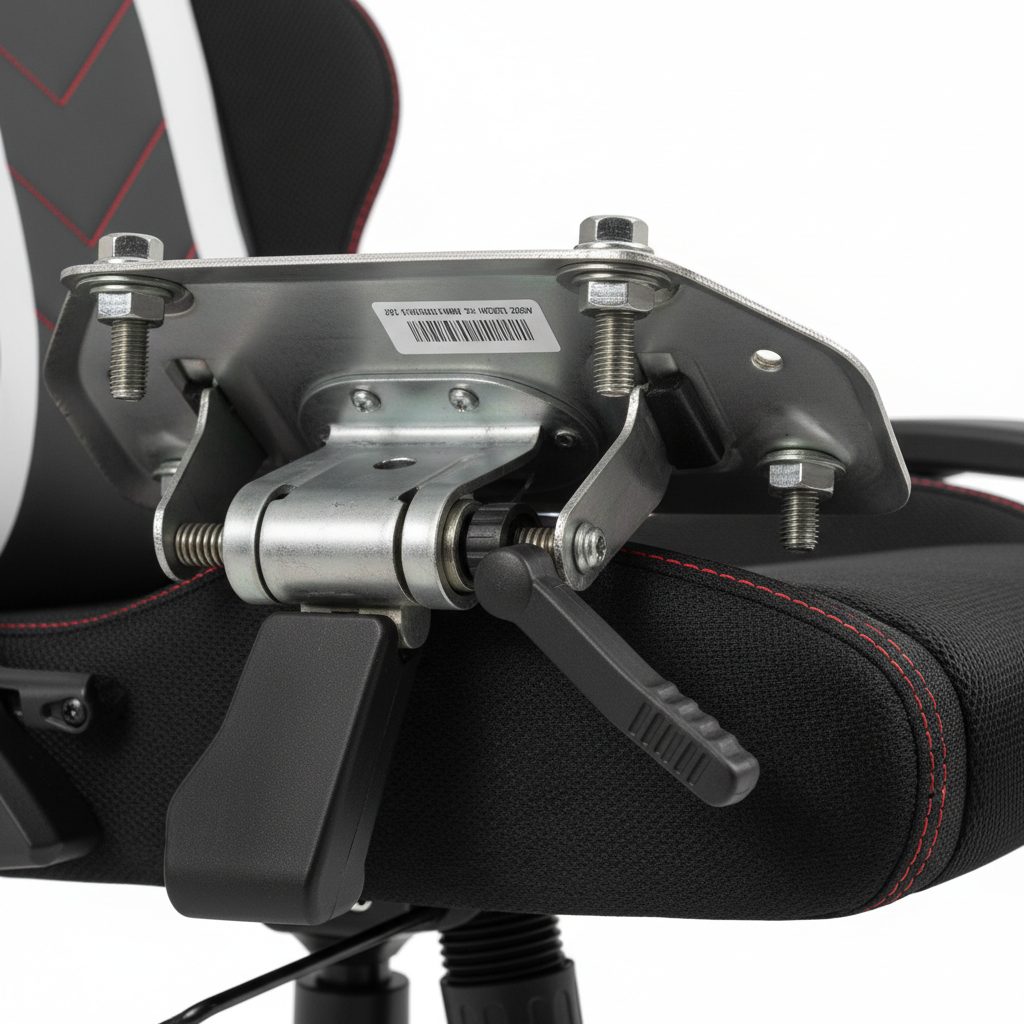
One small move that saves a lot of hassle, scan 1-star and 3-star reviews for patterns. A few random complaints happen, repeated notes about the same failure point usually mean a design issue.
Setup steps: make a $100 chair feel noticeably better
The chair is only half the comfort story. Do these tweaks in order, and stop once things feel “good enough.”
- Set seat height so feet rest flat and thighs feel supported, not dangling.
- Move the chair close so your back touches the backrest while hands reach keyboard or controller comfortably.
- Adjust tilt tension to avoid either falling backward or fighting the chair to recline.
- Match armrests to your task, higher for controller lounging, lower or removable for keyboard aim.
- Fix monitor height so you’re not craning your neck. If needed, use books or a simple stand.
Key takeaway: If your desk setup forces bad posture, even the best budget gaming chairs under 100 will feel “cheap” within a week.
When to spend more (or get outside help)
Sometimes the right advice is “don’t force it.” If you sit for work plus gaming, or you’re dealing with ongoing back, neck, or sciatic-type symptoms, a sub-$100 chair may not be the place to economize.
- If you regularly sit 6+ hours daily, consider stepping up for better foam density, stronger mechanisms, and real adjustments.
- If numbness, sharp pain, or tingling shows up, it’s wise to talk with a qualified healthcare professional, especially if symptoms persist.
- If your posture needs are complicated, a local ergonomic assessment (often offered through workplaces) can be more effective than chasing chair upgrades.
According to NIOSH, ergonomic improvements often combine workstation changes and work habits, not just one product swap.
Conclusion: the “best” under $100 is the chair that fits your body and desk
At this budget, you’re not really buying luxury, you’re buying a chair that avoids the big mistakes: wrong dimensions, unstable base, unusable armrests, and a return policy that traps you. Focus on fit and setup, and you can land a chair that feels solid for the money.
If you want a simple next step, pick two or three candidates, check seat dimensions against your current chair, then buy from the retailer with the easiest return process so you can test comfort without stress.
FAQ
- Are budget gaming chairs under $100 actually comfortable?
Many are comfortable for shorter sessions, especially if the seat fits your legs and the backrest supports your lower back. For long daily use, comfort varies a lot by body type and setup. - What’s better under $100: a gaming chair or a mesh office chair?
Mesh office chairs often feel cooler and more “neutral” for typing and aiming. Gaming chairs can be nicer if you like a higher back and recline, but the bolsters can bother some people. - How do I avoid a chair that peels or cracks?
PU leather can peel with heat, sweat, and friction. If durability worries you, look for fabric or mesh, and keep the chair out of direct sun when possible. - Do I need a lumbar pillow on a cheap chair?
Not always, but many low-cost chairs have flat backs, so a small lumbar cushion can help. The key is placement at the lower back, not mid-back. - What seat height should I look for if I’m shorter?
Pay attention to minimum seat height and whether your feet can rest flat. If the chair sits too high, you may need a footrest, which is fine, but factor it into your budget. - Is it safe to buy an unknown brand at this price?
It can be, but treat the return policy and consistent review patterns as your safety net. Unknown brands with vague warranty language or inconsistent listings are higher risk. - What’s the easiest upgrade to make a cheap chair feel better?
A simple seat cushion and a monitor riser often change comfort more than people expect. Just re-check arm height and monitor position after adding height.
If you’re trying to find the best budget gaming chairs under 100 but don’t want to spend hours comparing listings, a quick “fit-first” shortlist based on your height, desk height, and preferred posture usually gets you to a smarter purchase with fewer returns.