
Best budget gaming headsets with mic are worth shopping for in 2026 because a clear microphone fixes the one problem that ruins more matches than bad aim, teammates simply can’t understand you.
If you’ve tried a few “cheap” headsets, you already know the pattern, the audio is fine, but the mic sounds thin, picks up keyboard clicks, or turns your voice into a tin can. The good news is you don’t need a broadcast mic to sound decent in Discord, PS5 party chat, or Xbox voice chat, you just need the right features and realistic expectations.
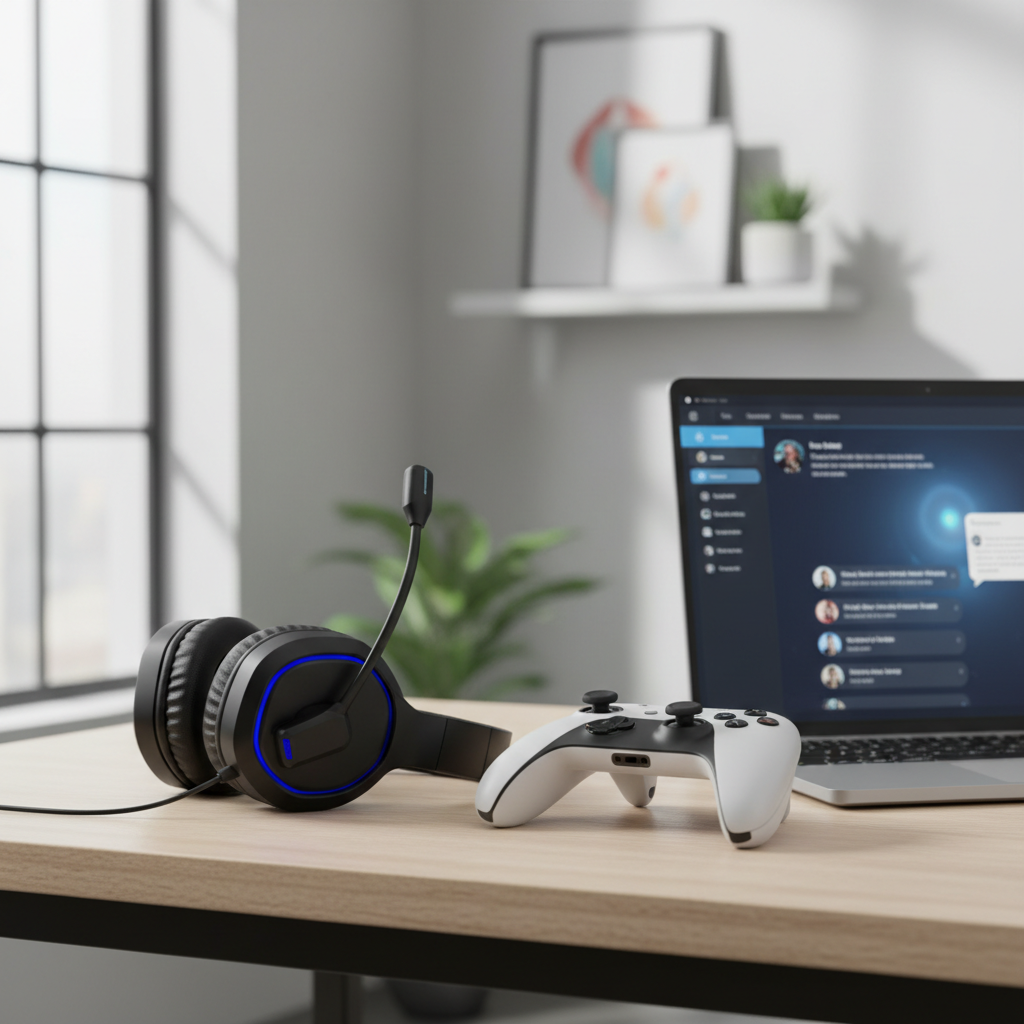
This guide focuses on what actually affects mic clarity at budget prices, a quick way to self-check your current setup, and a short list of models that are usually safer bets. I’ll also call out the common traps, like “surround sound” marketing that distracts from the mic quality you’re really buying.
Quick picks: budget headsets with noticeably better mics
Prices move constantly, so treat these as “typically budget-friendly” options that often show up on sale. Compatibility notes matter as much as sound.
| Model | Best for | Connection | Mic style | What to watch |
|---|---|---|---|---|
| HyperX Cloud Stinger 2 | Value all-rounder | 3.5mm | Flip-to-mute boom | Inline controls vary by platform |
| Razer BlackShark V2 X | Clear-ish voice, light fit | 3.5mm | Boom mic | Software features mostly on PC |
| Logitech G432 | PC gamers who want USB option | USB + 3.5mm | Flip-to-mute boom | Build feels “plasticky” to some |
| Corsair HS55 Stereo | Comfort + simple controls | 3.5mm | Omni boom | Mic can pick up room noise in loud spaces |
| SteelSeries Arctis Nova 1 | Balanced sound + clearer comms | 3.5mm | Retractable boom | Mic benefit depends on placement |
Key point: In the budget range, a solid wired headset often beats a cheap wireless one for mic clarity and consistency. Wireless can still work, but the “good cheap wireless mic” list is shorter.
What makes a budget gaming mic sound clear (and what doesn’t)
Mic quality is less mysterious than brands make it seem. A few practical factors decide whether your voice sounds present and readable.
- Mic position and rigidity: A boom mic that stays put (not drooping away from your mouth) usually wins.
- Noise handling: Many “noise-canceling” claims are really just basic filtering, it helps steady fan noise, but won’t erase a loud roommate.
- Codec and bandwidth (wireless): Cheap wireless headsets may compress voice harder, making you sound dull or robotic.
- Analog vs USB path: A 3.5mm headset depends on your controller, console, or PC audio jack quality, USB headsets bring their own sound card, sometimes cleaner, sometimes not.
- Chat mix features: Nice to have, but it won’t fix a poor mic capsule.

Also, comfort matters more than people admit. If clamp force makes you shift the headset constantly, the mic drifts away from your mouth and clarity drops even if the mic itself is decent.
A fast self-check: is your headset the problem or your settings?
Before you replace anything, run a quick reality check. A surprising number of “bad mic” complaints come from gain, input selection, or distance.
5-minute checklist
- Mic distance: Aim for about 1–2 inches off the corner of your mouth, not directly in front of your lips where breath noise hits.
- Input device: On Windows/macOS, confirm the headset mic is selected, not the laptop mic.
- Input level: If you crank mic gain to 100%, you also boost hiss and room noise, try lowering and speaking slightly closer.
- Platform filters: Discord noise suppression can help, but too much can cut syllables, test toggling it.
- Cable/controller sanity: If you use a 3.5mm jack, test a different controller or port, intermittent grounding can cause crackle.
According to Discord support documentation, using the correct input device and adjusting input sensitivity/noise suppression are common first steps to improve voice clarity in calls, which matches what most people run into when they swap headsets and hear no change.
How to choose the right budget headset (by your platform)
Buying “the best” headset is less useful than buying the best fit for your setup. Here’s how I’d narrow it down.
PC (Discord, Steam, in-game chat)
- If your PC has a noisy audio jack: consider a headset with USB support, or plan for a simple USB audio adapter.
- If you share a room: prioritize a mic known for better background handling and keep expectations realistic, a headset mic can’t do miracles.
- If you stream: a budget headset can work for comms, but many streamers pair it with a separate USB mic later.
PS5 / PS4
- Safest path: 3.5mm wired into the controller is simplest and usually trouble-free.
- Watch chat volume controls: some inline controls behave differently across headsets, return policies matter.
Xbox Series X|S / Xbox One
- Controller jack quality matters: if your mic sounds distorted, test another controller before blaming the headset.
- Keep it simple: wired options avoid compatibility headaches that sometimes show up with USB on consoles.
If your main goal is best budget gaming headsets with mic for cross-platform use, a solid 3.5mm model with a stable boom mic is still the most predictable choice.
Practical setup tips to make any headset mic sound better
These are small tweaks, but together they can make your voice easier to understand, even on an entry-level headset.
- Angle the mic slightly off-axis: point it toward the corner of your mouth to reduce plosives.
- Lower mic gain, close the distance: less amplification often means less background noise.
- Control the room: turn your mic away from your keyboard, and if possible keep a soft surface nearby to reduce echo.
- Use push-to-talk in loud homes: it’s annoying at first, then it becomes muscle memory.
- Do a 30-second recording test: Windows Voice Recorder or a Discord mic test will reveal clipping and hiss quickly.
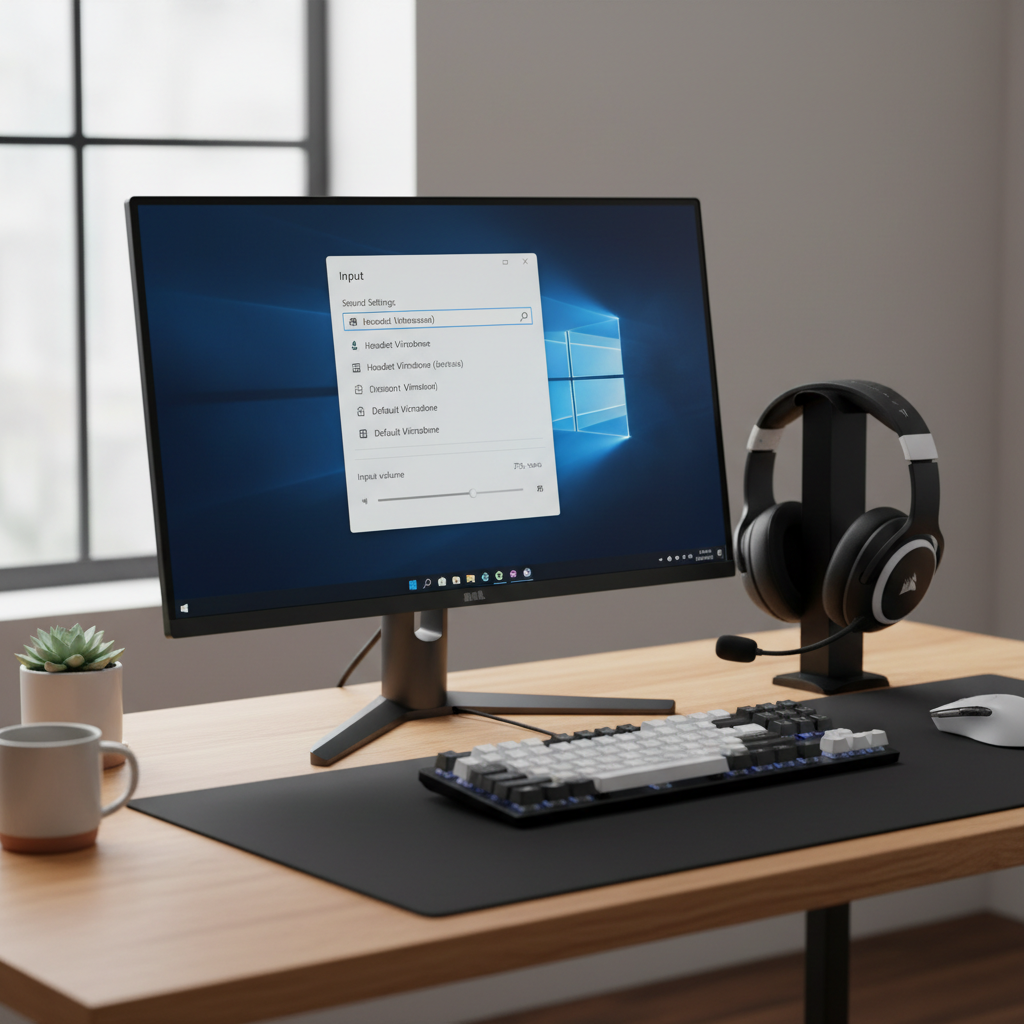
One more thing people skip, check your teammates. If three friends say you sound muffled but one says you sound fine, the problem might be their voice chat settings or their mix, not your mic.
Common mistakes when shopping budget headsets (that cost you time)
- Overvaluing “7.1 surround”: it rarely improves competitive play as much as comfort and clean imaging, and it says nothing about mic clarity.
- Ignoring return windows: mic quality is partly subjective, and your room noise profile is unique.
- Assuming wireless equals upgrade: many budget wireless mics are “fine,” but not necessarily clear.
- Skipping platform compatibility notes: especially with USB dongles and console support.
- Buying for looks: RGB doesn’t help your callouts land.
When it’s time to consider a separate mic (or professional help)
If you’ve tried placement, gain, and input selection and your voice still sounds thin or noisy, your headset might be the limiting factor, but it might also be the environment. A loud mechanical keyboard, untreated echo, or a very noisy PC fan curve can overwhelm a headset mic.
In those cases, a basic USB microphone plus closed-back headphones often upgrades clarity more than cycling through multiple cheap headsets. If you’re troubleshooting on a work-managed PC or you suspect driver conflicts, it can be worth asking IT or a knowledgeable friend to confirm device settings and permissions. If you experience ear pain or ringing after long sessions, consider reducing volume and, if symptoms persist, consulting a qualified clinician, hearing health is not a place to guess.
Conclusion: the smartest way to buy in 2026
For most people, the “win” is picking a comfortable wired headset with a stable boom mic, then spending five minutes on placement and input settings. That combo usually beats chasing fancy features at the same price.
If you want a quick next step, pick two candidates, check compatibility with your platform, then buy from a retailer with an easy return policy so you can test your voice in your real room, on your real setup.
Key takeaways
- Mic placement and input settings can make a bigger difference than swapping brands.
- Wired options remain the most consistent route for best budget gaming headsets with mic shopping.
- Use a short recording test before your next ranked session, it saves frustration.
FAQ
- What are the best budget gaming headsets with mic for Discord?
Look for a wired 3.5mm or USB headset with a boom mic that holds position, then tune Discord input level and noise suppression so it doesn’t cut off words. - Why does my headset mic sound muffled on PS5?
It’s often mic distance, controller jack quality, or input level. Try moving the mic closer, lowering gain, and testing another controller if possible. - Are cheap wireless gaming headsets bad for microphone quality?
Not always, but many budget wireless models compress voice more aggressively. If clarity is your top priority, wired is usually the safer bet. - How can I stop my mic from picking up keyboard clicks?
Lower mic gain, bring the mic closer to your mouth, and angle it away from the keyboard. Push-to-talk can be a practical fix in louder rooms. - Do I need noise canceling on a headset mic?
It helps with steady background noise, like fans, but it won’t erase sudden sounds. A better approach is placement plus sensible gain and software suppression. - Is USB or 3.5mm better for a budget headset?
Depends on your device. USB can bypass a noisy PC jack, while 3.5mm is simple and very compatible with consoles. If you can, test both paths. - Should I buy a separate mic instead of upgrading my headset?
If you need consistently crisp voice for streaming or competitive comms and your room is noisy, a separate USB mic often improves clarity more than another budget headset.
If you’re trying to narrow down best budget gaming headsets with mic choices for your exact platform and room noise, it can be easier to share your setup details and get a short shortlist rather than guess from spec sheets.