
Budget gaming keyboards 2026 aren’t just “cheap boards with RGB” anymore, you can get fast polling, decent stabilizers, and solid software without paying flagship prices.
If you’ve been burned by mushy keys, rattly spacebars, or a board that disconnects mid-match, you already know the problem: budget gear can be a gamble, and returns waste time. The good news is that the market has matured, so the gamble is smaller if you know what to check.
This guide helps you pick a keyboard that feels good, holds up, and fits your game and desk, without pretending one model fits everyone. I’ll also point out where it’s worth spending a little extra, and where it’s usually marketing.
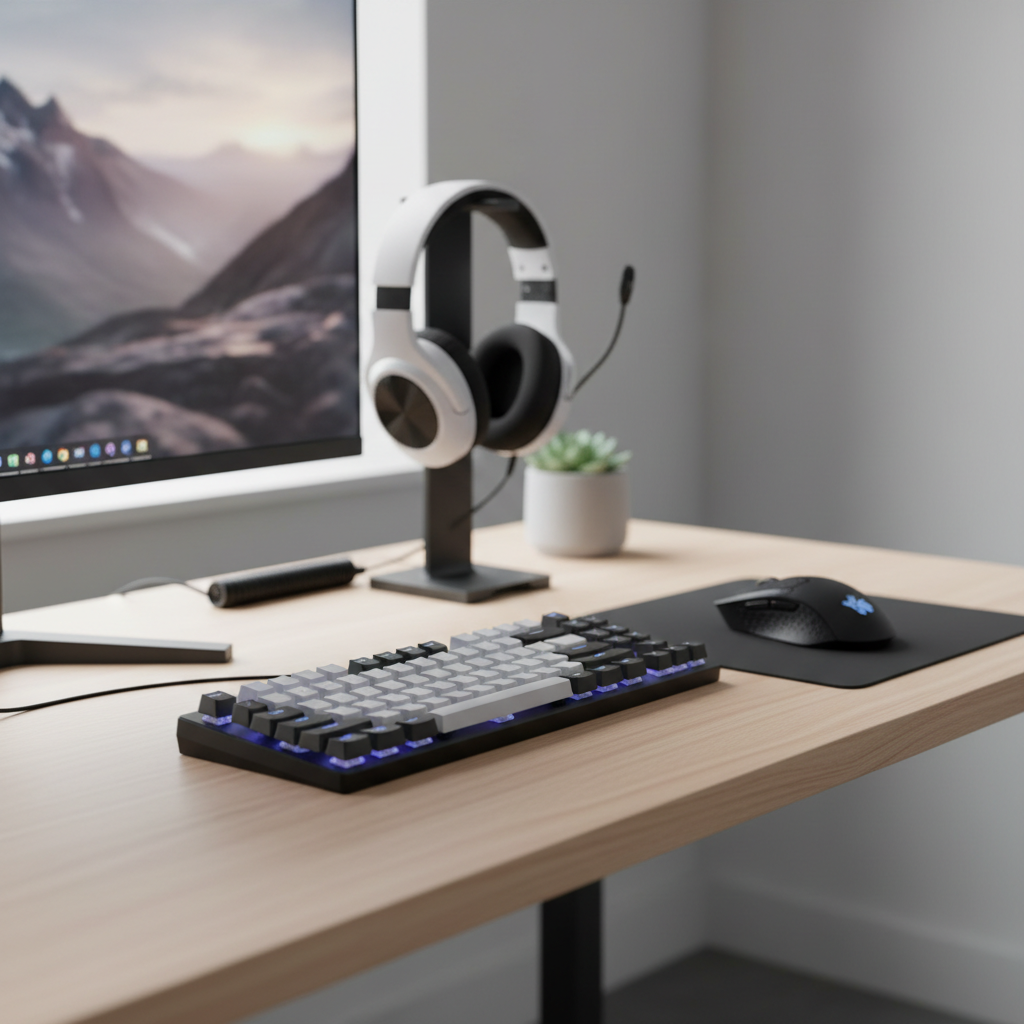
What “budget” really means in 2026 (and what you should still expect)
In the U.S., “budget” usually lands around $30–$90, with a crowded middle at $50–$70. Below that, you can still find workable options, but quality control becomes the big variable.
What you can reasonably expect in 2026, even on affordable boards:
- Low-latency wired play that feels responsive for most games
- Good-enough key feel (especially from mainstream mechanical switch clones and improved membranes)
- Basic lighting control and macro support, sometimes app-based
- Better layouts (65%, TKL) that free mouse space for low-sens FPS players
What still tends to cost more: consistently quiet stabilizers, truly premium keycaps, and “it just works” wireless across every PC and USB environment.
Quick comparison table: choose your lane before you shop
If you pick the lane first, you’ll stop chasing specs that don’t matter for your games.
| Type | Who it fits | Typical pros | Common budget downsides |
|---|---|---|---|
| Mechanical (hot-swappable) | Want to tinker or fix later | Easy switch swaps, longer life, better feel | Case ping, uneven stabilizers out of box |
| Mechanical (non hot-swap) | Set-and-forget buyers | Often cheaper, still “real” mechanical | Harder to repair or customize |
| Membrane / mecha-membrane | Quiet budget setups, casual play | Lower cost, sometimes quieter | Mushy feel, wear can feel uneven over time |
| Wired vs wireless | Depends on desk and portability | Wired is simplest; wireless cleans cables | Budget wireless can have sleep quirks or unstable dongles |
Why some cheap gaming keyboards feel “off” (real-world causes)
A lot of disappointment comes from a few repeat issues, and they’re easy to miss on product pages.
- Stabilizer rattle: the spacebar, Enter, and Shift sound hollow or clacky because the stabilizers aren’t well tuned.
- Case resonance: thin plastic cases can “ping” when keys bottom out, especially on linear switches.
- Inconsistent switches: budget batches can vary, so a few keys feel scratchier or heavier.
- Software friction: drivers that require accounts, run hot in the background, or reset profiles after updates.
- USB/power quirks: some boards act weird on front-panel USB, hubs, or KVMs, which feels like “lag” even when it’s stability.
According to USB-IF (the USB Implementers Forum), USB compliance matters for consistent device behavior across hosts and hubs, and cheap peripherals sometimes cut corners on implementation. You don’t need to memorize standards, just be aware that “random disconnects” can be a design or QC issue, not your imagination.
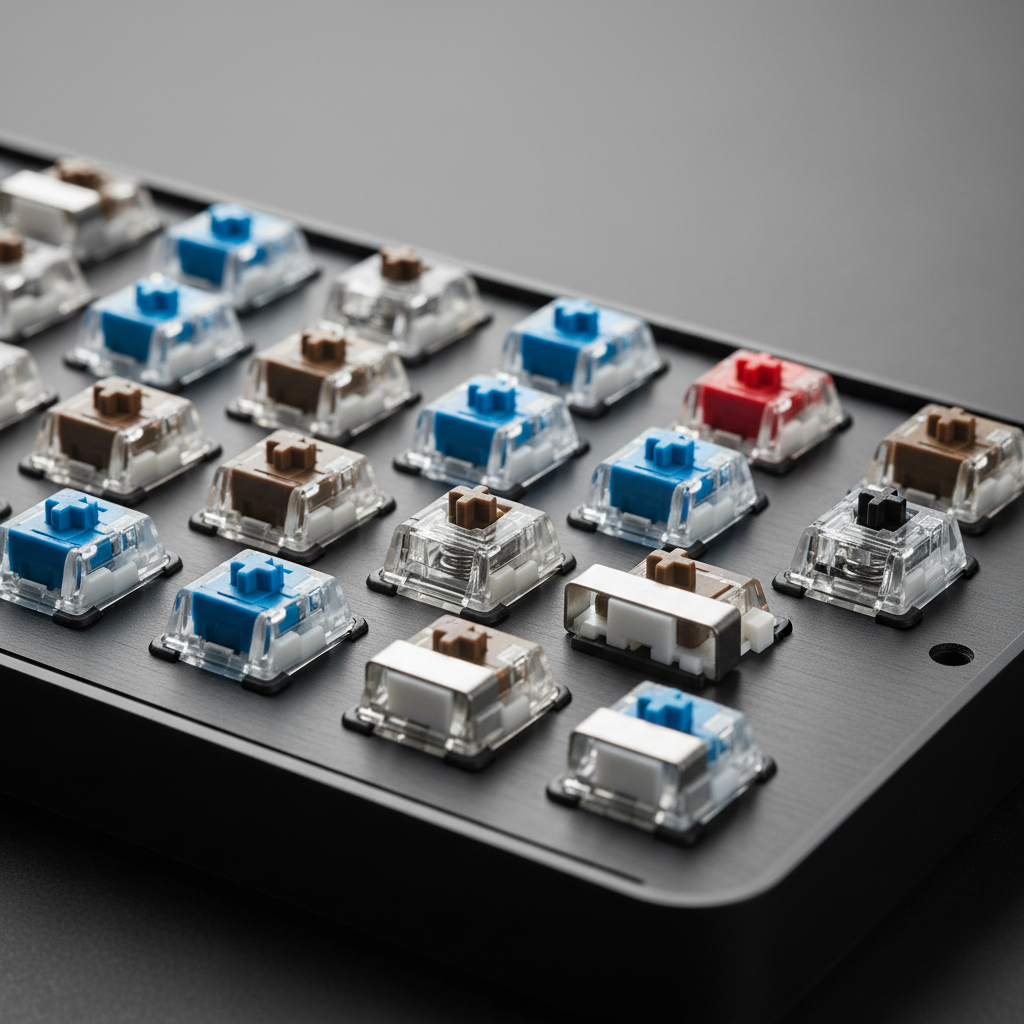
Self-check: the fastest way to know what you actually need
Before you buy, answer these quickly. Your “best” budget choice changes a lot based on these.
Game style and feel
- Competitive FPS: prioritize a stable wired connection, TKL/65% for mouse room, and switches you can spam comfortably (often linear).
- MMO/MOBA: macros and comfortable key spacing matter, a full-size board can be fine if your desk allows.
- Single-player + typing: look for quieter stabilizers and a less fatiguing feel (often tactile, sometimes dampened linear).
Layout and desk constraints
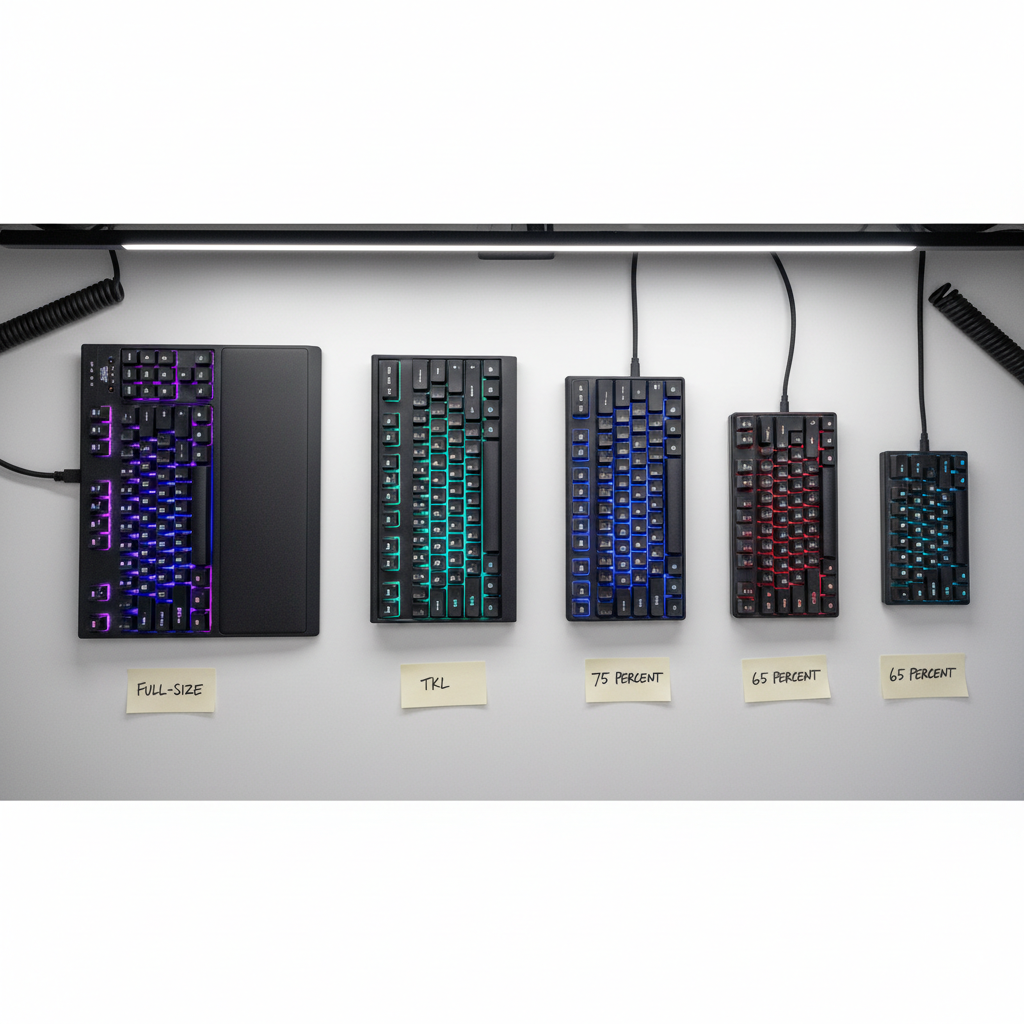
- Need a numpad for school/work? Go full-size or 1800-compact.
- Low mouse sensitivity or small desk? TKL or 65% usually feels better.
- Want arrow keys without thinking? Consider 75% or TKL.
Noise tolerance
- Roommates, mic, late-night sessions: avoid clicky switches, and consider O-rings or factory-dampened options.
- If you stream: stable sound matters more than RGB, because a rattly spacebar is what your viewers hear.
How to shop budget gaming keyboards in 2026 without wasting money
Here’s the practical process that saves most people from buyer’s remorse.
1) Filter for the features that actually reduce risk
- Hot-swap (optional but valuable): if a switch dies or you hate the feel, you’re not stuck.
- Standard keycap compatibility: common bottom-row sizes make upgrades easy later.
- Decent return policy: for budget gear, returns are a real part of QC management.
2) Don’t overpay for “gaming” badges
In many cases, wired latency on modern controllers is already fine for normal play. What still matters more is consistency: no random double-typing, no disconnects, no firmware weirdness.
According to Microsoft documentation on Windows input devices, keyboards are handled through standard HID behavior, and stability/compatibility comes down to solid device implementation and drivers. Translation: a simple, well-built board can beat a flashy one with shaky software.
3) If you want wireless, define what “good wireless” means for you
- 2.4 GHz dongle: usually the easiest for gaming responsiveness.
- Bluetooth: great for laptops and tablets, but can feel less consistent depending on environment.
- Battery behavior: check reviews for sleep/wake delays, that’s the budget wireless annoyance people mention most.
Recommended picks by scenario (not a single “#1”)
I’m not going to claim one keyboard wins for everyone, because what feels “best” is usually a mix of switch feel, layout, and how picky you are about sound.
- Best for competitive FPS on a small desk: a wired TKL or 65% board with linear switches, simple software, and a sturdy case. If you can find hot-swap in your budget, it reduces risk.
- Best for school/work + gaming combo: 75% or TKL with tactile switches, plus readable legends and a comfortable typing angle. A volume knob is nice, but not required.
- Best ultra-budget under ~$40: prioritize reliability and warranty over extra effects. A solid membrane can be the right move if you need quiet and you don’t want to mod.
- Best “upgrade-friendly” budget: hot-swap mechanical, standard keycap sizes, and a community-supported layout so you can swap caps or switches later without fighting compatibility.
If you’re building a shopping list for budget gaming keyboards 2026, this “by scenario” approach is what keeps you from paying for features you won’t touch after week one.
Setup tips that make a cheap keyboard feel better fast
Some improvements cost little, and they’re more effective than chasing a higher polling number.
- Stabilizer quick fix: if your spacebar rattles, a tiny bit of safe stabilizer tuning can help, but if you’re not comfortable opening hardware, it’s fine to choose a board with better stock tuning instead.
- Keycap swap: thicker caps can change sound and feel, just confirm compatibility with your layout and switch type.
- Angle and wrist comfort: a cheap wrist rest can reduce fatigue on long sessions, but comfort is personal, if pain persists, consider asking a clinician.
- USB sanity check: if you get disconnects, try a rear motherboard USB port, avoid low-quality hubs, and update firmware only from the brand’s official page.
Common mistakes (and what I’d do instead)
- Buying clicky switches for “gaming feel”: clicky can be fun, but many people regret the noise fast, especially with a mic. If unsure, go tactile or a quieter linear.
- Assuming RGB equals quality: lighting tells you almost nothing about stabilizers, case resonance, or long-term consistency.
- Ignoring layout: a full-size board on a tight desk can force awkward mouse posture, and that hurts more than any small performance spec helps.
- Over-modifying on day one: if you’re new, start with return-friendly testing. Modding can void returns and turn a simple swap into a project.
Conclusion: the smartest way to buy in 2026
The best move with budget gaming keyboards 2026 is picking a layout that fits your desk, choosing a switch feel you can live with, then buying from a place that makes returns painless if QC bites you. If you do those three things, you’re already ahead of most “spec sheet” shopping.
If you want an easy next step, make a short list of two layouts you’d actually use (like TKL and 75%), then pick one wired option and one hot-swap option within budget, compare them on comfort and noise for a few nights, and keep the one you forget you’re using.
FAQ
- Are budget gaming keyboards 2026 good enough for competitive play?
Often yes for wired play, the bigger difference tends to be comfort and consistency. If your board doesn’t chatter, disconnect, or feel fatiguing, you’re in a good place. - Should I choose linear or tactile switches for FPS?
Many FPS players prefer linear for rapid repeats, but tactile can be great if you like feedback. If possible, try a switch sampler, feel beats guesses. - Is hot-swap worth paying extra for on a tight budget?
If you’re unsure about switch feel or you keep keyboards for years, hot-swap can save money later. If you replace gear often, it matters less. - Do I need 1000 Hz polling to game well?
It can help on paper, but real satisfaction usually comes from stable firmware, good feel, and a layout that supports your posture. Don’t let polling distract you from basics. - Why does my spacebar sound worse than other keys?
It’s usually stabilizers. Better stock tuning, thicker keycaps, or light tuning can reduce rattle, but not every budget board responds the same way. - Are membrane keyboards automatically bad for gaming?
No, many are perfectly playable, especially for casual use, and they can be quieter. The tradeoff is feel and long-term consistency. - What’s the safest way to buy online if I can’t test in person?
Prioritize clear return policies, read recent owner feedback for QC patterns, and avoid sketchy software downloads. If the brand’s support pages look neglected, that’s a signal.
If you’re trying to narrow down a short list and you tell me your budget, games, and preferred layout, I can help you sort which features are worth paying for and which ones you can skip without regret.