
Budget laptop bags 2026 can be genuinely travel-ready and office-appropriate, but only if you shop by fit, protection, and carry comfort instead of chasing the lowest price tag. The good news, most “expensive-looking” bags still cut corners somewhere, so you can often get similar real-world performance for less if you know what to check.
If you commute, fly a few times a year, or bounce between meetings and coworking spaces, a laptop bag stops being an accessory and starts being daily gear. Zippers, straps, and padding either make your day easier, or quietly annoy you until you replace the bag and buy twice.
This guide focuses on practical picks and a simple way to decide: what kind of traveler or worker you are, what features matter, and where budget models tend to disappoint. You’ll also get a quick comparison table, a short checklist, and buying tips you can use in 10 minutes.
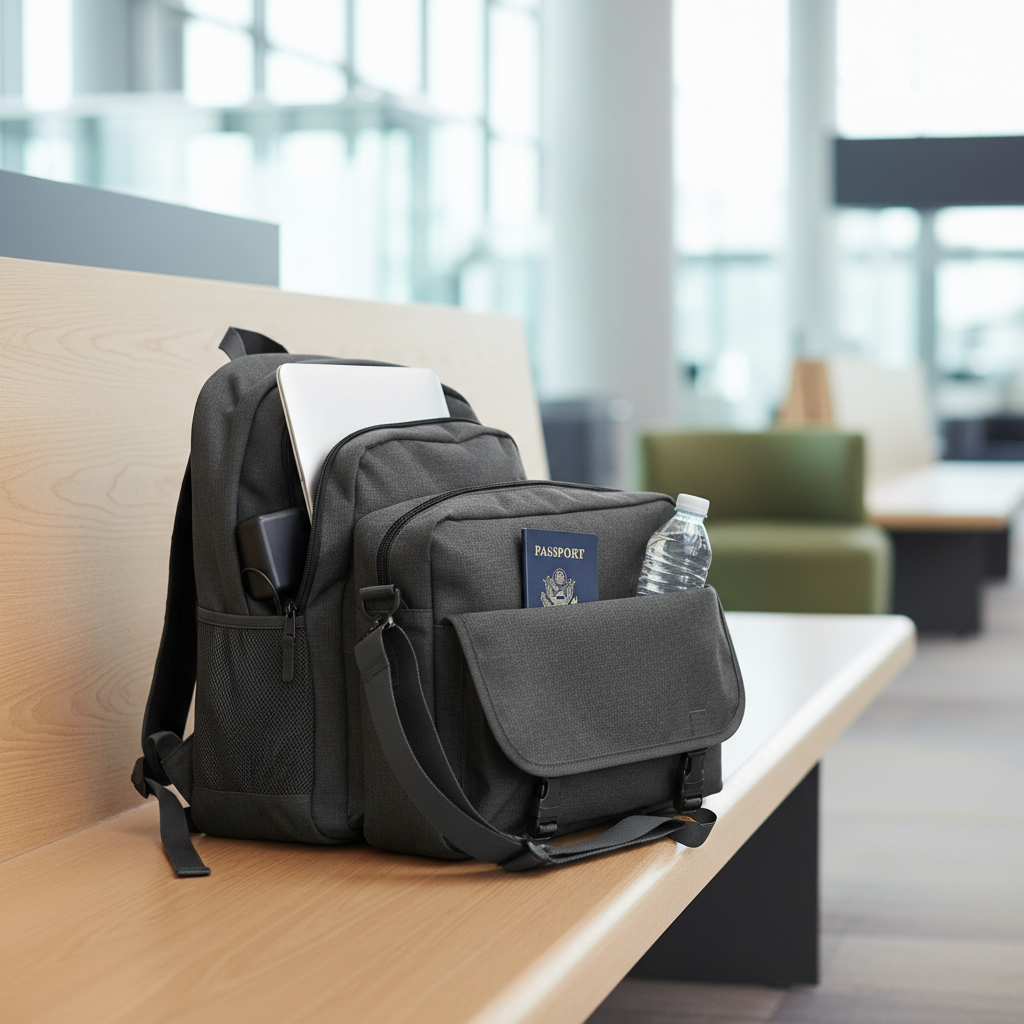
What “good” looks like in a budget laptop bag (2026 standards)
A budget bag can still hit the basics if the brand prioritizes structure and stress points. In 2026, the baseline expectation is “protect the laptop, carry comfortably, survive daily use,” not “hold everything.”
- Laptop compartment fit: A snug sleeve that matches your laptop size (13/14/15/16 inch) beats a loose “universal” pocket.
- Impact protection: Look for thick bottom padding and some side structure so corners don’t take the hit when you set it down.
- Water resistance: “Water-resistant” fabric helps with drizzle and spills, but it’s not a dry bag. Sealed zippers cost more, so budget models often skip them.
- Comfort: Wide straps, breathable back panel, and a stable shape matter more than extra pockets.
- Carry options: A luggage pass-through is underrated if you travel even a little.
According to TSA, laptops typically need to be removed at checkpoints unless you have TSA PreCheck or you’re using certain lanes and procedures, so easy-access tech storage makes security less chaotic.
Quick comparison: best laptop bag styles for travel + work
Most people don’t need “the best bag,” they need the best style for their routine. Use this table to narrow your search before you get lost in listings.
| Style | Best for | Pros | Watch-outs (common in budget models) |
|---|---|---|---|
| Backpack | Commutes, airports, heavier loads | Even weight, hands-free, usually best capacity | Flimsy back panels, weak strap stitching, laptop sleeve floating too high |
| Messenger | Office days, lighter tech load | Fast access, looks “work” quickly | Shoulder fatigue, bag swings when moving, limited water bottle storage |
| Tote | Minimal carry, short trips | Easy in/out, pairs with business casual | No structure, laptop bumping edges, handles wearing out |
| Hybrid (backpack/brief) | Mixed travel + meetings | Versatile carry modes, often has luggage sleeve | Extra straps add bulk, hardware rattles, odd weight distribution |
Top picks: budget laptop bags for travel and work (by scenario)
Rather than naming one “winner,” it’s more useful to pick by how you actually move through the day. These are the bag types and features that tend to deliver value without paying premium branding.
1) The frequent flyer on a budget
Prioritize a backpack with a luggage pass-through, smooth zippers, and a laptop sleeve that opens wide enough for quick screening. For budget laptop bags 2026, the biggest win is a bag that stays stable on your back and doesn’t collapse when half-full.
- Look for: structured back panel, top grab handle that feels reinforced, dedicated quick-access pocket for wallet/keys
- Nice to have: separate “admin” panel for cables, AirTag-style key clip
- Avoid: ultra-light fabric that wrinkles and sags, thin shoulder straps that dig in
2) The train/bus commuter who carries lunch + tech
You want capacity and organization without the bag turning into a black hole. A backpack with a separated main compartment helps keep food away from your laptop sleeve, even if it’s just a divider pocket.
- Look for: dual compartments, easy-to-clean lining, external water bottle pocket
- Nice to have: reflective accents for early/late commuting
3) The office-first professional who travels occasionally
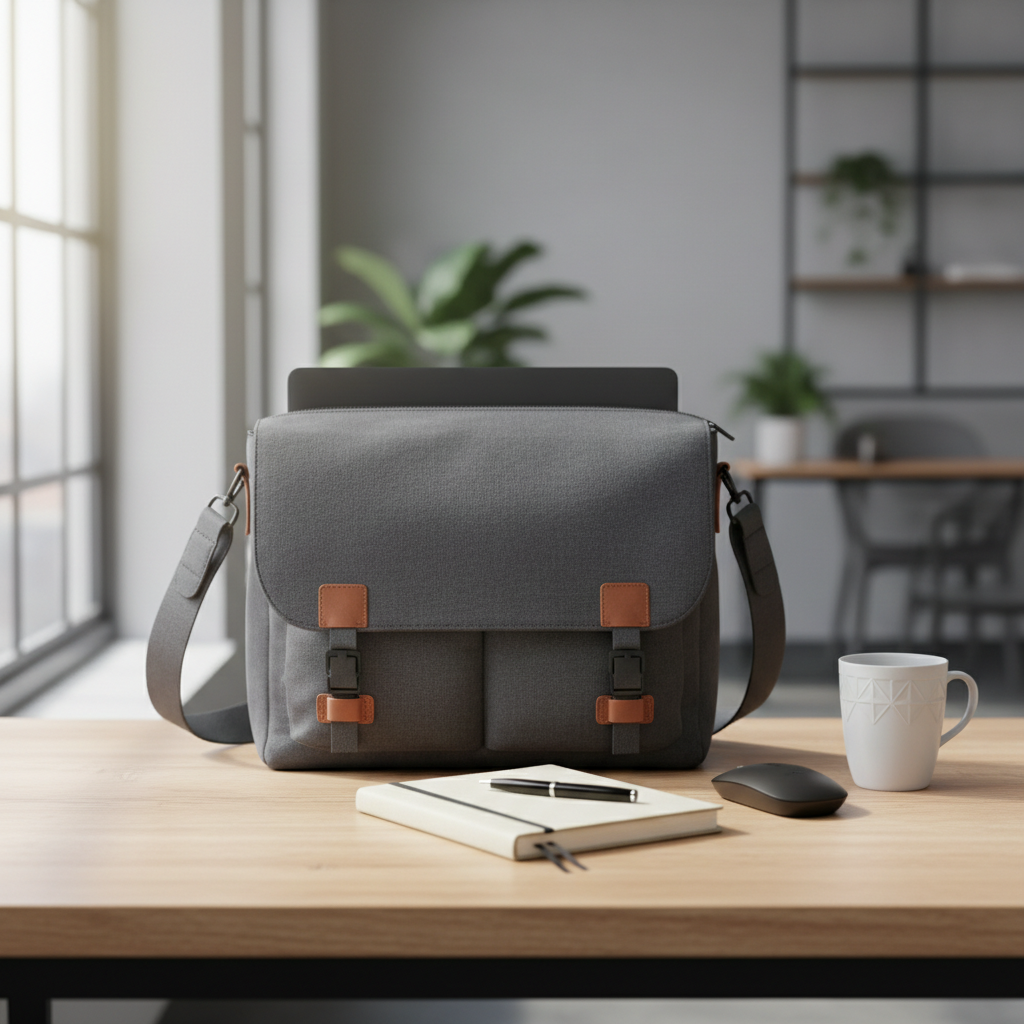
Messenger bags and sleek totes look more “meeting-ready,” but they punish your shoulder if you carry a heavy laptop daily. If you go this route, keep your load light and choose a wider strap with good padding.
- Look for: stable strap (non-slip pad), structured laptop sleeve, flat bottom that lets the bag stand
- Nice to have: removable strap so it converts to a brief
- Avoid: magnetic snaps only, they can pop open when the bag is stuffed
4) The student or hybrid worker who needs durability
Durability is mostly about stress points: strap anchors, zipper quality, and the bottom panel. In budget territory, many bags look fine until the seams start to creep.
- Look for: bar-tack stitching at strap joints, thicker base fabric, sturdy zipper pulls
- Nice to have: simple internal organization, not 20 tiny pockets you’ll never use
How to tell if a bag will actually fit your laptop (fast checks)
“Fits up to 15.6 inches” is marketing shorthand, not a promise. If you want fewer returns, check three things.
- Device dimensions: Compare your laptop’s width and depth (not just screen size) to the sleeve measurements if provided.
- Sleeve height: A sleeve that sits too high can leave the laptop corner exposed when the bag tips over.
- Entry angle: Some bags have a tight top opening; the laptop technically fits but fights you every time.
According to Apple, MacBook models vary in physical dimensions even when screen size looks similar, so using exact measurements is usually safer than relying on “13-inch” or “15-inch” labels.
Buyer checklist: what to prioritize for travel vs. work
If you only remember one thing, remember this: your “must-haves” should match your most annoying moments, not your aspirational travel plans.
- Travel-heavy: luggage sleeve, stable backpack harness, quick-access pocket, water-resistant exterior
- Work-heavy: clean silhouette, stands upright, quiet hardware, simple interior that doesn’t snag cables
- Mixed use: hybrid carry options, removable straps, minimal branding, laptop sleeve with false bottom
For budget laptop bags 2026, prioritize structure and comfort first, organization second, “extra features” last. A bag that carries well makes even a messy interior tolerable.
Practical steps: how to shop smart and avoid regret
This is the part most people skip, then get surprised by a return. Five minutes of screening saves you a lot of hassle.
- Zoom into photos: Look at stitching where straps meet the body, and at the zipper track. If listings hide those angles, that’s a hint.
- Read the “1-star” pattern: Not for drama, for repeated failure points like broken zippers or torn straps.
- Check the base: A reinforced bottom panel matters more than an extra USB pass-through you won’t use.
- Test your load: Count what you truly carry: laptop, charger, mouse, notebook, bottle, maybe headphones. Buy for that, not for “just in case.”
According to Federal Aviation Administration (FAA) guidance on lithium batteries, spare lithium-ion batteries should generally be carried in the cabin and protected from short circuit, so having a dedicated pocket for power banks and cables can be a practical safety habit. If you’re unsure about airline rules for your setup, checking your carrier’s policy is worth it.
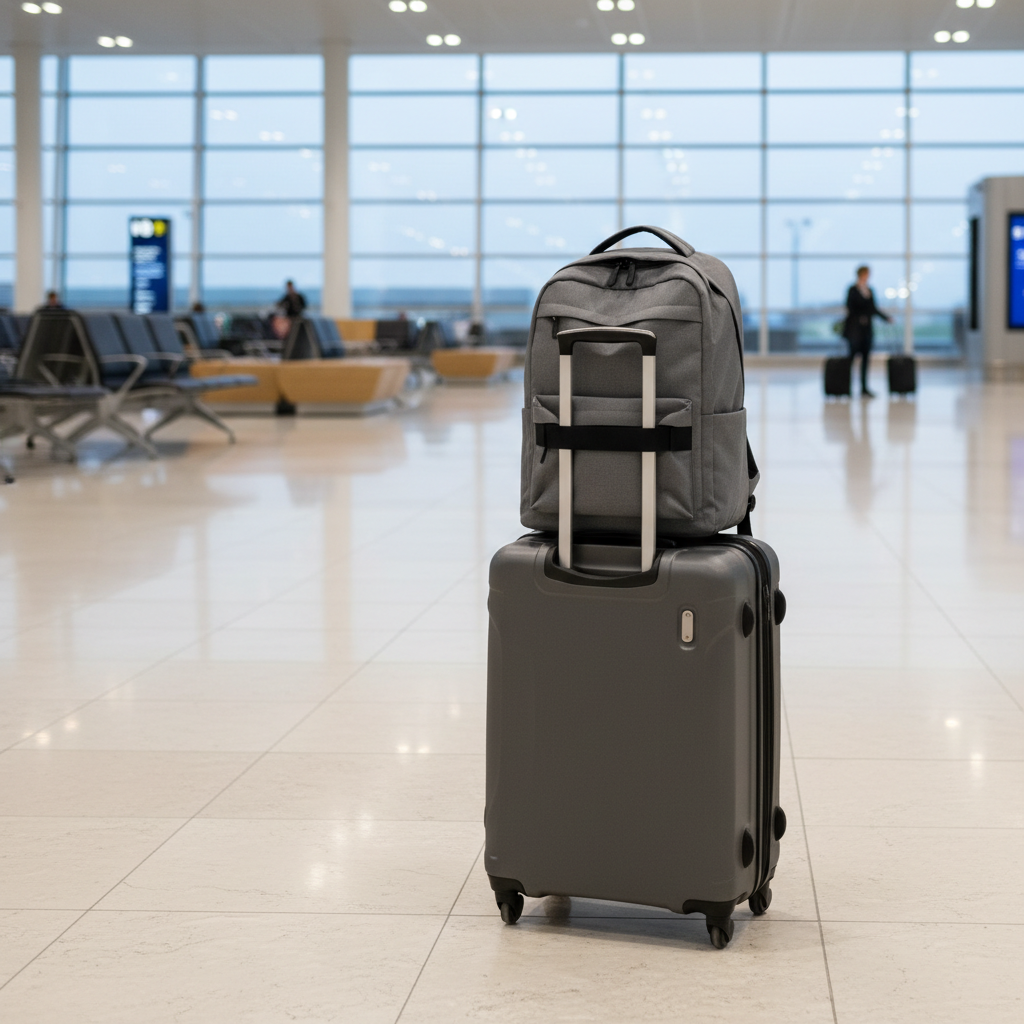
Common mistakes with budget laptop bags (and what to do instead)
Budget doesn’t mean “bad,” but it does mean you have less margin for gimmicks. These are the traps that show up most often.
- Overbuying organization: Too many pockets create bulk and wasted space. Instead, use one pouch for cables and pick a cleaner interior.
- Ignoring strap comfort: A stiff, narrow strap feels fine in-store and painful after a week. Instead, prioritize strap width and padding before anything else.
- Assuming water resistance equals waterproof: Light rain is fine, downpour is not. Instead, keep a packable rain cover or a simple plastic sleeve for your laptop on travel days.
- Picking the wrong size: A huge bag encourages overpacking and shoulder strain. Instead, size to your real carry list.
If you routinely carry heavy loads and feel back or shoulder discomfort, a more supportive backpack or a professional fitting at an outdoor retailer might help, and if pain persists it’s sensible to consult a healthcare professional.
Key takeaways (so you can decide today)
- Fit and protection beat brand name in the budget tier.
- For travel, the luggage sleeve and stable harness matter more than extra pockets.
- For work, choose a bag that stands up, opens cleanly, and looks calm in a meeting.
- Skim reviews for repeated failure points, not overall star ratings.
- Budget laptop bags 2026 are a smart buy when you focus on structure, straps, and a real laptop sleeve.
FAQ
What are the best budget laptop bags 2026 for a 16-inch laptop?
Look for listings that provide sleeve dimensions, not just “fits 16-inch.” Many 16-inch laptops are wide, so a bag that claims 15.6-inch support might still work, but it’s tighter than you want for daily use and airport checks.
Is a backpack always better than a messenger bag for commuting?
For heavier loads, usually yes because weight stays balanced. Messenger bags can still be great if you carry light and want quick access, but shoulder fatigue is the trade-off most people underestimate.
Do I need a TSA-friendly lay-flat laptop compartment?
It can speed up screening in some situations, but it’s not a magic pass. If you travel often, quick-access and a sleeve that opens wide may matter more than “TSA-friendly” labeling.
What material should I look for in an affordable laptop bag?
Common options include polyester and nylon blends, sometimes with a water-resistant coating. In budget models, build quality and stitching often matter more than the fabric name, so inspect stress points closely.
How long should a budget laptop bag last?
It depends on how much weight you carry and how often you travel. If zippers and strap stitching are solid, a budget bag can last multiple years, but ultra-thin fabric and weak hardware tend to fail sooner.
Are USB charging ports on bags worth it?
They’re convenient in theory, but many people stop using them because they add clutter and don’t improve protection. A small internal pocket for a power bank and a short cable often works just as well.
What’s the easiest way to make a cheap laptop bag more protective?
Add a slim laptop sleeve, keep the laptop in the dedicated compartment, and avoid putting heavy items in the same section. This small upgrade can reduce corner impacts without changing the bag.
Conclusion: a budget-friendly bag that feels “right” is usually the best one
If you want a simple decision rule, buy the bag that fits your laptop cleanly, carries comfortably for your longest typical day, and has just enough structure to protect the bottom corners. Then stop shopping.
Pick one style from the table, run the fast fit checks, and shortlist two options with strong strap stitching and a real laptop sleeve. That’s how you land a dependable bag without overpaying.