
laptop cooling pads 2026 are worth looking at if your laptop runs hot, throttles performance, or feels uncomfortable on your lap, because a decent pad can improve airflow and make heat management more predictable.
Overheating is rarely just “a hot day” problem, it shows up as noisy fans, sudden slowdowns in games or video calls, and in some cases random shutdowns that feel like the device has a mind of its own. The frustrating part is you can’t always fix it with a single setting.
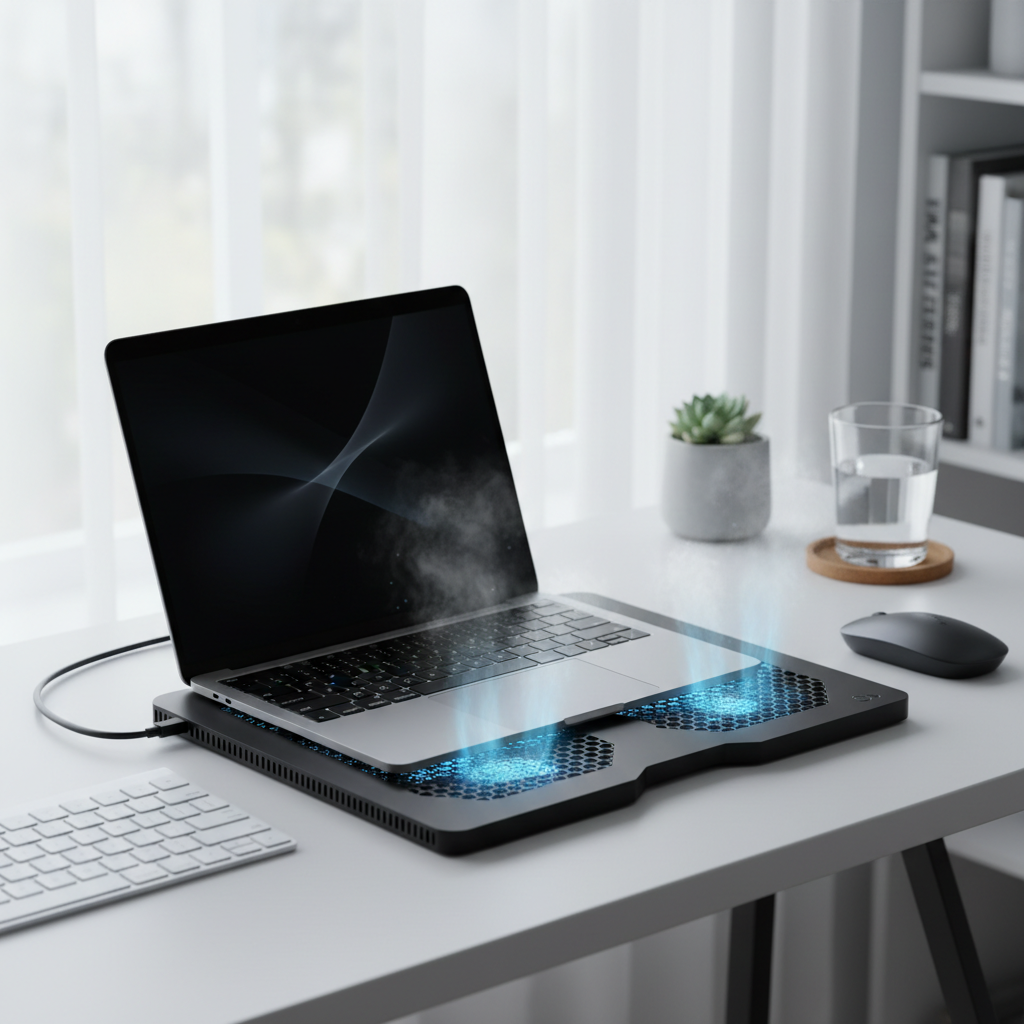
This guide focuses on what actually matters when picking a cooling pad in 2026: your laptop type, how you use it, and whether heat is coming from blocked intake, high CPU load, or a tired internal cooling system. You’ll also get a short self-check, a comparison table, and setup steps that usually help even before you buy anything.
One common misconception: bigger fans automatically mean cooler laptops. In real use, fit and airflow alignment often beat “more RPM,” and the wrong pad can make noise without meaningful temperature improvement.
Why laptops overheat (and when a cooling pad helps)
A cooling pad works best when your laptop pulls air from the bottom and exhausts it out the sides or rear. If your device mostly vents through the hinge area and has limited bottom intake, you may still benefit, but gains can be smaller.
- Blocked airflow: Soft surfaces, dust, and cramped spaces choke intake vents, the laptop heats up fast, fans spike, performance drops.
- High sustained loads: Gaming, video editing, compiling code, and long Zoom days keep CPU/GPU at higher power, heat becomes constant rather than occasional.
- Ambient heat: Warm rooms reduce cooling headroom, the same workload runs hotter in summer.
- Aging thermal system: Dust buildup, worn thermal paste, or a weak fan curve can raise temps even at moderate workloads.
According to Intel and AMD guidance on modern mobile processors, brief temperature spikes can be normal, but sustained high temperatures may lead to thermal throttling, which is the system intentionally reducing speed to protect components.
Quick self-check: do you need a cooling pad or a different fix?
Before you shop, try to sort your overheating into a category. It saves money and reduces trial-and-error.
60-second diagnosis checklist
- Fans ramp up on a desk within minutes of a heavy task: a pad often helps, especially with bottom intake laptops.
- Only overheats on bed/couch: you may need a hard surface or lap desk more than extra fans.
- Hot even at idle or during light browsing: suspect dust, background apps, or a cooling system issue.
- Keyboard area is hot but underside airflow seems fine: a pad may improve comfort more than performance.
- Random shutdowns: treat as a safety signal, stop pushing load until you check temps, power settings, and hardware health.
If you can, use a reputable temperature monitor for your OS to see whether the CPU/GPU is hitting high sustained temperatures under load, numbers vary by model, so focus on patterns like “always spikes and stays high” rather than chasing a single threshold.
What to look for in laptop cooling pads 2026 (features that actually matter)
Cooling pads have gotten more polished, but the fundamentals did not change: airflow direction, fit, and noise control decide whether you love it or abandon it in a week.
- Size and vent alignment: Match pad deck to your laptop footprint, and aim fans where intake vents sit, especially for gaming laptops.
- Airflow design: A sealed or semi-sealed chamber can push air through vents more effectively than open mesh, depending on your laptop intake layout.
- Noise profile: Look for wide RPM range and a controller that holds stable speeds, “quiet” claims vary a lot in real rooms.
- Adjustable angles: Slight elevation can improve airflow and typing comfort, even with fans off.
- USB pass-through and power: Prefer pads that don’t steal your last port, USB-C powered options exist but compatibility differs.
- Build and stability: Rubber stops and a rigid frame matter more than RGB, unless aesthetics are part of your setup.
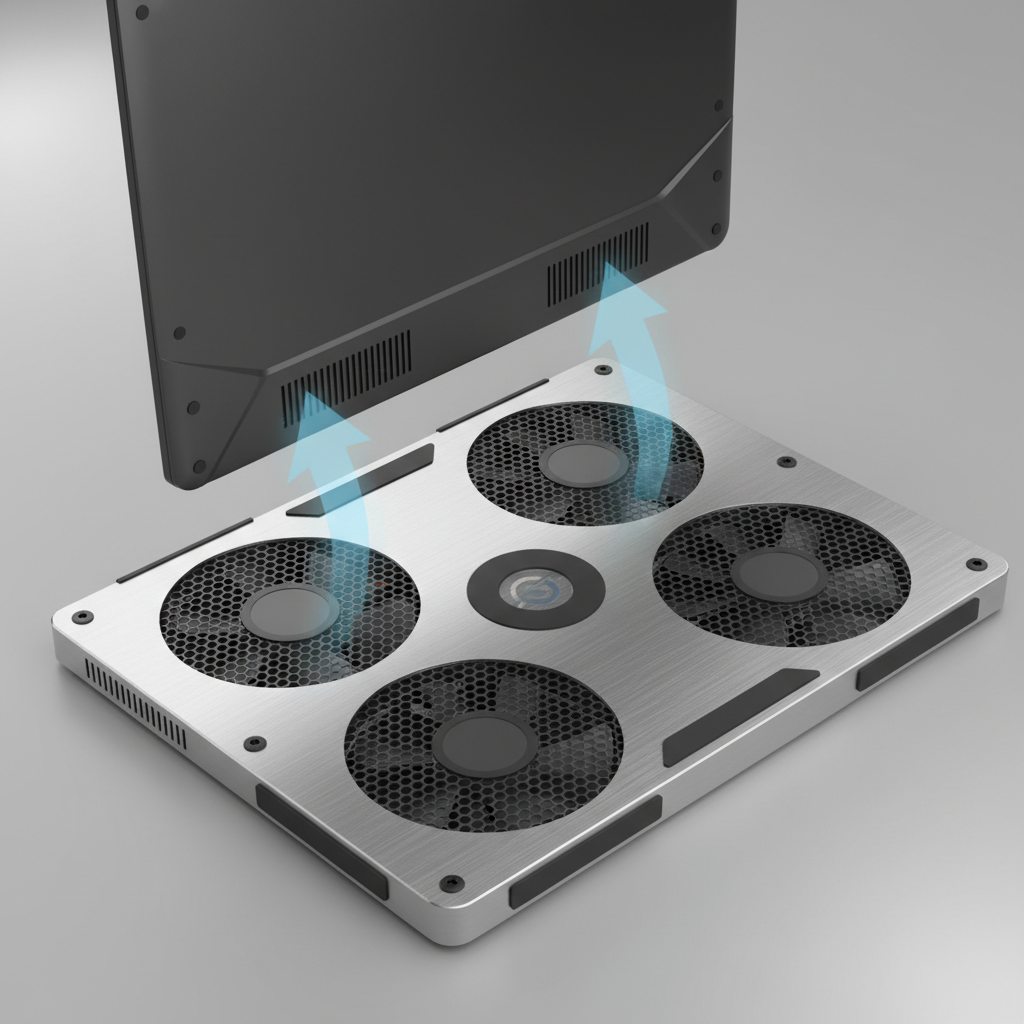
Key point: if the pad pushes air to areas with no intake, you may feel airflow but see limited temperature change, this is why “one-size-fits-all” recommendations often miss.
Comparison table: which cooling pad style fits your laptop and habits?
Instead of naming a single “best,” it’s more realistic to match a style to your situation, because laptop chassis layouts vary wildly.
| Cooling pad type | Best for | Typical pros | Trade-offs |
|---|---|---|---|
| Large multi-fan mesh pad | Everyday laptops, mixed use | Balanced airflow, often affordable, decent comfort | Fan alignment can be generic, noise varies by model |
| Sealed “turbo” blower style | Gaming laptops with strong bottom intake | More focused pressure, can reduce throttling in sustained loads | Usually louder, fit matters a lot |
| Passive stand (no fans) | Office work, travel, quiet rooms | Silent, improves posture and airflow via elevation | Limited help under heavy CPU/GPU load |
| Laptop lap desk with ventilation | Couch/bed users | Prevents blocked vents, improves comfort | Cooling effect depends on airflow channels, bulkier |
Shortlist: best laptop cooling pad picks by scenario (practical, not hype)
When people search for the best laptop cooling pads for overheating, they usually have one of these scenarios. Pick the bucket first, then compare models inside it.
1) Gaming and long renders
- Look for: stronger pressure design, stable high-speed fan control, firm sealing around the laptop underside where possible.
- Prioritize: vent alignment and stability over extra features like phone stands.
- Reality check: if your laptop is already hitting its power limits, you may see smoother performance more than dramatic temperature drops.
2) Work laptop that gets hot during calls and multitasking
- Look for: quiet fans, gentle elevation, a larger surface that keeps the base cool to the touch.
- Prioritize: comfort and noise over maximum airflow.
3) Thin-and-light ultrabook, mostly heat around keyboard
- Look for: a stable stand with mild airflow, or a quiet mesh pad where the intake exists.
- Tip: even a passive stand can help if the main issue is restricted underside airflow.
4) Bed/couch use
- Look for: a lap desk with a rigid surface and air channels, fans are secondary.
- Avoid: small pads that sink into blankets and still block vents.
Setup steps that usually improve cooling (even before buying)
If your goal is fewer shutdowns or less throttling, small setup moves can matter as much as the accessory.
- Elevate the rear edge slightly, even 0.5–1 inch can improve intake and reduce heat soak into the desk.
- Clean intake paths: clear dust from vents using safe methods for electronics, if you’re unsure, a repair shop can do it quickly.
- Check power mode: “Best performance” can push sustained wattage, try “Balanced” for everyday work.
- Control background load: browsers, sync tools, and updaters can keep CPU active, use Task Manager/Activity Monitor to spot patterns.
- Place fans where vents are: on adjustable-fan pads, spend two minutes aligning, it’s boring but it’s the difference maker.

Quick comfort win: if your wrists and palms feel hot, a pad that adds tilt and a cooler surface often feels better immediately, even if temperature sensors only show modest change.
Common mistakes and safety notes (what not to do)
- Cranking fan speed 24/7: you may gain little and add constant noise, use higher speeds only during sustained load.
- Blocking exhaust vents: some pads with raised lips can interfere with rear exhaust on certain laptops, check clearance.
- Assuming temps should be “cold”: laptops run warm by design, the goal is stability and avoiding throttling or shutdowns.
- Ignoring swelling batteries: if you notice case bulging, trackpad lifting, or unusual smells, stop using the device and seek professional service, overheating and battery issues can be a safety risk.
According to Apple safety guidance for portable computers and lithium-ion batteries, devices should be used within recommended operating conditions and serviced if they show signs of damage or abnormal heat. If you suspect a hardware fault, a qualified technician is a safer next step than experimenting.
Conclusion: choosing the “best” pad is really about matching airflow to your laptop
The best laptop cooling pads for overheating in 2026 are the ones that match your vent layout, keep noise reasonable, and fit how you actually work, desk, couch, travel, or long gaming sessions. If you only do one thing today, run the quick self-check, then choose between a focused high-pressure pad for heavy loads or a quieter mesh/stand style for everyday comfort.
If you’re shopping this week, make a short list of two models in the right category, confirm the pad size matches your laptop, and pay attention to how the fans line up with intake vents, that simple step usually prevents buyer’s remorse.
FAQ
Do laptop cooling pads really work for overheating?
They often help, but the improvement depends on where your laptop pulls air from and how restricted airflow is right now. If bottom intake is blocked or weak, a pad can make a noticeable difference, if intake is elsewhere, the effect may be smaller.
What should I prioritize when buying laptop cooling pads 2026?
Fit and vent alignment first, then noise control and build stability. Extra features are nice, but they rarely fix thermal throttling if airflow does not reach the intake vents.
Is a passive laptop stand better than a fan cooling pad?
For office work and quiet environments, a stand can be the better choice because it improves airflow by elevation without noise. For gaming or rendering, active airflow usually helps more.
How do I know if my laptop is throttling because of heat?
You’ll usually feel sudden performance dips under the same workload, paired with loud fans and high sustained temperatures in a monitor tool. If clocks drop while temps stay high, heat is a likely factor.
Can a cooling pad damage my laptop?
Most won’t, but poorly designed pads can block exhaust vents or push dust into intakes over time. Use reasonable fan speeds, keep surfaces clean, and ensure the pad doesn’t obstruct vent paths.
Do I need to replace thermal paste instead of buying a cooling pad?
Sometimes, especially on older laptops that overheat even at moderate load. If you’re not comfortable opening the device, a repair shop can assess it, a pad can still help, but it won’t fix a failing internal cooling system.
Why does my laptop overheat only when it’s on my bed?
Bedding usually blocks intake vents and traps hot air around the chassis. A rigid lap desk is often a more reliable fix than adding stronger fans.
If you’re trying to pick between a few laptop cooling pads 2026 options and want a quicker decision, start by checking your laptop’s underside vent locations and your main use case, gaming, work calls, or couch use, then compare pads only within that category so you’re not paying for features that won’t move the needle.