
The best budget ssd external hard drive is usually the one that matches your port (USB-C or USB-A), your real file sizes, and how rough your day-to-day carry looks—not the one with the loudest “up to” speed on the box.
Budget external SSDs have gotten genuinely good, but the market is messy: confusing USB labels, dramatic performance claims, and big price swings week to week. If you buy based on one spec, you can end up with a drive that feels slow on your laptop, or one that runs hot during long transfers.
This guide focuses on what actually matters for value: sustained speed (not just burst), enclosure durability, warranty, and whether your devices can even take advantage of faster USB. You’ll also get a quick self-check, a comparison table, and a short “buy this if” decision path.
What “budget” should mean for an external SSD (and what it shouldn’t)
In practical shopping terms, “budget” often means paying less per gigabyte while still getting predictable performance for backups, school/work files, and game libraries. It does not mean settling for sketchy brands, no warranty, or an enclosure that feels like it will crack in a backpack.
Two reality checks help keep expectations sane:
- Many budget drives are fast in short bursts, then slow down once a cache fills. That can be fine for photos and documents, but frustrating for multi-hundred-GB transfers.
- Your port can bottleneck everything. A great drive on an older USB-A 5Gbps port will not feel “2,000MB/s fast.”
According to USB-IF, USB naming has changed multiple times (USB 3.2 Gen 1/Gen 2, etc.), and it’s easy for shoppers to misunderstand what speed their port supports. So, yes, the confusion is kind of baked in.
The main reasons budget external SSDs disappoint
When people say a “cheap SSD is slow,” it’s usually one of these situations rather than the drive being “bad” in general.
- Port mismatch: plugging a Gen 2 drive into a Gen 1 port, or using a cheap cable that can’t sustain higher speeds.
- Thermal throttling: thin enclosures can heat up during long writes, then performance drops to protect the controller.
- Small dynamic cache: once the fast cache fills, sustained write speed can fall sharply on some models.
- Capacity choice backfires: some SSD families perform differently at 500GB vs 1TB vs 2TB, depending on NAND and controller behavior.
- Wrong format for your workflow: exFAT is convenient across Windows/macOS, but certain pro workflows prefer APFS or NTFS for reliability or permissions.
Quick self-check: which “budget” external SSD profile are you?
Before you shop, answer these quickly. It takes one minute, and it saves you from paying for speed you can’t use.
- Mostly small files (docs, classwork, photos): prioritize reliability, warranty, and portability over top-end speeds.
- Large single files (4K video, disk images): prioritize sustained write performance and heat management.
- Gaming library on PC/console: prioritize consistent read speeds, good enclosure durability, and a capacity you won’t outgrow.
- Travel/backpack life: prioritize rugged casing, strain relief, and a short cable that won’t snag.
- Older laptop with USB-A only: prioritize value per GB; faster Gen 2 drives won’t shine here.
If you’re not sure, choose the “small files + travel” profile—most people fall there, and it keeps the buy simple.
Budget external SSD comparison table (what to look for)
Instead of pushing a single “winner,” this table shows the specs and buying signals that tend to matter most at budget prices. Use it to compare any model you’re considering.
| What you’re comparing | Good budget target | Why it matters | Common trap |
|---|---|---|---|
| Interface | USB 3.2 Gen 2 (10Gbps) if your device supports it | Real-world speed depends on the slowest link | Buying Gen 2 for a Gen 1 port |
| Real sustained writes | Stable for your file sizes | Long transfers expose throttling/cache limits | Only checking “up to” ratings |
| Capacity | 1TB as a value sweet spot (often) | Fewer compromises than 500GB in many lines | Buying too small, then replacing soon |
| Warranty & support | 3–5 years from known brands | Budget shouldn’t mean no safety net | Marketplace “brands” with unclear support |
| Cable/connector | USB-C cable rated for speed | Bad cables cause disconnects or slowdowns | Using random charging cables |
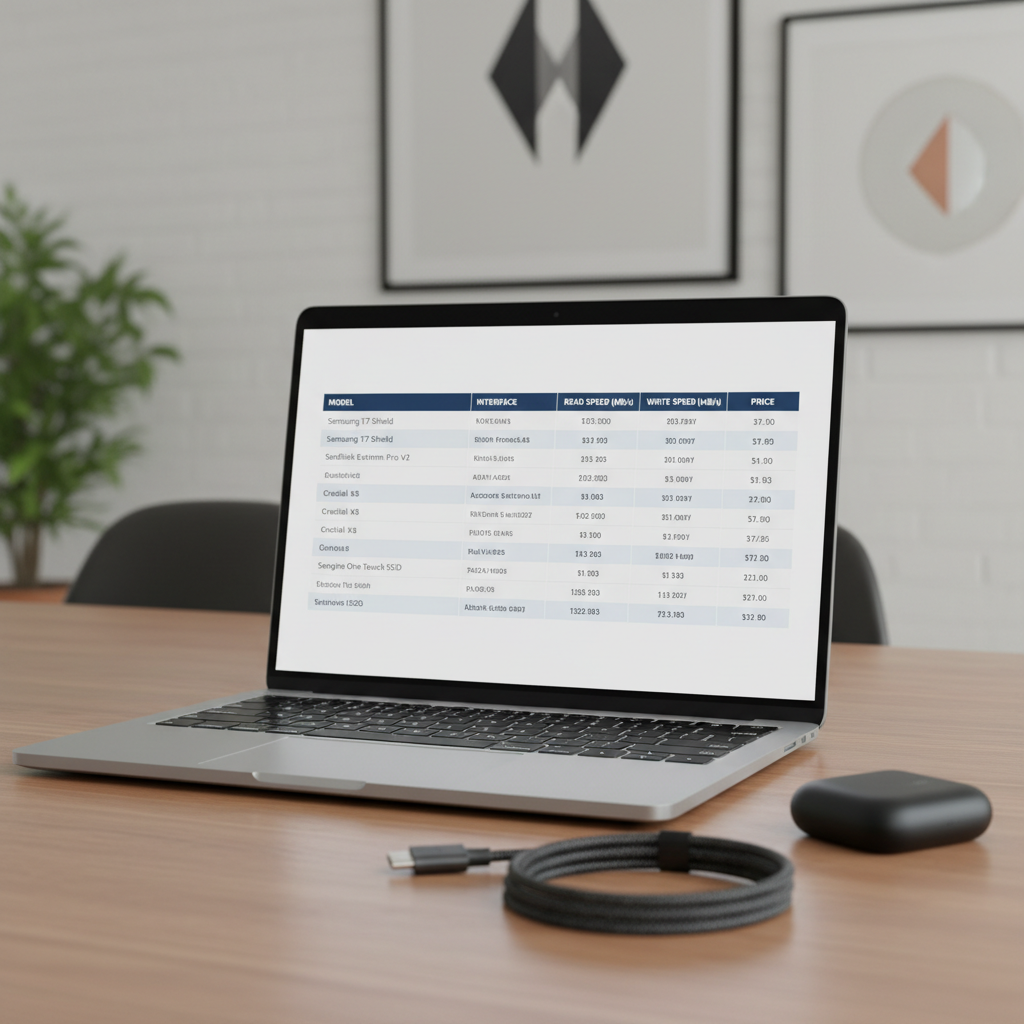
When you’re hunting for the best budget ssd external hard drive, this kind of checklist-table approach keeps you from over-weighting one flashy spec.
How to pick the right budget external SSD by use case
For backups and everyday files
Look for a well-known manufacturer, a decent warranty, and an enclosure that doesn’t feel disposable. You don’t need the fastest SKU; you need fewer surprises.
- USB 3.2 Gen 1 is often “enough” if your files are small and you value cost per GB.
- Choose 1TB if you want room for photos, school folders, and a backup image.
- Format as exFAT if you switch between Windows and macOS.
For creators moving large projects
This is where “budget” can get tricky, because long writes expose weak sustained performance and heat issues.
- Prioritize USB 3.2 Gen 2 (10Gbps) or faster if your computer supports it.
- Prefer drives known for stable sustained writes, not just peak numbers.
- If you regularly copy hundreds of GB at once, consider stepping up to a better-cooled model even if it costs a bit more.
According to Apple Support, macOS can read and write exFAT, which helps when you hand off drives between Mac and Windows systems, but pro setups sometimes standardize formats for permissions and workflow reasons.
For gaming storage
External SSDs work well for PC game libraries and sometimes for consoles, but compatibility and speed expectations vary by platform and game.
- Choose capacity first, then speed. Running out of space is the real pain point.
- A sturdy enclosure matters because drives get plugged/unplugged a lot.
- Keep cables short and stable to reduce random disconnects.
Practical buying steps (so you don’t waste money)
If you want a quick, repeatable process, use this sequence. It’s not fancy, but it prevents most “why is it slow?” regrets.
- Step 1: Check your port on the laptop/desktop you’ll use most. Look for USB-C vs USB-A and whether it supports 10Gbps.
- Step 2: Decide capacity based on what you store today plus headroom. Many people underestimate growth.
- Step 3: Scan for warranty and seller. Prefer official storefronts or reputable retailers to reduce counterfeit risk.
- Step 4: Budget for the cable if the included one is short, stiff, or questionable. This is a common hidden failure point.
- Step 5: After purchase, test once by copying a large folder and checking for heat or sudden speed drops.
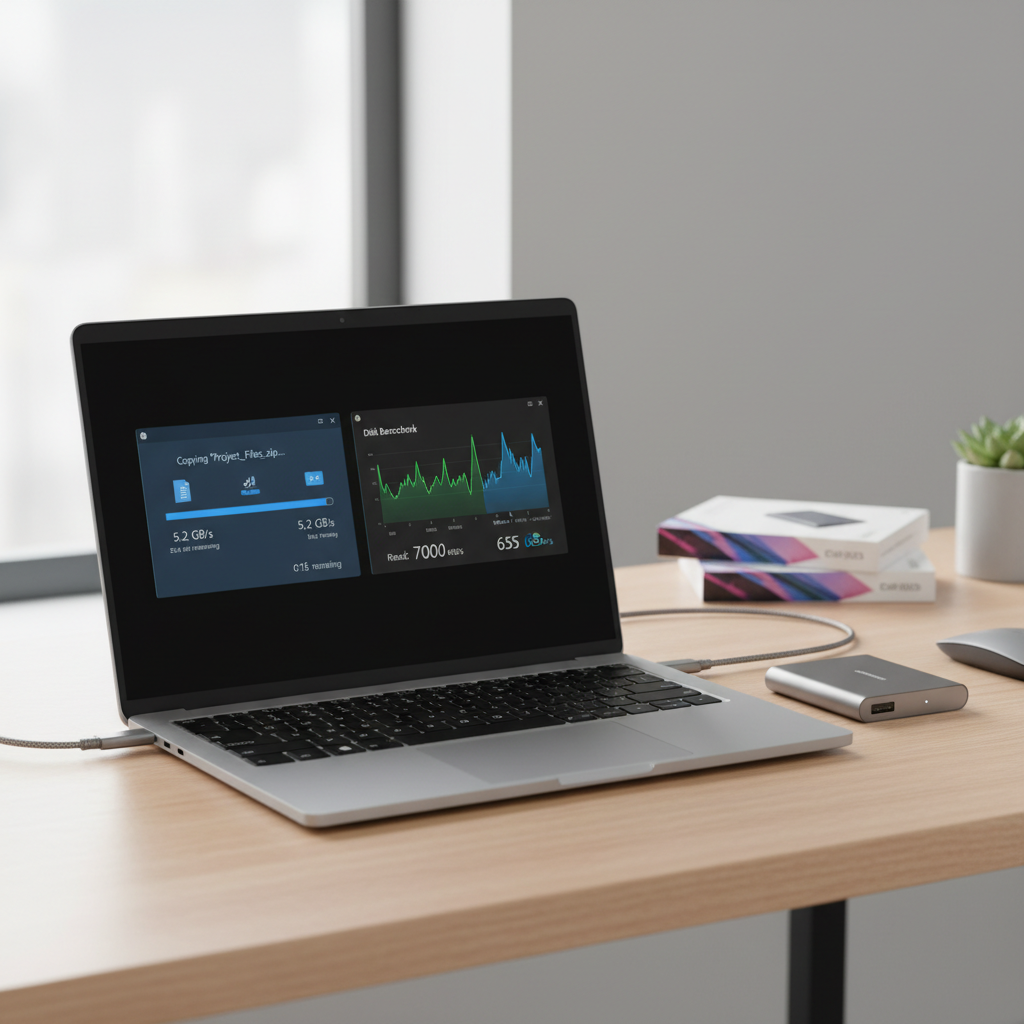
If the drive runs extremely hot, disconnects, or crawls during long writes, you may be hitting thermal or cache limits. That’s not always “defective,” but it may mean the model doesn’t fit your workload.
Common mistakes to avoid (these cost the most)
- Assuming “SSD hard drive” means the same thing everywhere: retailers use the phrase loosely. You’re buying an external SSD, not a spinning HDD.
- Chasing maximum advertised speed: “Up to” numbers often reflect ideal conditions and short bursts.
- Using the wrong cable: some USB-C cables charge fine but limit data rate, which makes a good drive look bad.
- Buying ultra-cheap unknown brands for irreplaceable data: budget is fine, but support and warranty matter when things go sideways.
- Skipping basic backup habits: an external SSD is still one device. If the data matters, keep a second copy.
According to NIST, good cybersecurity and data integrity practices include maintaining backups of important information. A portable SSD can be part of that plan, but it shouldn’t be the only copy if the files matter.
Key takeaways and a simple recommendation
If you want the best budget ssd external hard drive for most people in the U.S., aim for a known brand, 1TB capacity, USB 3.2 Gen 2 support (when your device can use it), and a solid warranty. That combination tends to land in the real “value” zone without turning into a science project.
- Value pick mindset: match the drive to your port and file size habits.
- Don’t overpay for speed your laptop can’t access.
- Spend a little attention on cables and sellers, because that’s where budget buys fail quietly.
If you’re shopping today, take five minutes to check your primary device’s USB spec, then choose capacity, then choose the drive. That order sounds boring, but it works.
FAQ
What is the best budget ssd external hard drive for everyday use?
For everyday documents, photos, and light backups, a reputable 1TB USB 3.2 drive from a known brand usually hits the best balance. The exact model matters less than warranty, seller legitimacy, and port compatibility.
Is a cheap external SSD still faster than an external hard drive?
In many typical tasks, yes—especially for launching apps, browsing photo libraries, and moving lots of small files. But if you buy a fast SSD and connect it through an older port, the gap can narrow.
Why does my external SSD start fast then slow down?
This commonly happens when the drive’s fast cache fills during long writes, or when heat builds up and the controller throttles speed. If your workflow involves huge transfers, look for better sustained write behavior.
Do I need USB 3.2 Gen 2 to notice a difference?
Not always. If you mainly move smaller folders, Gen 1 can feel similar. Gen 2 becomes more noticeable with large files and frequent transfers, assuming your computer supports it.
Is 500GB or 1TB the better budget choice?
1TB often offers better value per GB and more breathing room, so you replace it less quickly. If your storage needs are truly light, 500GB can still make sense, especially on sale.
Should I format my external SSD as exFAT, NTFS, or APFS?
exFAT is the usual pick for cross-platform sharing between Windows and macOS. NTFS is common for Windows-only workflows, while APFS is typical for Mac-only setups. If you rely on specific apps or permissions, it may be worth checking their format recommendations.
How do I avoid counterfeit or low-quality external SSDs?
Buy from reputable retailers or the brand’s official store, verify warranty registration if offered, and be cautious with “too good to be true” pricing. If the packaging or serial info looks off, consider returning it early rather than risking important data.
If you want a simpler way to shop
If you’re trying to choose a best budget ssd external hard drive quickly, start by listing your main device port and your largest typical file size, then narrow to two or three reputable models with a real warranty and consistent reviews from established outlets. It’s a small bit of upfront effort that usually saves you from the annoying return cycle.