
Best budget portable projectors for camping usually come down to one trade-off: you can get a surprisingly fun big-screen vibe outdoors, but only if you pick the right mix of brightness, battery strategy, and setup habits.
If you have ever tried a “cheap mini projector” at a campsite and ended up with a washed-out image, tangled cords, and everyone crowding the screen, you already know the pain. Camping adds extra friction: ambient light, dust, uneven surfaces, and limited power.
This guide focuses on what matters in the real world, not spec-sheet bragging. You will get a quick comparison table, a practical checklist to self-sort your needs, and a few setup routines that make even a modest projector feel way better at night.
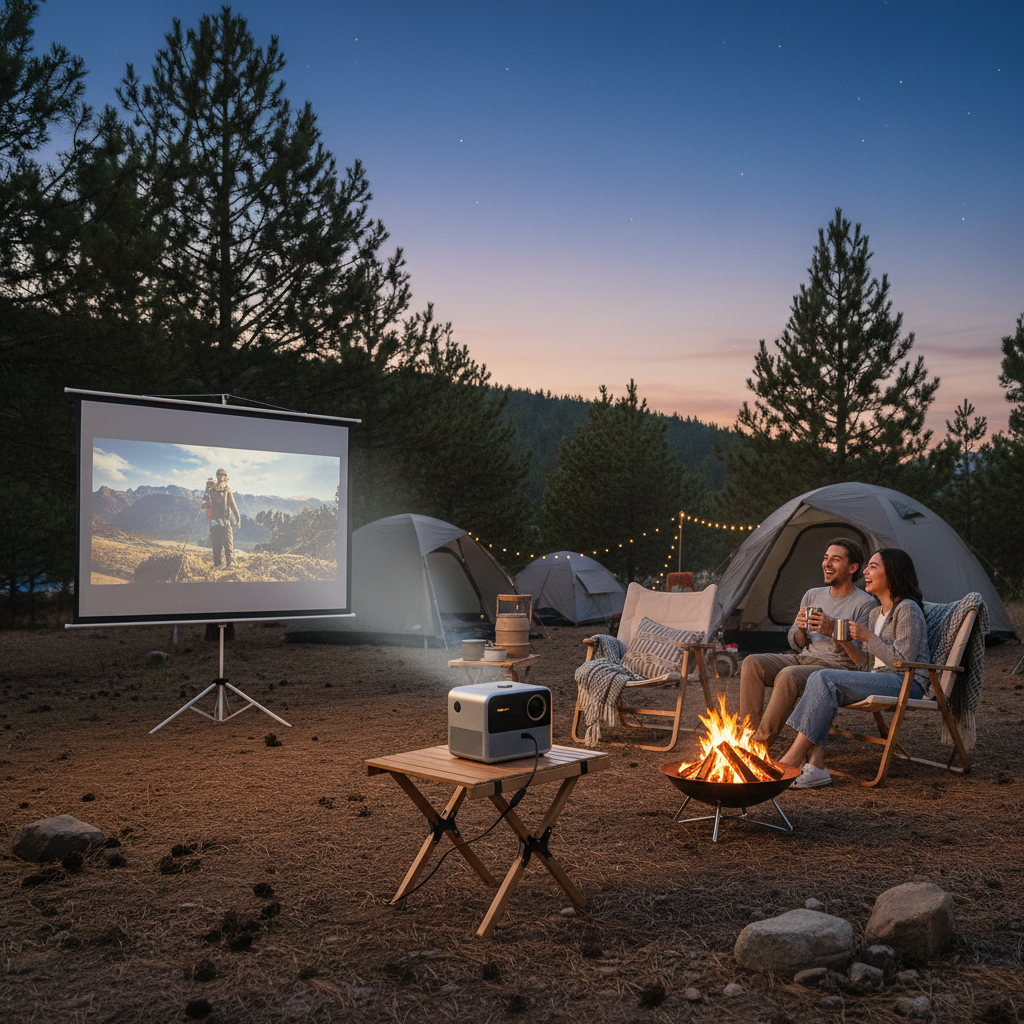
What “budget” really means for camping projectors in 2026
For camping, “budget” is less about the lowest price and more about avoiding the two common money traps: paying for marketing brightness that does not show up outdoors, or paying for features you cannot use off-grid.
In many cases, a sensible budget pick is a compact 1080p projector with decent focus controls, a reliable input path (HDMI or USB-C), and a power plan that fits your trips. A built-in battery sounds ideal, but a projector that runs well from a USB-C PD power bank can be more flexible.
- Expectations check: most budget units look best after dark, with some control over light.
- Audio reality: tiny built-in speakers are “fine” for two people, not for a group.
- Power reality: “battery projector” specs often assume dimmer modes.
Quick comparison table: the specs that matter outdoors
This table is not about specific models, because product lines change fast and brand naming gets messy year to year. It is about the spec targets that typically separate a frustrating night from a good one.
| Camping use case | Suggested brightness target | Resolution target | Power approach | Audio plan |
|---|---|---|---|---|
| Backyard-style campsite (very dark) | 300–600 ANSI lumens | 1080p native preferred | USB-C PD or built-in battery | Built-in OK, speaker better |
| State park with nearby lights | 600–1000 ANSI lumens | 1080p native | Power station or 12V setup | Bluetooth speaker recommended |
| Group movie night (8+ people) | 800–1200 ANSI lumens | 1080p native | Power station preferred | Portable speaker strongly recommended |
| Ultra-light, occasional use | 200–400 ANSI lumens | 720p can work | USB-C PD power bank | Headphones / small speaker |
Key point: if a listing avoids ANSI lumens and only mentions “lux” or “LED lumens,” treat the brightness claim as harder to compare, and lean on reviews that show outdoor footage.
Why camping projector setups fail (and how to avoid it)
Most problems are not “bad projector” problems, they are mismatch problems. People buy for the living room, then expect the same behavior in a windy, dusty, semi-lit campsite.
Common failure points
- Not dark enough: even a nearby lantern can wash out the image, and moonlight adds up more than you expect.
- Power drop: low battery can force dim modes or cause random shutdowns.
- Focus drift: bargain optics plus temperature changes can make edges look soft.
- Streaming friction: “built-in apps” are often slow, and campground Wi‑Fi may not cooperate.
- Sound disappointment: dialogue gets lost outdoors, especially with wind and people talking.
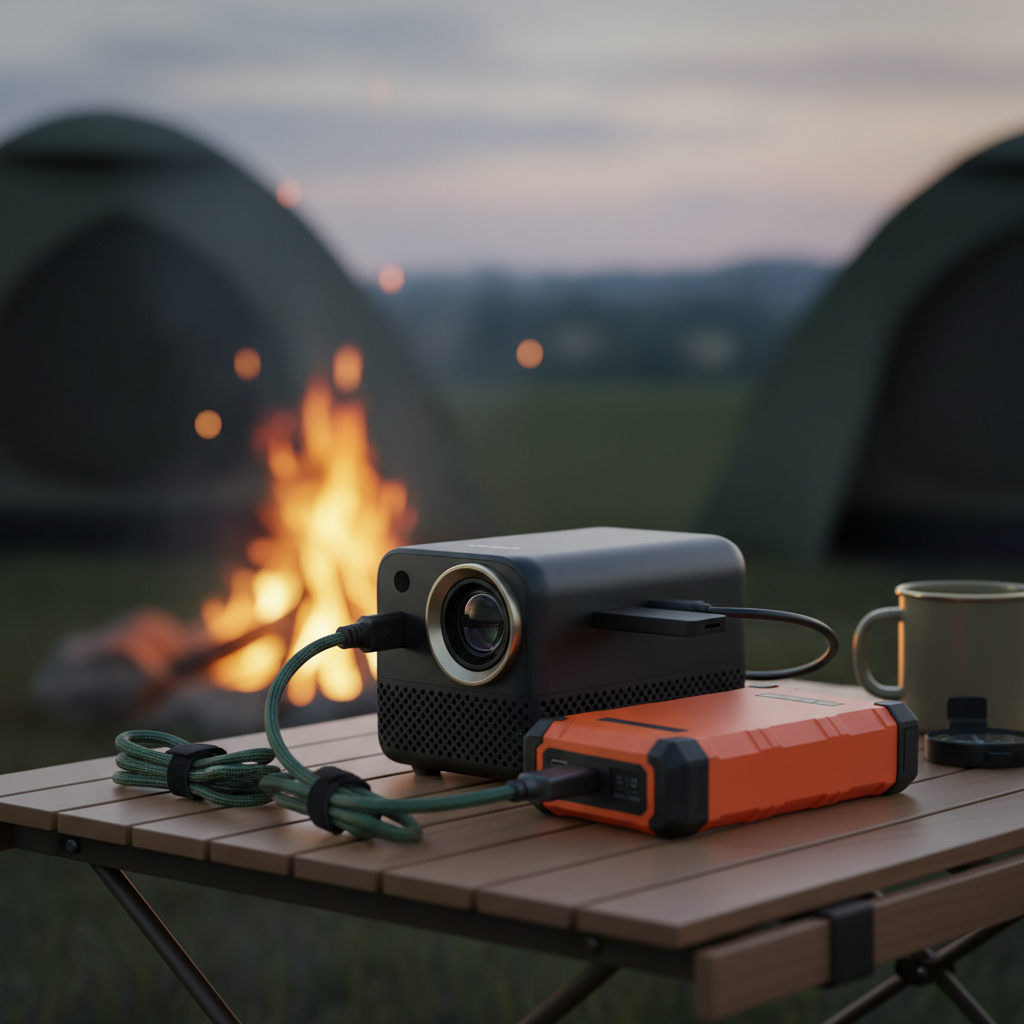
A quick self-check: which type of camper are you?
Before you buy anything, answer these honestly. This is the fastest way to land on the right tier of “best budget portable projectors for camping” without spiraling into specs.
- How dark is “dark” for you? If you start before full dark, aim higher on brightness or accept a smaller image.
- Do you want a 100-inch image, or just bigger than a tablet? Bigger size demands more brightness and better placement.
- What is your power situation? Car camping with a power station is different from hike-in sites with a single power bank.
- Are you streaming or playing files? Offline files remove Wi‑Fi dependence and reduce setup drama.
- How picky is your group? Kids tolerate more; adults often notice soft focus and muddy blacks.
If you answered “mixed lighting,” “big screen,” and “streaming,” you are not really shopping for the cheapest unit. You are shopping for the cheapest unit that will not disappoint, which is a very different mindset.
How to choose: the 7 features that actually matter at a campsite
For 2026 shopping, prioritize the practical features below. Some sound boring, but boring features are usually what keep movie night smooth.
1) Measured brightness (prefer ANSI lumens)
Outdoor use needs brightness, but also honesty. ANSI lumens is the more comparable way many mainstream projector brands report brightness. According to ANSI (American National Standards Institute), standardized methods help make measurements more consistent across products, even if marketing still varies.
2) Power flexibility (USB-C PD is a big deal)
A projector that can run from USB-C Power Delivery often pairs nicely with power banks you already own. Check the required wattage, many units want 45W to 65W, sometimes more. If you use a power station, confirm the AC output can handle the adapter draw.
3) Real resolution (native 1080p vs “supports 1080p”)
“Supports 1080p” can mean it accepts that signal but displays lower. Native 1080p tends to look cleaner for subtitles, menus, and faces, which matters more outdoors than people expect.
4) Throw distance and screen size sanity
If you cannot place the projector far enough back, you will never reach the screen size shown in ads. For tight campsites, a shorter throw ratio is helpful, but do not over-optimize: a smaller, brighter image often looks better than a huge dim one.
5) Keystone and focus controls you can live with
Auto keystone sounds convenient, but it can introduce softness because it digitally warps the image. Manual adjustments can be sharper, just slower. If you regularly set up on uneven ground, you want controls that do not feel fiddly.
6) Dust resistance and basic durability
Camping air carries dust. Favor designs with decent ventilation, and plan to store the unit in a protective case. Avoid leaving it on bare ground or directly near sand.
7) An audio plan you will actually use
Bluetooth speakers are usually the simplest upgrade. If latency bothers you, try a wired 3.5mm connection when available. For some streaming devices, audio routing can be finicky, so test at home once.
Practical setup: a repeatable “10-minute campsite cinema” routine
This is the part most guides skip, but it matters as much as the projector choice.
- Pick the right time: wait until darker than you think, your image improves fast in that last bit of twilight.
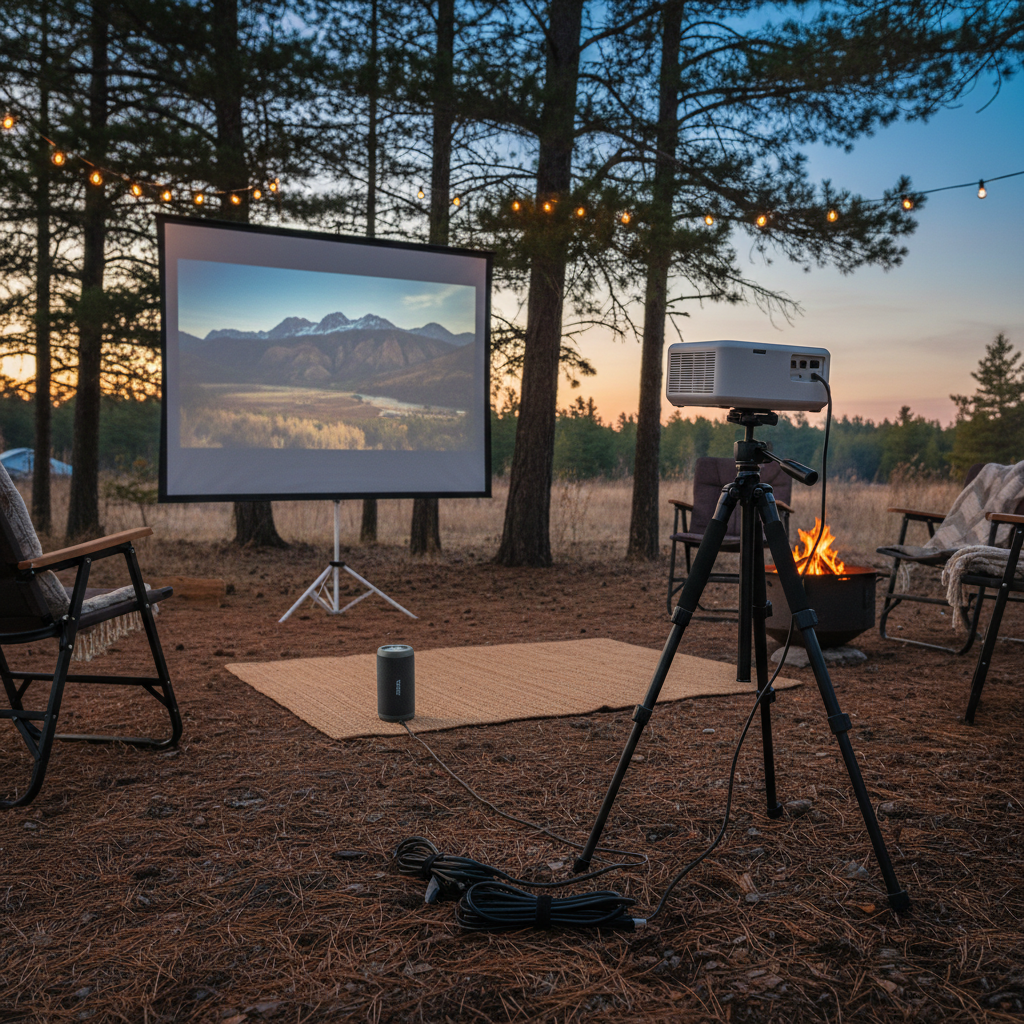
- Control stray light: turn lanterns away from the screen, keep headlamps pointed down.
- Stabilize placement: use a small tripod or a solid camp table, and shim with a folded cloth if needed.
- Keep the image smaller: start around 70–90 inches, then scale up if brightness holds.
- Run a “power budget” check: dim mode vs bright mode can change runtime a lot, so decide early.
- Use offline media when possible: download movies ahead of time, or bring files on a USB drive.
Safety, etiquette, and common buying mistakes
Outdoor movie nights are fun, but they can also annoy neighboring campers fast. Keeping things low-stress helps everyone.
Common mistakes worth avoiding
- Chasing “4K” in the cheapest tier: many budget listings mean “accepts 4K input,” not true 4K imaging.
- Ignoring fan noise: small projectors can get loud in bright mode, and quiet scenes suffer.
- Over-trusting built-in streaming apps: they can be outdated, slow, or limited, a cheap streaming stick is often smoother.
- Using unsafe power hacks: if you are unsure about inverters, extension cords, or generator setups, ask someone qualified. Electrical mishaps can create fire risk.
Campground etiquette that keeps you welcome
- Respect quiet hours, many parks enforce them.
- Keep volume reasonable, subtitles can do more work than speakers.
- Angle screens away from other sites to reduce glare.
So, what are the “best budget portable projectors for camping” to aim for?
The best picks usually fall into three practical buckets: an ultra-compact USB-C setup for casual nights, a balanced 1080p unit for most car campers, or a brighter value projector if your campsites have ambient light. Once you know your bucket, shopping gets simpler and you stop paying for features that do not help outdoors.
If you want a single rule that keeps you out of trouble, it is this: buy for your lighting and power first, then worry about apps and “smart” extras. Most people who love their budget projector are not running fancy features, they are running a clean setup.
Action steps: pick your brightness target from the table, decide whether you will use a power bank or power station, then test your entire chain at home once, including audio. That one dry run prevents most campsite frustration.
FAQ
What brightness is “good enough” for camping?
In many camp settings, 300–600 ANSI lumens can look solid after full dark, especially at moderate screen sizes. If you expect nearby lights or early-evening viewing, moving toward 800+ ANSI lumens tends to feel less fragile.
Do I need a projector with a built-in battery?
Not always. A projector that runs reliably on USB-C PD can be just as convenient, and you can swap power banks when needed. Built-in batteries can be nice, but their real-world runtime often depends on brightness mode.
Is a cheap 720p projector okay outdoors?
It can be, if your screen size stays modest and your group is not picky about subtitles or fine detail. For mixed audiences, native 1080p usually looks more “finished,” even at similar brightness.
Are “lux” or “LED lumens” specs trustworthy?
They are not automatically wrong, but they are harder to compare across brands. When the goal is finding best budget portable projectors for camping, you usually get clearer shopping decisions from ANSI lumen claims plus real outdoor video reviews.
What is the simplest audio upgrade for campsite movies?
A small Bluetooth speaker is the common solution because it is portable and louder than built-in speakers. If you notice lip-sync delay, try a wired connection or adjust settings on your streaming device.
Can I use a projector with a generator or car inverter?
Often yes, but it depends on the projector power brick, inverter quality, and surge handling. If you are not comfortable evaluating electrical gear, it is safer to ask a knowledgeable friend or an electrician, since poor setups can create overheating or fire risk.
Do I need a screen, or can I project on a tent or sheet?
You can project on a sheet, but wrinkles and color tint usually reduce contrast and sharpness. A basic portable screen tends to make a bigger difference than people expect, especially for budget projectors.
What should I test at home before the trip?
Test the full chain: device to projector input, audio routing, focus/keystone, and your power plan at the brightness you will use. That is where most “surprise” issues show up.
If you are shopping and want a more shortcut approach, make a short list of two or three candidates that match your brightness and power plan, then compare real outdoor usage clips and return policies, it is usually the easiest way to land on a budget option you actually enjoy using.